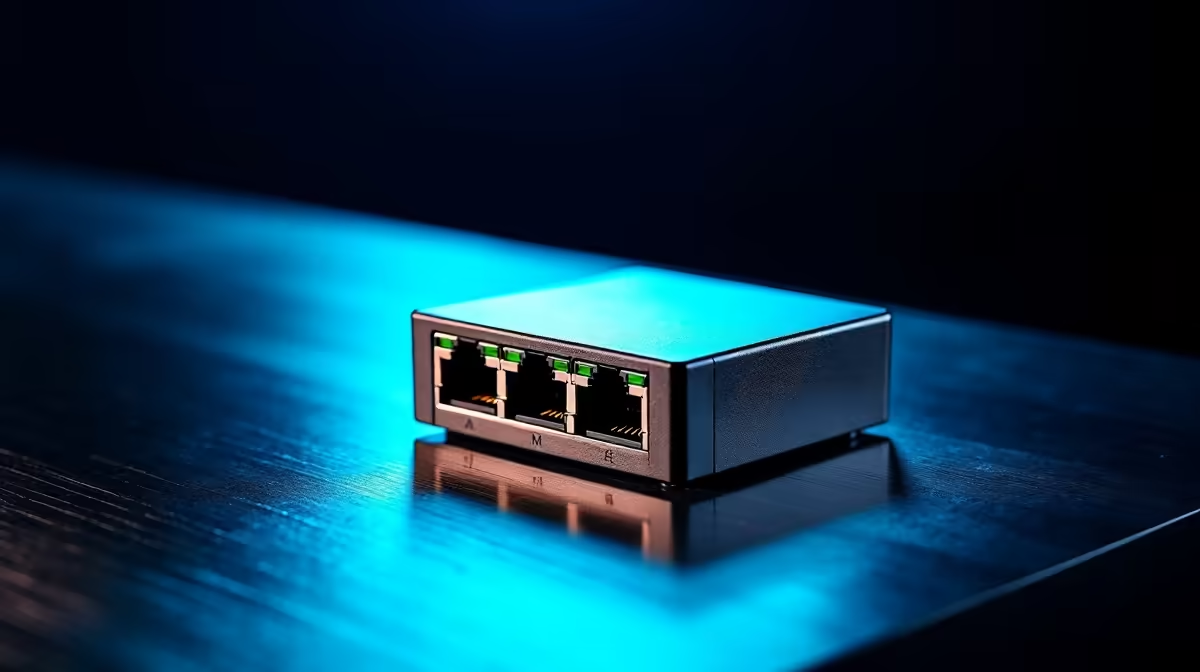
Adding one camera to a router that has no power-over-Ethernet ports does not require a whole new switch. A PoE injector quietly slips power onto a single Ethernet run, gets the job done for a fraction of the cost, and disappears into the cabling. The trick is knowing when an injector is genuinely enough and when you have grown past it.
Quick Answer
Use a PoE injector when you are powering one or two devices, such as a single driveway camera, from an existing non-PoE router. It costs far less than a full PoE switch and adds power to just that one run. Once you reach three or more cameras, a PoE switch becomes the tidier and more cost-effective choice.
How a PoE injector works
A PoE injector is a small box that sits in the line between your router and a powered device. The data comes in from the router, the injector adds electrical power onto the same Ethernet cable, and both travel together to the camera at the far end. The camera draws its power straight from the network cable, so it needs no separate plug at its location, which is exactly what you want for a camera mounted up on a wall or under an eave where there is no socket.
Injectors are available in two main power classes matching the PoE standards: 802.3af at roughly 15.4W per port and 802.3at (PoE+) at 30W per port. Choose based on your camera's power requirement, and always match the injector's class to the camera's specification rather than guessing.
How a PoE switch differs
A PoE switch is a network switch where several ports supply power at once. Plug in four, eight or more cameras and each gets data and power from a single tidy box. The cost is higher and you are buying capacity you may not yet need, but the moment your install grows, the switch saves you a clutter of individual injectors and wall plugs. It also centralises everything in one spot, which makes a multi-camera system far easier to manage and troubleshoot. You can see the range of network and smart-security gear in the smart home appliances at Evetech.
When the single injector wins
For the very common SA scenario of bolting one camera onto a non-PoE router you already own, the injector is the budget-smart route. You spend a small amount, run one cable, and power a single camera without replacing working equipment. Two devices can still make sense with a pair of injectors if a switch feels like overkill. The break point comes around three cameras, where the cost and clutter of separate injectors starts to exceed a single switch.
If you are adding a gate camera as a standalone upgrade to an existing wired setup, an injector keeps the job simple. One cable from the switch or router, one injector near the entry point, one camera at the mounting position, done. Spare patch leads and mounting hardware to finish the run live in the accessories best sellers.
Growing beyond the injector
The clearest signal that you have outgrown injectors is when managing each one separately becomes tedious. A PoE switch centralises power delivery, lets you see which cameras are online from one panel if you choose a managed model, and costs less per port than buying individual injectors. For four cameras and beyond, the switch pays for itself in saved clutter within the first installation.
A managed PoE switch adds the ability to reboot a frozen camera remotely by cycling its port, which is a genuine convenience when a camera is mounted eight metres up on a boundary wall. For a home install that is likely to grow over time, starting with a small managed PoE switch rather than a collection of injectors is often the better long-term call.
PoE extenders: a third option for long runs
When a camera is further than 100m from the nearest switch or router, neither an injector nor a standard switch solves the distance problem on its own. A PoE extender plugs into the end of one ethernet run and repeats both data and power onto a new cable, effectively resetting the 100m clock. For a single distant camera, a PoE extender combined with a simple injector at the house can reach a camera 150 to 200m away on a long driveway or boundary wall without needing a second switch in an outdoor enclosure. The extender itself needs no separate power supply, drawing what it needs from the incoming PoE line. This is a useful option for SA properties with long perimeter runs where the camera position is fixed and cable cost is the only constraint.
Matching the power standard
Before you buy, confirm the injector supplies the power class your camera needs. A basic fixed camera draws little, while a model with a heater, pan-tilt motor or infrared array wants more. Match the injector's output standard to the camera's requirement so it powers up reliably, and check the gigabit rating if you want full-speed data on the same run.
Frequently Asked Questions
Can a PoE injector power more than one camera?
A single injector powers one device. For two cameras you would use two injectors, and beyond that a PoE switch becomes the simpler and cheaper option.
Will an injector work with my non-PoE router?
Yes, that is its main purpose. The injector adds power to the cable after the router, so your existing non-PoE router keeps handling the data while the injector handles the power.
How far can the powered cable run?
Standard Ethernet carries power and data reliably up to about 100 metres total run length. Beyond that you need extenders or a different approach, so plan the cable route within that limit.
Do I need a special cable for PoE?
A good-quality standard Ethernet cable rated for your speed handles PoE fine. Very thin or poor cable can cause voltage drop on long runs, so use solid patch leads for outdoor camera runs.
How do I know which power class to buy?
Check the camera's power rating in its specs, then choose an injector that meets or exceeds it. Cameras with heaters, motors or strong infrared draw more and need a higher-class injector.
At what point should I switch to a PoE switch?
When you have three or more cameras, or when managing several individual injectors feels messy. A PoE switch costs more upfront but simplifies wiring, centralises management, and scales cleanly to more cameras without adding more loose hardware.