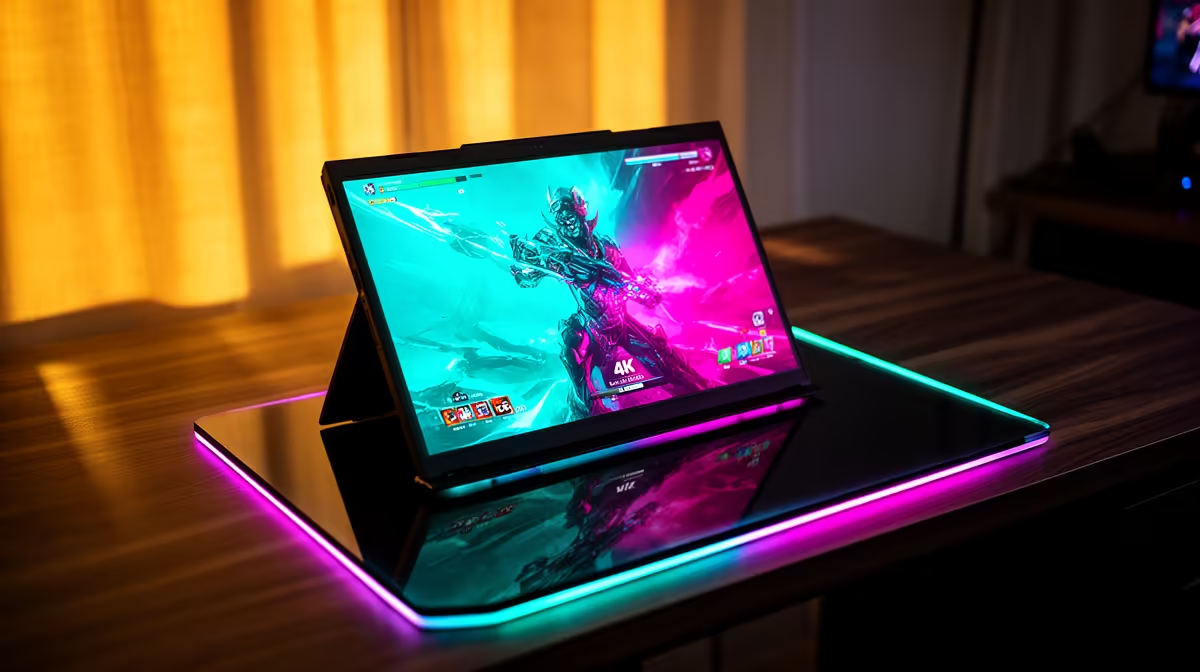
The AOC 27"W IPS, QHD,200Hz,1H1DP, HAS MONITOR at R3200 suits an SA gamer who wants a sharper, faster desk screen before stepping up to a dedicated 4k monitor for full 4K play. A portable screen can be handy for travel, chat windows, or console menus, but serious 4K gaming is better treated as a main-monitor decision because resolution, refresh rate, panel size, and desk comfort matter more than portability.
What to buy before judging portable 4K gaming
The AOC 27"W IPS, QHD,200Hz,1H1DP, HAS MONITOR at R3200 is the strongest listed bridge option because it gives you a 27-inch IPS panel, QHD resolution, and 200Hz refresh. That makes it more convincing for a gaming room than a small portable panel, especially if you sit at a desk with a keyboard, mouse, and headset.
The VIEWSONIC VX2779A 27" 240Hz Gaming Monitor at R2350 is the better pick when motion clarity matters more than extra pixels. Its 27-inch size and 240Hz refresh suit competitive play, while the Dell SE2726H 27-inch 1920 x 1080p FHD 16:9 144Hz 1ms LED IPS Monitor 210-B at R1797 gives a calmer 27-inch IPS option for mixed gaming and everyday PC use.
SA gaming room reality
For a local gaming room, a portable display is useful as a second screen, not the main visual anchor. The MSI MAG 274F 27" 200Hz MONITOR at R3006 gives a 27-inch, 200Hz setup that feels more stable for long sessions, while the DAHUA DHI-LM27-A201X 27" LED MONITOR 100Hz at R1500 is a budget-friendly large-screen route when smooth casual play and desktop space matter.
Pro Tip ⚡
W IPS, QHD,200Hz,1H1DP, HAS MONITOR at R3200 as the sharper 200Hz desk screen while you shortlist a true 4K upgrade."
Ready to choose the right 4k monitor?
Use DAHUA DHI-LM27-A201X 27" LED MONITOR 100Hz at R1,500 as the gaming room benchmark, then check whether (622 in stock) matches the space, workload, and upgrade path.