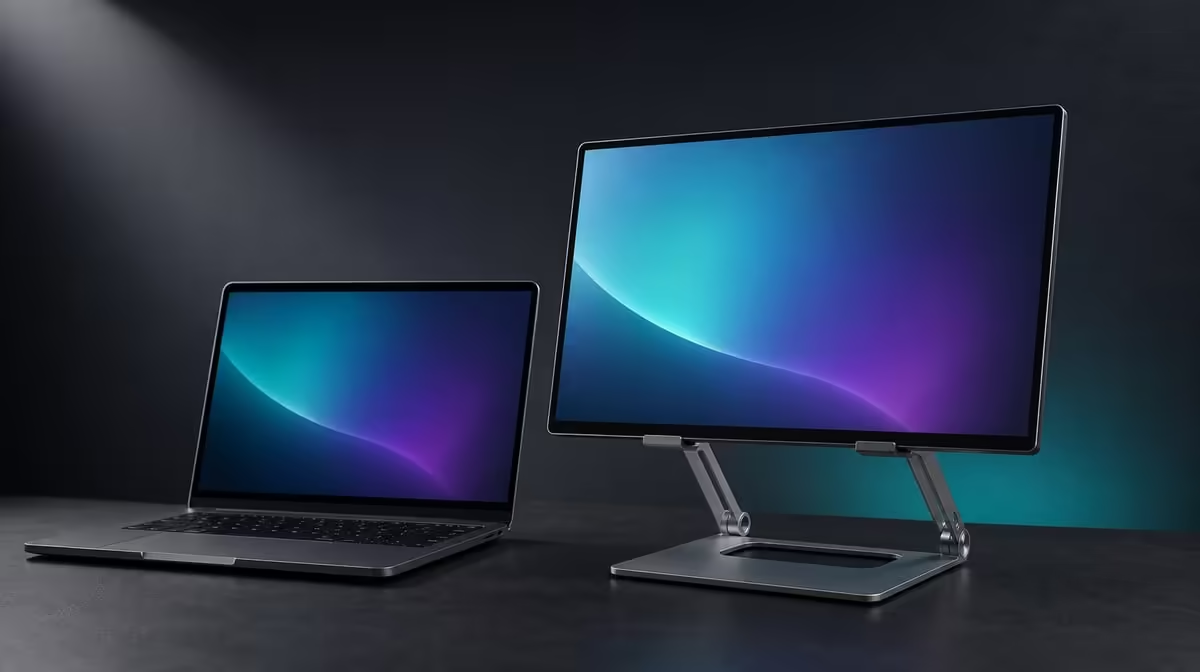
A flexible stand should change roles without making the attached device an experiment. Monitor stands for flexible work and content can move between desktop support, freestanding presentation and handheld framing only when fit and leverage are checked in every mode. The R599 UPERFECT UStand combines these roles with rotation, folding and charge access.
Quick Answer
The R599 UStand can support flexible work through desktop, tripod and selfie-stick configurations for suitable 7-15.6-inch devices. Use desktop mode for a stable second screen, tripod mode for a clear freestanding position and handheld mode only where grip remains confident. Remove the device and cables before every conversion, then retest balance and contact from the beginning.
🖥️ Build a dependable desktop base
Start with the most repeatable role. Open the UStand fully on a firm desk, keep its 135-degree arm close to the base and mount the device centrally against the anti-slip rubber.
Use the actual work tools during the test. Type, move the mouse, touch the portable screen if relevant and observe whether the desk transmits movement.
Set height and tilt only after the screen remains secure. The 360-degree joint can change orientation for a tall document, preview window or secondary timeline, but every turn requires another contact check.
Port position matters for a long session. The UStand allows charging while mounted, yet the display's correct power source and a relaxed connector loop remain necessary.
The Evetech monitor accessories range is the right comparison point for desk and convertible support formats.
🔺 Create a presentation footprint
Tripod mode separates the device from the normal desk edge. It can help place supporting notes, a portable screen or another compatible device where a small audience can see it.
Configure the tripod unloaded. Check every support point on the destination surface and keep cables outside walking paths. A floor or temporary table needs its own test.
Attach the device with one hand ready to catch it. The 7-15.6-inch range confirms diagonal size only; weight, thickness, case and contact security still determine whether the setup is appropriate.
Use modest height and reach. A presentation does not become better because the screen sits at the stand's maximum extension. Readability, base stability and surrounding traffic matter more.
If a cable must remain connected, route it down without pulling one support point inward. Disconnect before moving the tripod to another position.
🤳 Treat handheld framing as a new job
Selfie-stick conversion changes support from a surface to the user's grip. Remove fixed leads, configure the handle without the device and start with the shortest practical extension.
Attach only a compatible device that can be controlled comfortably. The phrase selfie stick does not guarantee that every portable monitor inside the size range will be suitable for handheld use.
Keep movement slow and the surrounding area clear. Do not swing the device, walk through crowds or rely on rubber alone to compensate for poor leverage.
Rotation can help frame portrait or landscape content, but support the device during every change. Return to tripod mode when a steady shot or longer session is more important than movement.
People choosing a portable display can browse Evetech portable monitor options and bring the exact model's physical details to the UStand test.
🔄 Plan conversion as a repeatable sequence
Use the same order each time: disconnect cables, remove the device, reshape the stand, test it empty, remount and add only the leads the new mode needs.
Save a photograph of the successful desktop and tripod positions. The reference reduces loaded adjustment and helps another user recognise the intended base opening.
Flat folding adds value between locations. Protect the contact surfaces during transport and reassess the new table, floor or presentation area before rebuilding.
Review which modes were used after a normal week. A content creator may value tripod framing, while a flexible office setup may rely almost entirely on desktop rotation and mounted charging.
At R599, the UStand can cover several jobs without a premium price, but those jobs should be scored separately. The Evetech accessory best-seller page can provide wider setup context after each required mode passes.
Create a mode card for each recurring job. The desktop card should record screen orientation, arm reach, cable direction and desk surface. The tripod card should add the support-point footprint and nearby traffic.
A handheld card needs an even stricter stop condition. If the device cannot be held without strain or its leverage changes the grip unexpectedly, remove it and use tripod support. A mode name is not a safety rating.
Content framing can be tested with a short sample. Set the exact portrait or landscape view, capture or preview the intended material and check whether the stand stays outside the working area.
For a presentation, run through the complete transition from packed form to freestanding display. Time pressure can tempt people to leave cables attached during conversion, so rehearse the unloaded sequence until it becomes natural.
Flexible desk work may never need conversion. In that case, give more value to the 360-degree joint, the folding arm and charge access, while treating tripod and selfie-stick use as optional.
Shared teams should agree on a neutral state. Return the UStand unloaded and folded, or restore a stable desktop position with cables disconnected. This prevents the next user from inheriting a partly converted support.
Inspect contact after each role. A case that fits in desktop orientation may sit differently when rotated or held. Check buttons, ports and rubber coverage every time the device's relationship to gravity changes.
Power should remain a mode-specific plan. Desktop charging can use a desk loop, tripod charging may need a safe downward route, and handheld operation should not stay tethered to a fixed source.
The device should also return to its own protected storage before the stand folds flat. Do not place the aluminium frame and screen together under pressure in a bag.
After several sessions, compare which mode prevented another purchase or solved a repeated placement issue. That is the clearest evidence that conversion contributed to the R599 value rather than merely expanding the specification list.
Review the mode cards whenever the main device changes. The new screen may remain within 7-15.6 inches yet alter weight, connector position and the way a case meets the support, requiring fresh approval for every role.
Frequently Asked Questions
How does desktop mode support flexible work?
It creates a repeatable screen position with adjustable height, reach and orientation on an existing desk.
What does tripod mode add?
It adds a freestanding footprint for a presentation or temporary layout where a desk-edge position is unsuitable.
When is selfie-stick conversion useful?
It is useful when a compatible device can be handled securely for mobile framing at a conservative reach.
Why is charge access important?
It can keep the device mounted during a longer session while its correct power equipment remains connected.
Can the stand change roles with cables attached?
Disconnect fixed cables and remove the device before conversion. Build and test the new mode first.
What device range is confirmed?
The UStand covers 7-15.6-inch devices, with weight, shape, case and contact checked separately.
How is this accessory priced?
The UPERFECT UStand costs R599.
Ready to give each workspace and content mode its own safe geometry?
Compare Evetech monitor stands and test the R599 UStand as desktop, tripod and handheld support in separate steps.