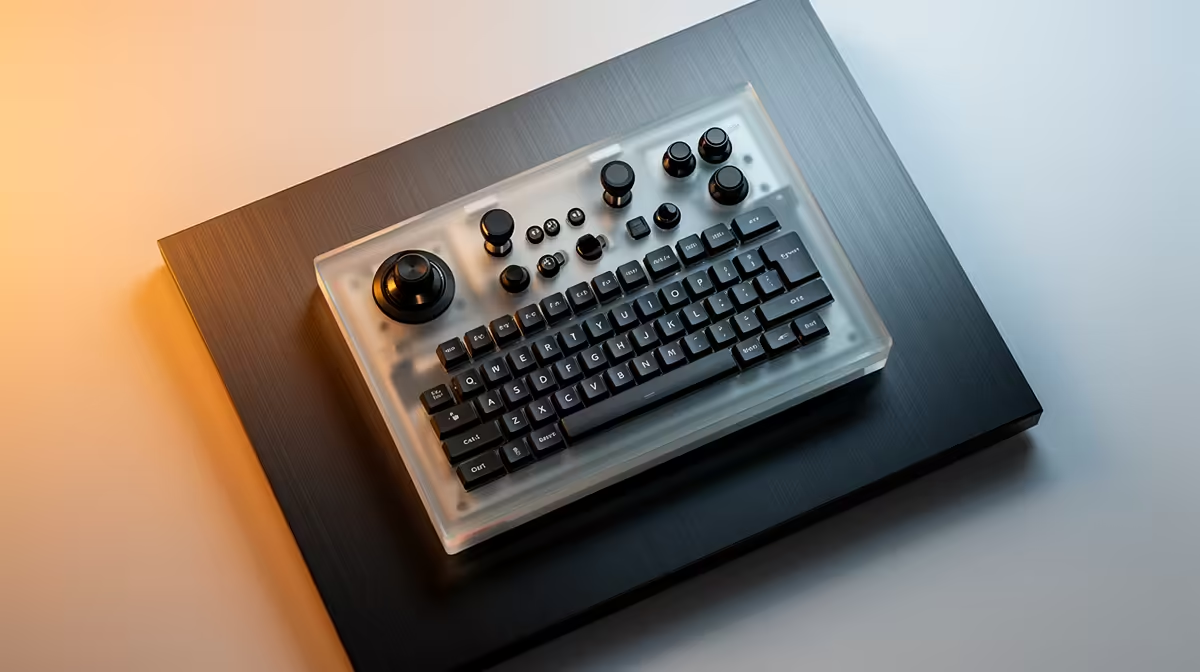
A postgraduate student should choose a stream deck only when repeated controls interrupt research, teaching or content work. It can launch analysis tools, switch presentation scenes or mark audio, but it cannot improve the computer itself. A short list of high-frequency commands should determine button count and software needs.
Record a week of repeated actions
Write down tasks that require several clicks, such as opening a project set, muting a call or switching lecture layouts. Prototype them with keyboard shortcuts first. The supplied facts contain no verified stream-deck SKU or price, so compare current models by keys, profile switching, application integrations and operating-system support. Avoid buying display buttons for commands used once a month.
Build a recoverable profile
Assign one purpose to each page and use labels that make sense after a semester break. Keep ordinary shortcuts available on another computer. Export profiles and store them with research configuration files. Test actions with the analysis application open so a global shortcut cannot overwrite data or end a call.
A small controller suits a focused command set. More keys help only when several mature workflows share the desk. Keep the device outside the keyboard and mouse reach zone, and disable distracting animation during writing sessions.
Create a profile inventory beside the thesis notes so future software changes do not strand undocumented macros.
Streamlining a research desk? > Ask Evetech to compare current control surfaces with the application list and port needs.