



PCIe 5.0 vs PCIe 4.0 for Video editing in 4k in SA
PCIe 5.0 vs PCIe 4.0 for video editing in 4k is mainly about fit, features, compatibility, cost, and upgrade path, not one automatic winner. SA buyers should match the choice to the setup.
Read moreCore i7-13700K pros and cons depend on workload fit, price context, and platform limits. SA buyers should compare motherboard fit, cooling, memory support, workload mix, and upgrade path before treating it as the obvious pick.
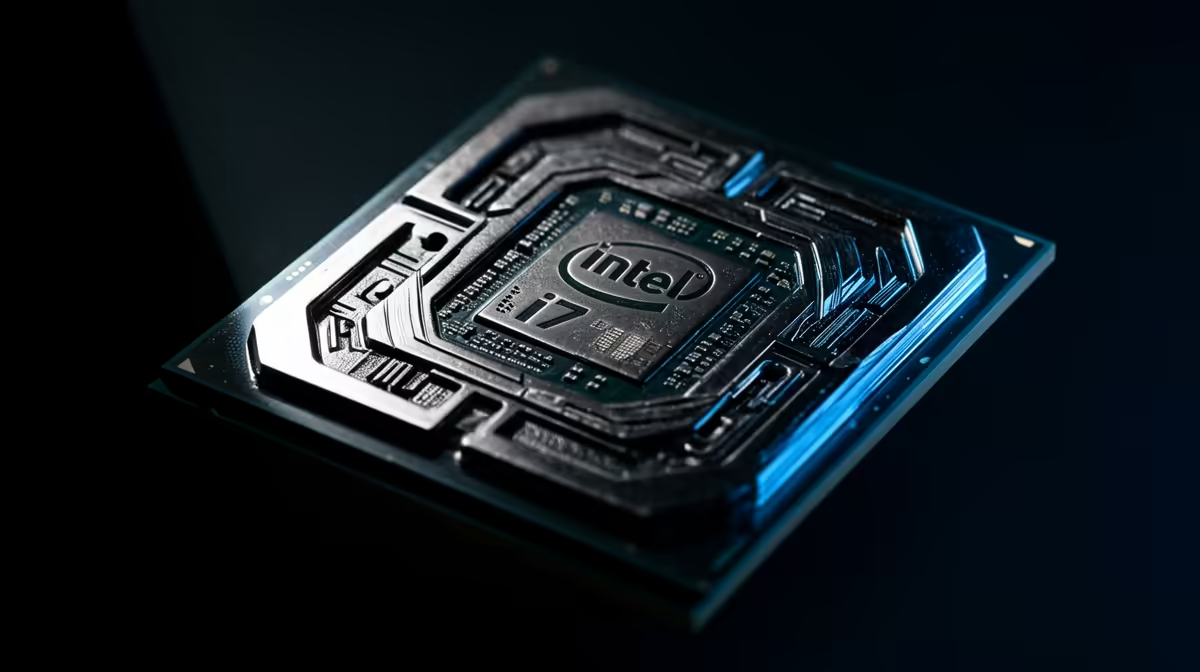
Yes, Core i7-13700K is worth it when its gaming plus creation role matches the graphics card, monitor, and total basket price. Budget around R6,500-R9,000 for the CPU, then price the Z790 motherboard, DDR5 or DDR4 choice, and cooler before deciding. The main risk is spending on CPU headroom while the GPU, SSD, or monitor remains the real limit.
For the Core i7-13700K trade-offs for SA buyers angle, make the decision concrete before checkout. For student, home-office, or shared-family PCs, reliability usually beats peak benchmark value. Choose the option that stays quiet, has enough storage, and can be supported locally without special parts.
The practical advantage is balance. A Core i7-13700K build can feel quick for school work, office apps, streaming, and gaming without forcing a flagship budget. For a buyer in Johannesburg, Cape Town, Durban, or Pretoria, the better shortlist is the one that keeps local warranty, cooler fit, and delivery-safe assembly simple.
Also check BIOS readiness before checkout. Older stock boards can need a firmware update, and that is easier to solve before the machine is assembled. If the total AM5, LGA1700, or LGA1851 platform cost pushes the build too high, step down on CPU before cutting the graphics card too hard.
Pair Core i7-13700K with a GPU that matches your monitor instead of chasing one impressive spec. For 1080p high refresh, an RTX 4060, RTX 4060 Ti, or Radeon RX 7600-class card is a sensible floor. For 1440p, compare RTX 4070 SUPER or Radeon RX 7800 XT-class options and keep 16 GB to 32 GB RAM, a 1 TB NVMe SSD, and a quality 650 W to 850 W PSU in the plan.
Yes, it is a good gaming choice when paired with the right GPU and screen. The useful target is not the CPU name alone; it is a complete build that can hold 120-200 fps at 1440p when paired with an RTX 4070 SUPER-class GPU without cutting storage, power, or cooling.
Use R6,500-R9,000 as a cautious CPU-only band and add the motherboard, memory, cooler, and case airflow. A realistic basket can move by several thousand rand once DDR5, BIOS support, and PSU quality are included.
Check LGA1700 board compatibility and cooler fit first. Then confirm the GPU plan, because a weak graphics card will hide most of the benefit from a stronger processor.
Price Core i7-13700K, the Z790 motherboard, a 240mm or 360mm AIO, 32 GB DDR5 where supported, and the target GPU in one cart before deciding. The platform total is the real value test.
PCIe 5.0 vs PCIe 4.0 for video editing in 4k is mainly about fit, features, compatibility, cost, and upgrade path, not one automatic winner. SA buyers should match the choice to the setup.
Read more
Wi-Fi 7 vs Wi-Fi 6e for competitive esports comes down to router support, latency goals, device compatibility, and coverage. SA buyers should match the choice to the real network setup.
Read more
ATX 3.1 vs ATX 3.0 for mMO and live-service games buyers - what changes is mostly about compatibility, budget, upgrade path, and setup fit. SA buyers should check device support and real needs before expecting a clear win from either option.
Read more
LGA 1851 vs LGA 1700 can affect Twitch and YouTube streaming when gaming and encoding share CPU resources. For SA creators, the real-world difference depends on encoder choice, memory support, motherboard cost, thermals, and upgrade plans.
Read more
X870E vs X670E for aaa single-player gaming is mainly about fit, features, compatibility, cost, and upgrade path, not one automatic winner. SA buyers should match the choice to the setup.
Read more
Hall Effect switches vs Mechanical switches for mMO and live-service games is mostly about compatibility, budget, upgrade path, and setup fit. SA buyers should check device support and real needs before expecting a clear win from either option.
Read more
A fake 113GB GTA VI ISO reportedly used empty padding around a small malware payload. SA gamers should delete unofficial builds, keep Windows security active and wait for official channels.

Wi-Fi 6E vs Wi-Fi 6 matters for 4K video editing when files move across a network. The real-world difference between Wi-Fi 6E and Wi-Fi 6 for video editing in 4K depends on NAS access, cloud uploads, router range, and SA creator workflows.

The difference between PCIe 5.0 and PCIe 4.0 for SA gamers is mostly bandwidth headroom. Compare GPU slot needs, NVMe speed, motherboard support, and upgrade timing before paying extra for a newer platform.

Gaming PC stuck pixel checks in South Africa should confirm the monitor fault first. Use colour tests, screenshot comparison, cable swaps, display menu checks, and clear photos before deciding on support.

Shokz OpenFit Air 2 earbuds weigh 7.2g each and use a redesigned dual-driver open-ear layout. SA buyers should choose them for comfort and awareness, not maximum isolation.

AMD's current driver now lists a Radeon RX 9050 4GB, while product coverage details a narrowed memory system. SA buyers should weigh the low VRAM ceiling against current local Radeon options.

Samsung Display has demonstrated a 16-inch 2.5K OLED laptop panel running at 300Hz. SA buyers should wait for a named notebook, full panel specifications and a local price before planning an upgrade.

Microsoft says some Windows 11 game crashes after recent updates are linked to RGB-related drivers. Affected SA gamers should confirm the update and driver before using the published registry workaround.

RTX 5090 on a 650W PSU is a tight pairing with very limited headroom. For SA gaming PCs, focus on total system draw, PSU quality, connector support, CPU choice, and avoid OC plans unless the full build is carefully power-limited.
PCIe 5.0 vs PCIe 4.0 for video editing in 4k is mainly about fit, features, compatibility, cost, and upgrade path, not one automatic winner. SA buyers should match the choice to the setup.

850W PSU safety for RTX 5090 is plausible with a quality unit and balanced parts. In SA, confirm connector support, CPU power draw, case airflow, PSU age, and spare capacity before building around 850W.
Wi-Fi 7 vs Wi-Fi 6e for competitive esports comes down to router support, latency goals, device compatibility, and coverage. SA buyers should match the choice to the real network setup.