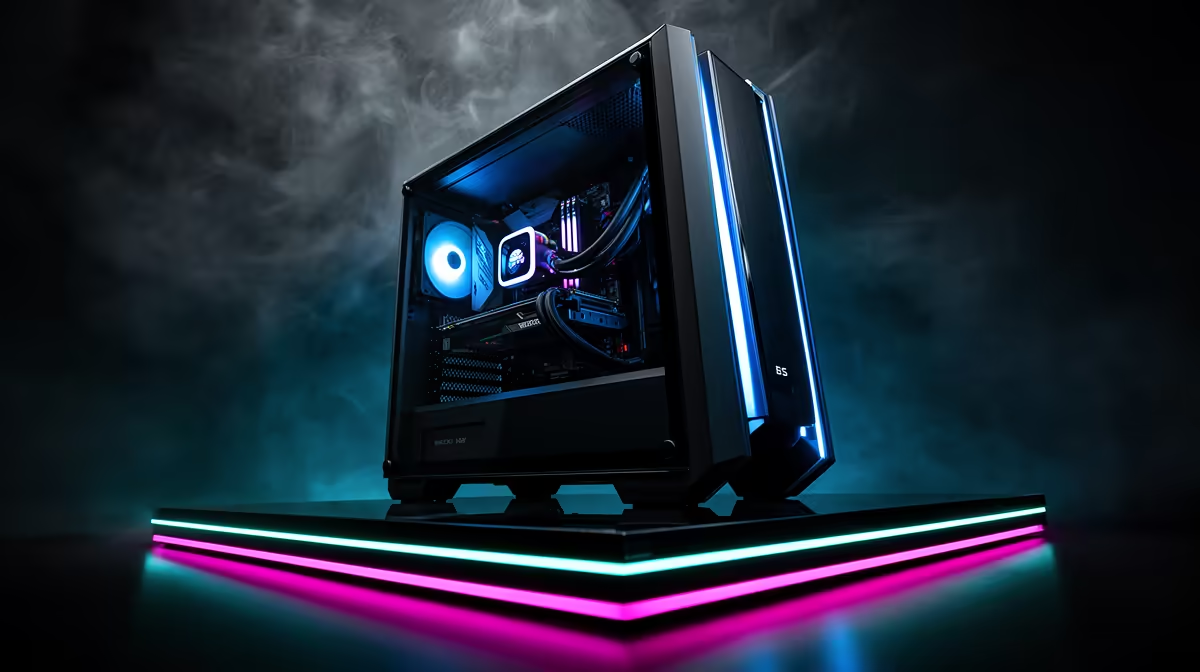
A R25,000 gaming PC budget has to cover more than the graphics card. Memory and SSD capacity now claim a meaningful fixed slice, while a safe power supply, balanced processor and upgrade-friendly motherboard protect the GPU investment.
Quick Answer
Start by reserving roughly two-fifths of the hardware budget for graphics. Give the processor and motherboard around another quarter. Memory and storage can take close to a fifth once you choose a sensible 32GB kit and a useful NVMe drive. The case, power supply and cooling use the remainder.
Those are planning ranges, not a rigid shopping formula. Compare complete gaming PC deals and popular gaming PC configurations against the games and monitor you own. Live component combinations can make a prebuilt or configured system stronger than a part-by-part percentage split.
Set the Performance Target First
R25,000 can build a strong mainstream gaming system, but the right allocation changes between high-refresh 1080p, balanced 1440p and simulation or strategy games that lean on the processor.
Write down the monitor resolution, refresh rate and two demanding games you expect to play. Add any work that uses the GPU or CPU, such as video editing, 3D rendering or software development. A target such as stable 1440p at sensible high settings gives every part a job.
Avoid spending around a future 4K display when the current screen is 1080p and will remain so for years. The unused graphics headroom could buy a quieter case, larger SSD or better platform.
The GPU Takes the Largest Share
The graphics card drives resolution, texture quality, ray tracing and much of the frame rate in modern visually heavy games. It deserves the biggest single allocation in a gaming-first system.
A working range around 35 to 45 percent of the hardware budget leaves room for the platform and supporting parts. Move towards the upper end for a 1440p action-game build. Move down when your games need strong simulation, strategy or competitive high-frame-rate CPU performance.
VRAM capacity matters with high-resolution textures and newer rendering features. It does not replace GPU processing power. Compare complete benchmarks at your resolution and quality settings rather than choosing from memory capacity alone.
Check power draw, card length and connector requirements before committing. A discounted large GPU can force a case or PSU change that breaks the budget.
Balance the Processor With the Frame Target
The processor prepares game logic, draw calls, physics and background work. A weak CPU can hold back a strong GPU at lower resolutions and high refresh rates. An expensive top-end CPU can sit underused in a graphics-limited 1440p build.
Aim for a modern six-core or suitable eight-core gaming processor from a current supported platform, depending on live component value. Look at game benchmarks that include frame-time lows, not only average frames.
Include the cooler in the CPU decision. A processor that ships without a suitable cooler needs another line in the budget. A huge liquid system is unnecessary for a moderate chip when a capable air cooler can keep it within its designed operating range.
The Motherboard Is an Upgrade Decision
The board needs the right socket, firmware support and power delivery for the chosen processor. It also decides memory slots, NVMe positions, rear USB, networking and expansion.
Do not pay for flagship overclocking features you will never use. Do not cut so far that a second SSD sits behind the graphics card with no useful cooling or the board lacks the ports you need.
Check whether Wi-Fi and Bluetooth are built in. Adding a separate adapter later costs money and a slot. Confirm the wired network speed, audio outputs and front-panel connector support for the case.
An upgrade-friendly board has enough memory and storage expansion for your realistic next step. Buying features for an imagined workstation can take budget away from today's gaming performance.
32GB Is the Comfortable Memory Target
Modern games share memory with Windows, launchers, voice chat, browsers and capture tools. A 32GB kit gives a R25,000 system room for that mix without making memory the first upgrade.
Use a matched two-module kit supported by the motherboard. Two sticks preserve dual-channel operation and leave two slots free on a four-slot board, though memory stability at high speeds can change when all slots are populated.
Choose a sensible speed and latency around the processor platform's stable range. An extreme memory kit that requires manual tuning can cost more and deliver less value than a stronger GPU or larger SSD.
Check the motherboard memory-support list as a guide and update firmware through the supported process before enabling the kit's performance profile. Stability matters more than a small benchmark gain.
Storage Is a Fixed Cost You Will Feel
A 1TB NVMe drive is a practical baseline, while a 2TB target can make sense when several current games exceed 100GB and your connection makes redownloading inconvenient.
Installed size, patches and temporary update space fill a drive faster than the game list suggests. Windows, launchers, captures and creative files also need room. Keep free capacity after the initial library is installed.
The fastest benchmark drive is rarely the best use of a gaming budget. Look for a reputable NVMe model with suitable capacity, warranty and sustained behaviour. Game loading differences between decent SSDs can be much smaller than their sequential headline figures.
Use a second M.2 slot later if the board supports it without disabling a needed port. Starting with one larger drive keeps the layout simple and avoids splitting a small library across several volumes.
Protect the Build With the PSU
Choose a power supply around the complete system's load, GPU transient behaviour and connector requirements. Use the graphics-card maker's recommendation as a starting point, then account for the exact processor and future upgrade.
Quality, protections and warranty matter more than buying the largest wattage number. A strong unit should provide the required native connectors and fit the case. Avoid improvised adapter chains.
Some current GPUs use compact high-power connectors that must be fully seated without a sharp bend at the plug. Follow the card and PSU instructions and leave enough side-panel clearance.
The power supply can survive one graphics upgrade when chosen with measured headroom. Oversizing far beyond any plausible system sends money away from parts you use now.
Case and Cooling Keep Performance Repeatable
A mesh-front case with clear intake and exhaust paths can support powerful parts without running every fan at high speed. Check graphics-card length, CPU-cooler height, radiator positions and power-supply clearance.
Two or three well-placed fans can beat a case filled with poorly directed airflow. Use front or bottom intake and rear or top exhaust as a starting pattern, then test temperatures and noise.
Cable space and removable filters make ownership easier. A cheap case that forces the graphics card against a solid panel can turn saved money into heat and noise.
Lighting is optional. Spend on the airflow and build features first, then choose the colour and glass that suit the room.
Example Allocation for the R25,000 Ceiling
Treat the total as a set of flexible envelopes. The GPU might receive R9,000 to R11,000. Processor and motherboard together could use R6,000 to R7,000. Memory and SSD can take R4,000 to R5,000, with power, case and cooling sharing what remains.
These figures are planning arithmetic rather than live product prices. Actual component prices and bundles change. A saving on memory can move to the GPU; a strong board bundle can make room for 2TB storage.
Check whether the R25,000 ceiling includes Windows, assembly, delivery, a monitor and peripherals. A tower-only budget cannot absorb those extras without changing the component split.
Compare a Prebuilt on the Same Basis
A prebuilt saves selection and assembly work and gives you one complete configuration to assess. Read every named part rather than accepting broad labels such as gaming RAM or high-speed SSD.
Check the exact processor, GPU, memory capacity and module count, SSD capacity, motherboard, PSU model, case and cooling. A strong headline pair can hide a single memory stick or a small drive.
Compare the complete support and warranty terms. Do not assign a company position to a configuration from a price alone. Use the live product page and dated specifications for the system you are considering.
Where to Move Money
For 1440p visual games, move money towards the GPU after securing 32GB and enough SSD space. For competitive low-resolution play, keep a stronger CPU and stable high-refresh platform.
For a large installed library, choose 2TB before premium lighting or an oversized cooler. For creator work, check whether extra memory, GPU VRAM or processor cores shorten your actual workload.
Never fund the headline component by cutting PSU quality or case airflow below safe requirements. Those parts support every frame and every future upgrade.
FAQ
What GPU belongs in a R25,000 gaming PC?
Choose the strongest balanced option that fits roughly 35 to 45 percent of the tower budget, then confirm benchmarks, VRAM, PSU and case compatibility.
Is 32GB RAM necessary at this price?
It is a comfortable target for modern games plus normal background tools and keeps memory from becoming the first upgrade.
Can a R25,000 PC handle 1440p gaming?
Yes, with a balanced graphics-led configuration and settings matched to the game. Check current benchmarks for the exact GPU and processor pair.
Set your resolution and game target, then compare complete R25,000-class configurations by the parts that support that goal.