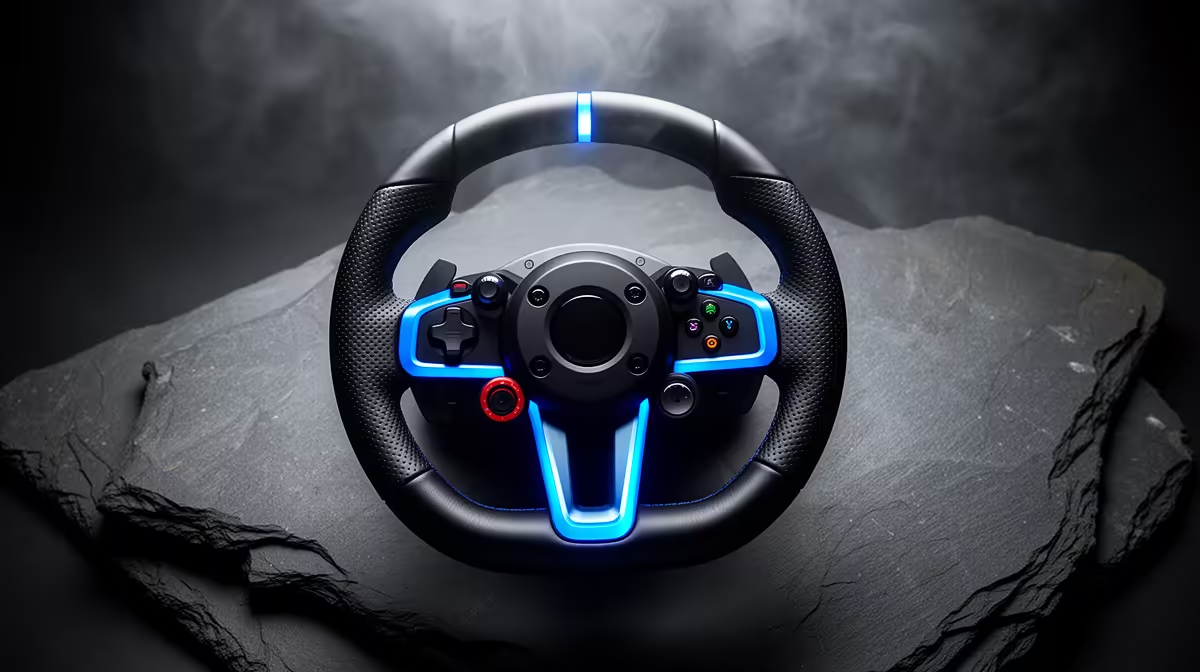
A racing wheel is not general homeschooling equipment. It can support a driving-simulation lesson, physics project or supervised recreation when the software uses it well. Reading, writing and online classes need a dependable computer, keyboard and webcam before simulation controls.
Write the lesson before buying hardware
Choose the application and learning objective, then inspect its supported-device list. Borrow a wheel and test calibration, desk mounting and whether children can use the pedals safely. The setup needs clear floor space, cable management and adult supervision. One exciting lesson does not justify a permanent cockpit.
No live racing-control model or price is confirmed by the supplied facts. The Playseat Formula F1 simulation rig is verified at R11,347 as a cockpit reference, but it is not a wheel and does not replace the learning computer. The ASUS ExpertBook P1503 is verified at R9,858 as a Windows study laptop option, subject to the curriculum and simulation requirements.
Run a complete teaching session
Set up the software, explain the exercise and let each learner use the controls. Check motion, pedal reach and whether the desk remains stable. Keep profiles separate from adult gaming accounts and avoid public voice chat. Store the wheel away when the room returns to normal study use.
Buy simulation controls when several planned lessons or family recreation will use them. Standard study hardware remains the priority for daily schooling.
Planning a home simulation lesson? > Ask Evetech to compare study computers and current simulation accessories.