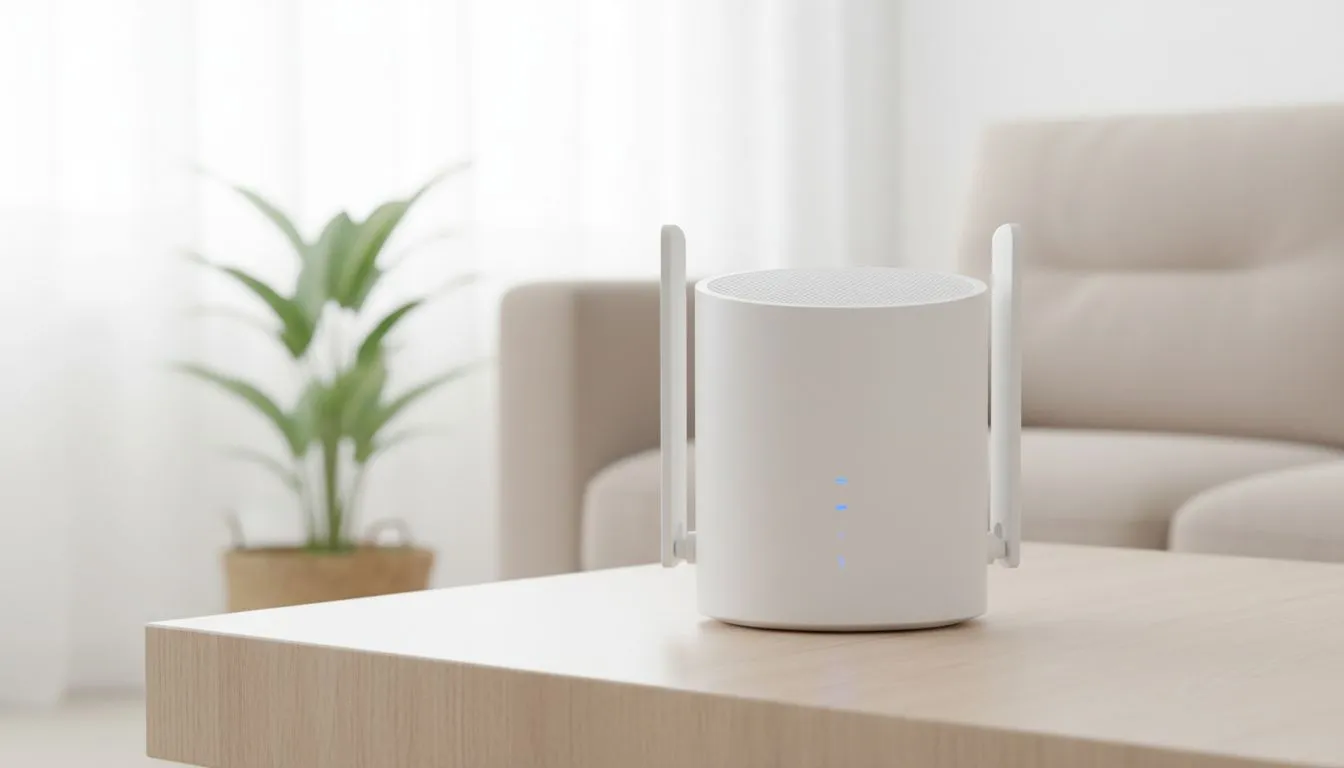
Ever hit a lag spike just as you are about to clinch a win in Apex? We have all been there. South African homes, with their thick brick walls, are notorious for killing Wi-Fi signals. If your connection drops the moment you leave the lounge, you need a strategy. Getting the best out of your gear starts with smart range extender placement: guide to maximum speed.
Finding the Sweet Spot for Coverage
The biggest mistake most people make is putting their extender in the dead zone itself. If your bedroom has no signal, placing the device there means it has nothing to repeat. You want to place your wireless range extenders roughly halfway between your main router and the area where the signal fails.
Think of it as a relay race. The extender needs a strong "hand-off" from the source to keep the data moving fast. If the signal reaching the extender is weak, the boosted signal will be slow too. Aim for at least two bars of signal on the extender’s indicator lights to ensure a stable link 🔧.
Avoiding Common Household Obstacles
South African architecture often relies on heavy masonry and concrete. These materials are the natural enemies of high-speed internet. When planning your range extender placement, try to maintain a clear line of sight to your wireless routers whenever possible.
Avoid placing the unit near large metal objects or appliances like fridges and microwaves. These devices emit interference that can cause jitter during intense gaming sessions. Even a large mirror can reflect and distort your signal, leading to unnecessary packet loss ⚡.
Signal Mapping Pro Tip ⚡
Use a free Wi-Fi analyser app on your smartphone to map out 'dead zones' before plugging in your extender. This lets you see exactly where the signal drops off in decibels... helping you find the 'sweet spot' where the extender still receives a strong signal but covers the area you need.
Elevation and Antenna Orientation
Height is your friend. Placing your extender on a high shelf or mounting it on a wall helps the signal travel over furniture and people. If your device has external antennas, do not just point them all straight up.
For multi-storey homes, angling one antenna horizontally can help push the signal through the floor or ceiling. This ensures that wireless adapters in upstairs bedrooms get a crisp, reliable connection for downloads and streaming 🚀.
Optimising for the Best Performance
Sometimes, a single extender is not enough for a large property. If you find yourself constantly moving the device to get a signal in the garden or the braai area, it might be time to look at your entire wireless networking ecosystem.
Modern mesh-ready extenders can work together to create a seamless fabric of connectivity. This eliminates the need to manually switch networks as you move through your home. Investing a few hundred ZAR in a better placement strategy can often save you more than buying the most expensive hardware on the market ✨.
Ready to Boost Your Home Network?
Tired of dead zones ruining your killstreak? From high-performance extenders to the latest mesh systems, we have the gear to keep you connected across your entire home. Explore our range of wireless networking solutions and enjoy maximum speeds today.