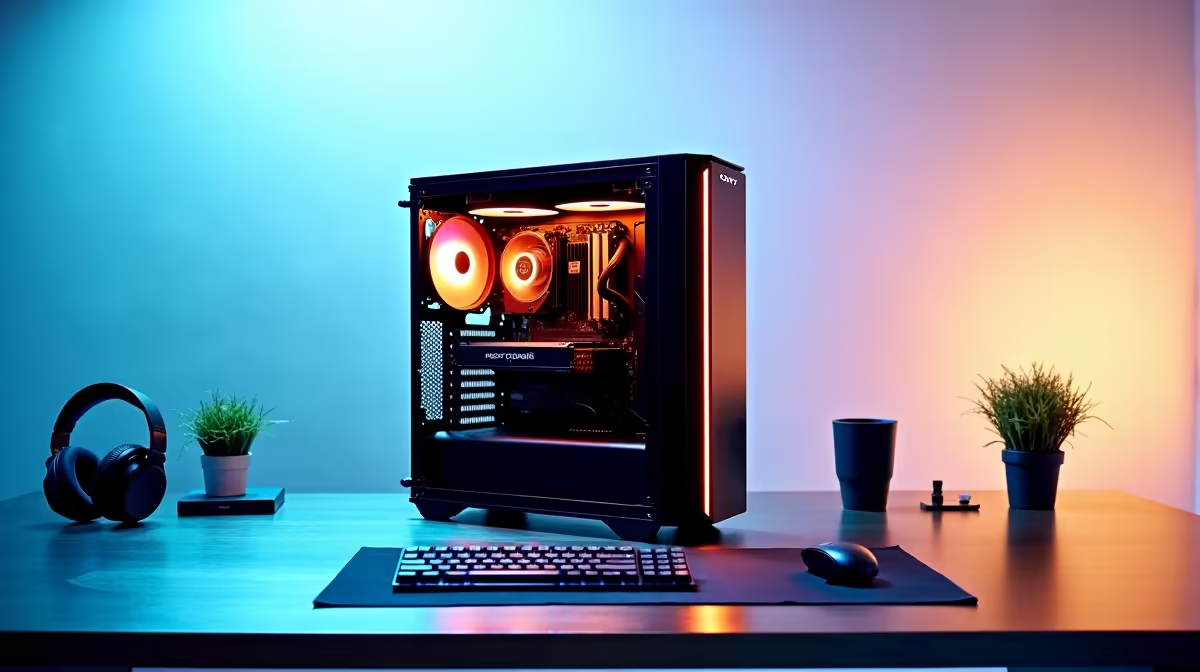
A reception PC can suit a student who writes assignments, researches online and joins video classes from a fixed desk. Compact office hardware often costs less than a gaming system and uses little space. It becomes restrictive when engineering, video or modern games require dedicated graphics and expansion.
List the hardest course application
The Minisforum NAB6 Lite costs R4,150 with an Intel Core i5-12600H, 8GB memory, 512GB storage and Windows 11 Pro. It offers a verified office-style starting point. Eight gigabytes may feel tight with many browser tabs or technical applications, so check upgrade access and the course requirements.
The Minisforum UM750L costs R4,600 with a Ryzen 5 7545U, 16GB memory and 1TB storage. Its larger memory and storage can suit mixed study better. Both mini PCs need a monitor, keyboard, mouse and suitable webcam. Confirm the display outputs and included wireless networking before budgeting the complete desk.
Open the learning portal, a video call and the largest course file together. Watch memory use and fan noise. Keep assignments in a synced folder with another backup. Choose reception-style hardware when the student works mainly at home and the application test passes; a laptop remains practical for classes that require a computer on campus during a full academic term.
Choosing a student computer? > Ask Evetech to compare mini PCs and laptops against the course software list.