Quick Answer
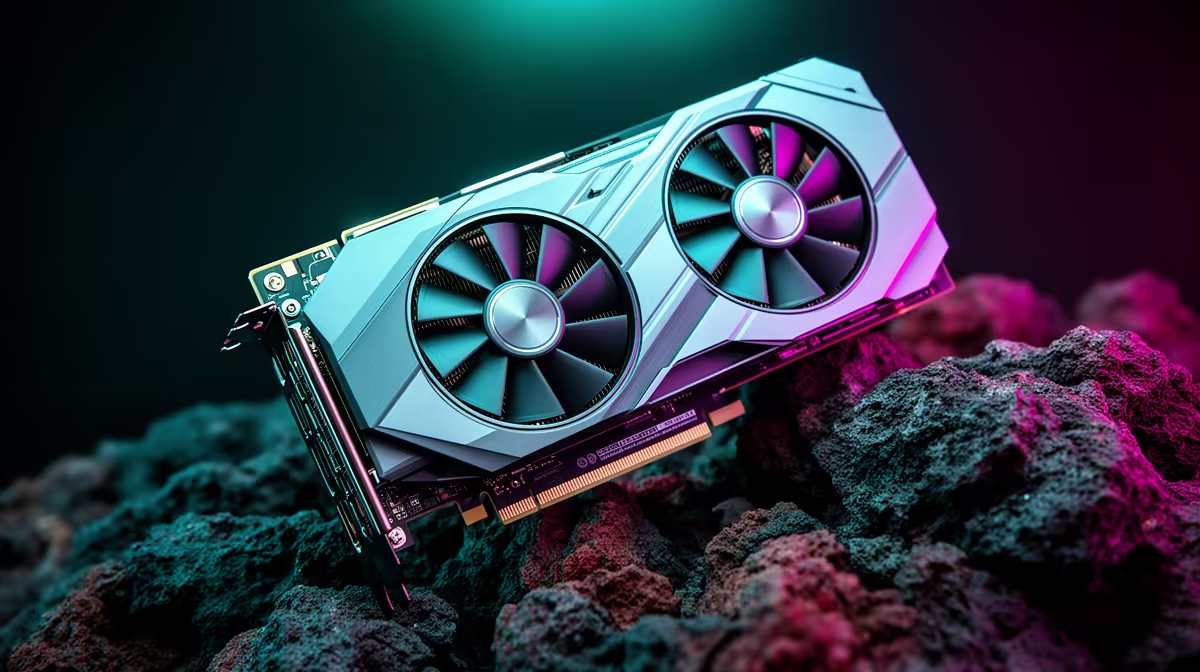
For smooth Oblivion Remastered at 1440p, the recommended GPU in SA is the RTX 5060 Ti 16GB (around R11,500) — it holds 60-75 fps at High with DLSS Quality, and its 16GB buffer handles the UE5 remaster's texture demands. For a budget 1440p target, the Arc B580 (around R6,500) manages 45-55 fps with a setting drop.
Why the RTX 5060 Ti 16GB is the pick
Oblivion Remastered rebuilds the game in Unreal Engine 5 with Lumen lighting, which is VRAM-hungry at 1440p. The RTX 5060 Ti's 16GB clears that hurdle where 8GB cards stutter, and DLSS Quality plus Frame Generation lift it to a smooth 60-75 fps at High. That makes it the sensible recommendation for a steady 1440p experience on a 27-inch panel without dropping major settings.
Budget and step-up options
The Arc B580 (around R6,500) runs 1440p at 45-55 fps on High with its 12GB buffer — fine if you trim a setting or two. If you want a locked 75+ fps or plan to push higher settings, a stronger card moves you up, but the RTX 5060 Ti 16GB is the value-to-smoothness sweet spot at 1440p. Avoid 8GB cards here, as the frame buffer becomes the limit and causes pop-in.
Build notes
Pair the GPU with a Ryzen 5 7600 or better, 16GB DDR5-6000 (32GB ideal for UE5), a 650W PSU, and an SSD. All cards are stocked locally so you can match cooler size and power to your case.
FAQ
What GPU runs Oblivion Remastered smoothly at 1440p?
The RTX 5060 Ti 16GB. It holds 60-75 fps at High with DLSS Quality, and its 16GB buffer handles the UE5 remaster's textures.
Why does VRAM matter for this game at 1440p?
UE5 Lumen and high-resolution textures push past 8GB, causing stutter and pop-in. A 16GB card avoids that limit at 1440p.
Can a budget card run it at 1440p?
The Arc B580 manages 45-55 fps on High with a small setting drop. For a steadier 60+ fps, the RTX 5060 Ti 16GB is worth the step up.
Before you buy
For 1440p Oblivion Remastered, pick a 16GB GPU and enable DLSS Quality — VRAM is the real limit in its UE5 scenes.