


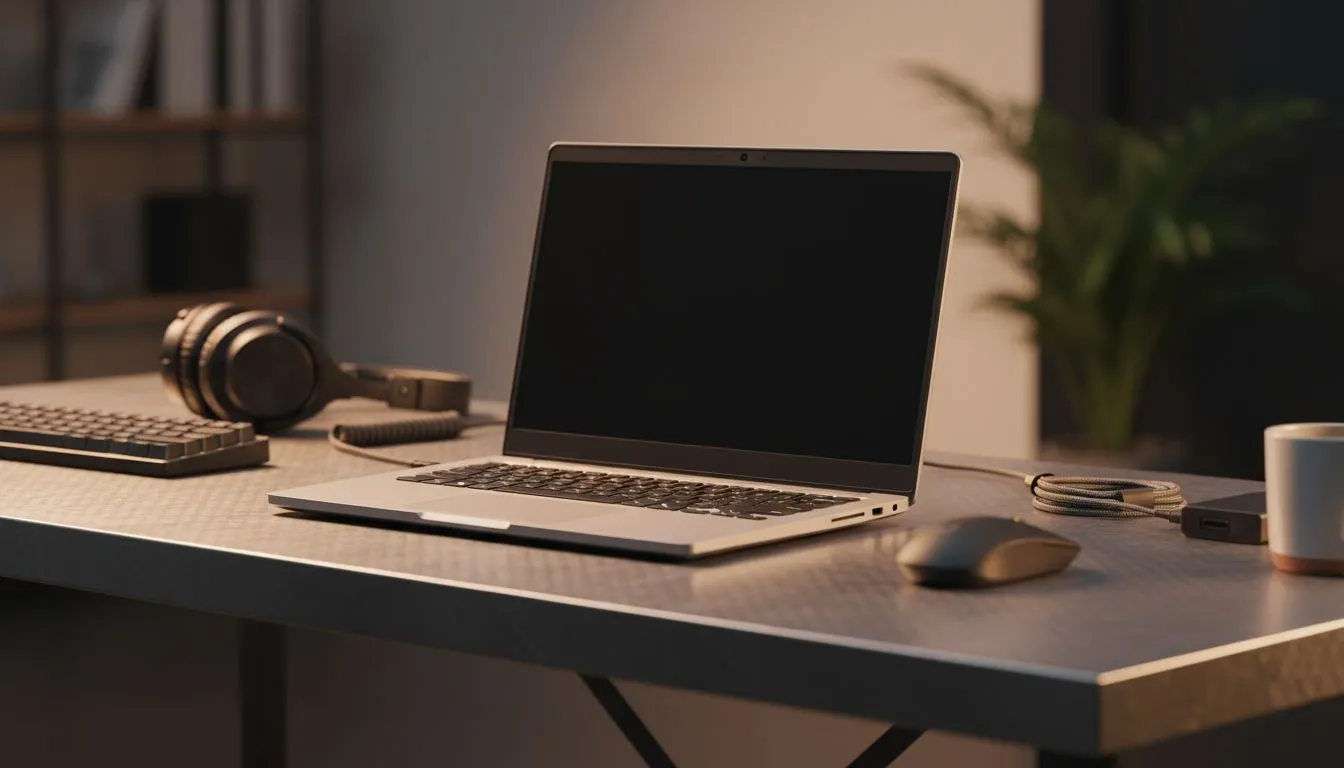
Working from home in South Africa is a unique challenge. Between load shedding and the hunt for a stable ping, your kitchen table just won't cut it anymore. To stay productive, you need a dedicated space. This Remote Work Setup Checklist: Build a Professional Home Office will help you transition from a temporary corner to a high-performance workspace that handles every Zoom call and deadline with ease. ✨
Prioritise Your Network Foundation
Stability is everything. If your Wi-Fi drops during a critical client pitch, it looks unprofessional. Hardwiring your primary workstation is the smartest move you can make. By using high-quality network switches, you ensure every device gets a stable, dedicated connection. This eliminates the jitter often found on wireless signals... especially when the rest of the house is streaming 4K video in the next room. ⚡
For those looking for reliability without breaking the bank, Cudy networking gear offers a fantastic balance of performance and value. It is a local favourite for a reason. These devices are easy to set up and provide the robust backbone required for a modern home office. When you are juggling Microsoft Teams, cloud backups, and local file transfers, a dedicated switch prevents data traffic jams.
Invest in Professional-Grade Hardware
If your professional workload involves heavy data transfers or constant video conferencing, you might need something more substantial. Investing in premium network infrastructure ensures your home office can scale as your career grows. Spending a bit more on high-end hardware now prevents frustrating bottlenecks later... saving you time and ZAR in the long run. 🔧
Productivity Pro Tip ⚡
On Windows, use the PowerToys FancyZones utility to create custom snap layouts for your windows. It's a lifesaver for managing multiple apps on an ultrawide monitor, letting you organise your timeline, preview window, and asset folders perfectly for video editing.
Ergonomics and Lighting
Do not overlook your physical health. A professional setup requires a chair that supports your lower back and a monitor positioned at eye level. This prevents the dreaded "tech neck" after a long day of spreadsheets. Additionally, natural light is great, but it can cause glare on your screen. Consider a monitor light bar or positioned task lighting to reduce eye strain during those late-night sessions.
Power Backup Solutions
In South Africa, a professional home office is only as good as its backup power. A small UPS (Uninterruptible Power Supply) is essential for your router and switch. This keeps your internet alive during stage 4 load shedding... allowing you to save your work and notify colleagues before you go offline.
Ready to Build Your Professional Workspace? A professional home office is about more than just a desk; it is about the technology that keeps you connected. For maximum reliability, choice, and value in South Africa, our hardware selection is hard to beat. Explore our massive range of networking specials and find the perfect gear to build your professional empire.











