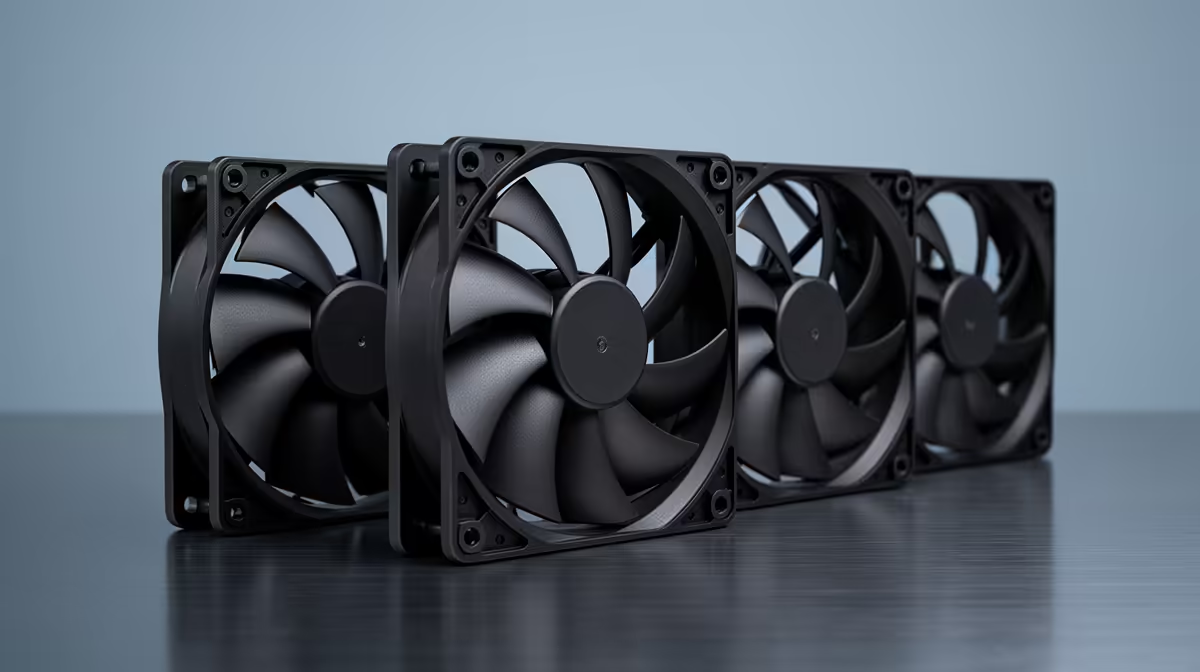
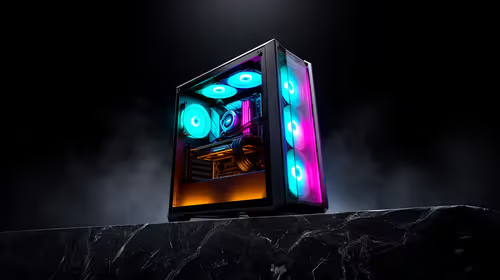
A retiree should choose case fans only after a desktop PC shows high temperature, throttling or excessive noise during real use. Extra fans do not speed a cool, lightly loaded computer, and internal work should be left to qualified help when unfamiliar.
Measure before opening the case
Run the normal photo, browsing or game workload and record CPU and GPU temperature, clock behaviour and fan noise. Inspect accessible filters, intake clearance and dust. Identify case fan sizes, connectors and motherboard-header limits from documentation.
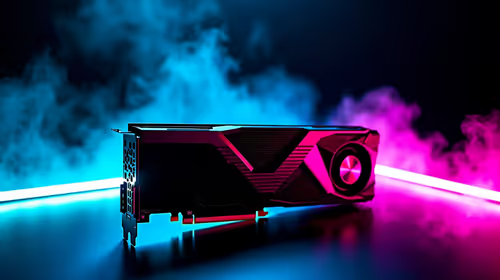
No case-fan set has confirmed pricing in the supplied facts. The Palit RTX 3050 6GB at R2,700 is a verified graphics component, not a cooling recommendation. The DeepCool PF750 PSU at R550 is a separate power component. Check current fan dimensions, connector type, speed control, airflow direction, noise rating, included fasteners and warranty.
Disconnect power before internal work, secure cables away from blades and never exceed header limits. Back up personal files before opening the computer. A technician can clean, fit and test fans safely where access or handling is difficult.
Buy only when measurements identify an airflow shortfall. If the PC remains cool, routine cleaning and clear ventilation are enough. Ask a technician to demonstrate safe filter cleaning if the owner cannot reach the desktop comfortably.
Maintaining a desktop PC? > Compare Evetech components after measuring heat, noise and airflow.