


RTX 4060 Ti Throttling Under Load: SA Temperature Guide
RTX 4060 Ti Throttling Under Load: Temperature. Everything you need to know with SA pricing, step-by-step instructions & expert recommendations.
Read moreReversible blade fans intake vs exhaust can boost cooling efficiency. This practical guide helps you plan airflow direction, fan curves, and pressure balance for better temps and quieter builds. 🔄🌬️
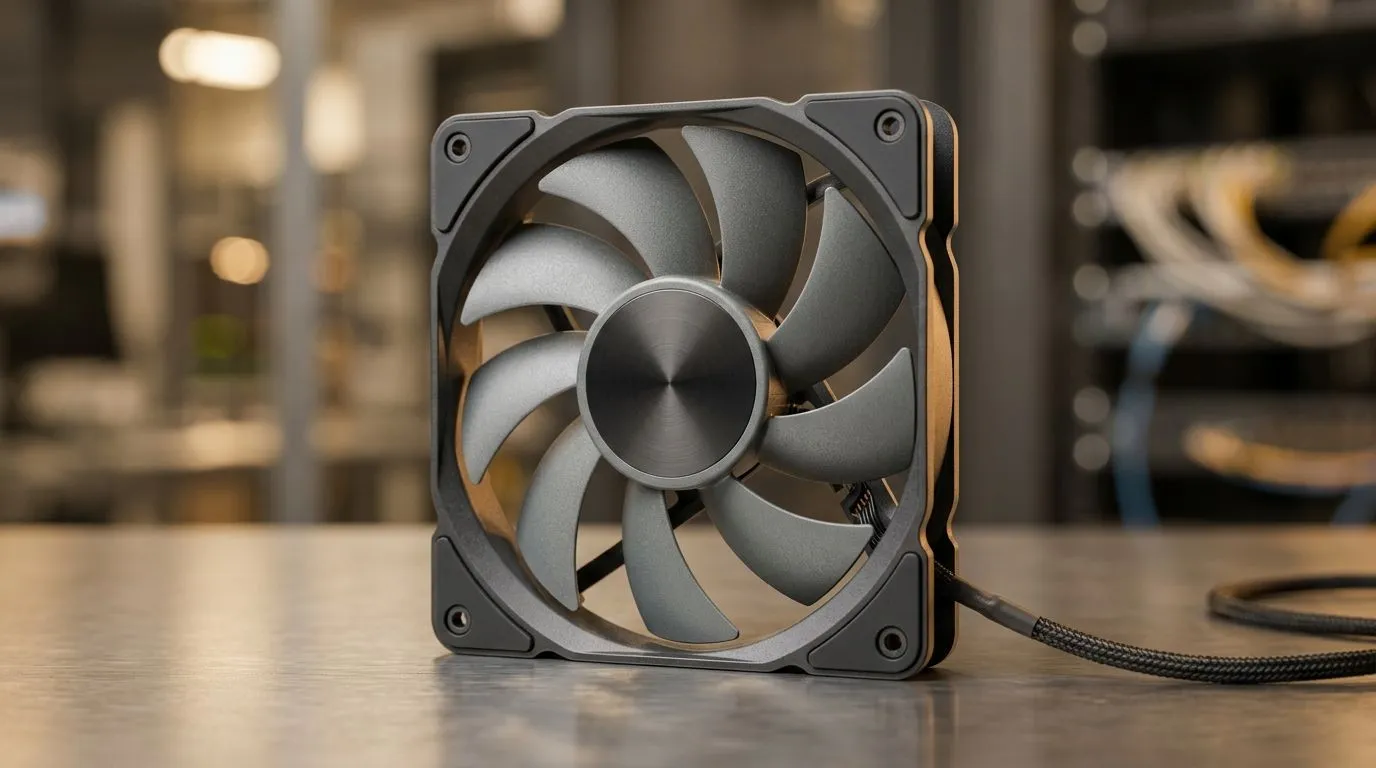
South African gamers know the struggle… you spend on a GPU and then wonder why temps climb during a ranked session. The secret is often airflow direction, especially with reversible blade fans. Intake brings cool air in, exhaust pushes hot air out. But when fan blades can reverse, it’s easy to “guess” and end up fighting your own cooling plan. 🔧 This guide will help you plan intake vs exhaust with confidence, without guesswork.
Reversible blade fans swap their airflow direction while keeping the same frame and mounting points. In practice, you still want a pressure balance:
Why does this matter? Because your case is basically a moving-air system. If you set too much to exhaust, the case can pull air through random gaps. If you set too much to intake, hot air can get trapped.
For a deeper look at options, explore Evetech’s selection of case fans here: Browse case fans
Most gaming setups benefit from a simple “cool in, hot out” layout:
A common starting point is 1–2 more intake fan positions than exhaust, unless your case design strongly encourages it.
If you prefer specific brands with reversible blades, you’ll find plenty of choice in this fan category: Explore CORSAIR case fans
Need a visual and lighting style match for your build? RGB fans are easier to harmonise with your theme: See RGB case fan options
And if you want a clean, stealth build with no glow: View non-RGB options
Fan size affects how much air a fan can move at a given speed. In short: larger fans often move more air while spinning slower, which can mean less noise at similar performance.
If you’re choosing between popular mount sizes, plan around what your case supports: 120mm case fan options 140mm case fan options
Brand matters too when it comes to blade design and control options. If Deepcool is your vibe: Shop Deepcool case fans
Here’s a practical approach you can do without fancy tools:
Reversible fans make this experiment easier because you’re not replacing hardware. You’re tuning the system.
On Windows, use the PowerToys FancyZones utility to create custom snap layouts for your windows. It's a lifesaver for managing multiple apps on an ultrawide monitor, letting you organise your timeline, preview window, and asset folders perfectly for video editing.
Before you switch directions, check:
If your front panel has restrictive mesh, a strong intake still helps, but you may need to favour quieter 120 mm or 140 mm setups instead of max RPM chaos. ✨
If temperatures stay high after balancing intake and exhaust:
When airflow is planned well, your system feels smoother… and throttling becomes less of a surprise.
Ready to Find Your Perfect Match? The Mac vs Windows debate is complex, but for maximum power, choice, and value in South Africa, Windows is hard to beat. Explore our massive range of laptop specials and find the perfect machine to conquer your world.
Reversible blade fans can spin to pull air in or push air out. Planning intake vs exhaust airflow balance helps you hit target pressure and temperatures.
Use reversible blade fans for intake where you need fresh airflow and for exhaust where heat removal dominates. Aim for balanced intake vs exhaust airflow planning.
Start by mapping your case vents, then assign intake to front/bottom and exhaust to rear/top. Toggle fan direction to maintain stable intake vs exhaust airflow.
Positive pressure means more intake than exhaust, negative means more exhaust. Neutral stays close. Your reversible fans should support the pressure goal for dust and temps.
Often yes. Intake may run smoother for consistent cool air delivery, while exhaust can ramp to remove heat spikes. Plan fan curves using reversible fan RPM behavior.
Mount intake fans where cool air enters unobstructed, and exhaust fans near hot zones. Use reversible fans to keep pressure stable across the airflow path.
Lower noise comes from lower RPM and smarter curves, while airflow depends on fan design. Check reversible blade fan specs like static pressure vs airflow.
It depends on your case size and component heat. Start with one intake and one exhaust baseline, then add reversible fans to fill gaps and improve airflow balance.
RTX 4060 Ti Throttling Under Load: Temperature. Everything you need to know with SA pricing, step-by-step instructions & expert recommendations.
Read more
Apex Legends Max Settings on RTX 4080. Tested & verified settings for best FPS and visual quality on SA hardware budgets.
Read more
GPU Buying Guide. Everything you need to know with SA pricing, step-by-step instructions & expert recommendations.
Read more
GPU Terms Guide. Everything you need to know with SA pricing, step-by-step instructions & expert recommendations.
Read more
AMD Adrenalin Download & Setup Guide: GPU. Clear setup instructions with SA-specific considerations, troubleshooting tips & recommended components.
Read more
Back-to-School GPU Buying Guide. Everything you need to know with SA pricing, step-by-step instructions & expert recommendations.
Read more
Snapdragon X2 NPU Explained: How 80 TOPS Changes. Plain-English explanation of what it means, why it matters & how it affects your buying decisions in SA.

HBM? High Bandwidth Memory Used in GPUs and AI. Plain-English explanation of what it means, why it matters & how it affects your buying decisions in SA.

How much should you spend on sim racing accessories in South Africa for a realistic setup? We break down budgets by quality tiers, so you buy smart gear and avoid overspending 🎮💸

G-Sync and FreeSync? Variable Refresh Rate. Plain-English explanation of what it means, why it matters & how it affects your buying decisions in SA.

AMD Laptop: Value. SA-focused analysis with local pricing data, real-world insights & actionable buying advice.

How MacBook Neo Handles 30+ Chrome Tabs with Only. SA-focused analysis with local pricing data, real-world insights & actionable buying advice.

Why Apple Put 8GB RAM in MacBook Neo: The A18 Pro. SA-focused analysis with local pricing data, real-world insights & actionable buying advice.

Upgrade your work laptop with a New Motherboard. Step-by-step instructions with SA-specific tips, common pitfalls to avoid & expert recommendations.

Maintain wired headset — Checklist: • inspect cables • clean earpads • store properly 🔧🎧 Practical steps to preserve sound quality and avoid premature replacements.

Fix crackling headset fast: step-by-step checks for cables, connectors, drivers, and settings to remove static or distorted audio on wired headsets 🎧⚙️

Stereo vs mono headsets: learn which delivers clearer calls, better spatial music, or simpler mono voice performance — pick the right headset for meetings, music, or gaming 🎧💬

- Compare gaming headset vs studio headphones; - Assess comfort, mic and sound; - Recommend best daily picks. Gaming headset vs studio headphones: learn which suits work, music and casual gaming. 🎧⚖️