



PCIe 5.0 vs PCIe 4.0 for Video editing in 4k in SA
PCIe 5.0 vs PCIe 4.0 for video editing in 4k is mainly about fit, features, compatibility, cost, and upgrade path, not one automatic winner. SA buyers should match the choice to the setup.
Read moreThe RTX 5070 8GB inside the GR70 targets high frame rates in modern games alongside creator application support. Its 8GB VRAM and DLSS support strike a balance between price, gaming performance and rendering capability.
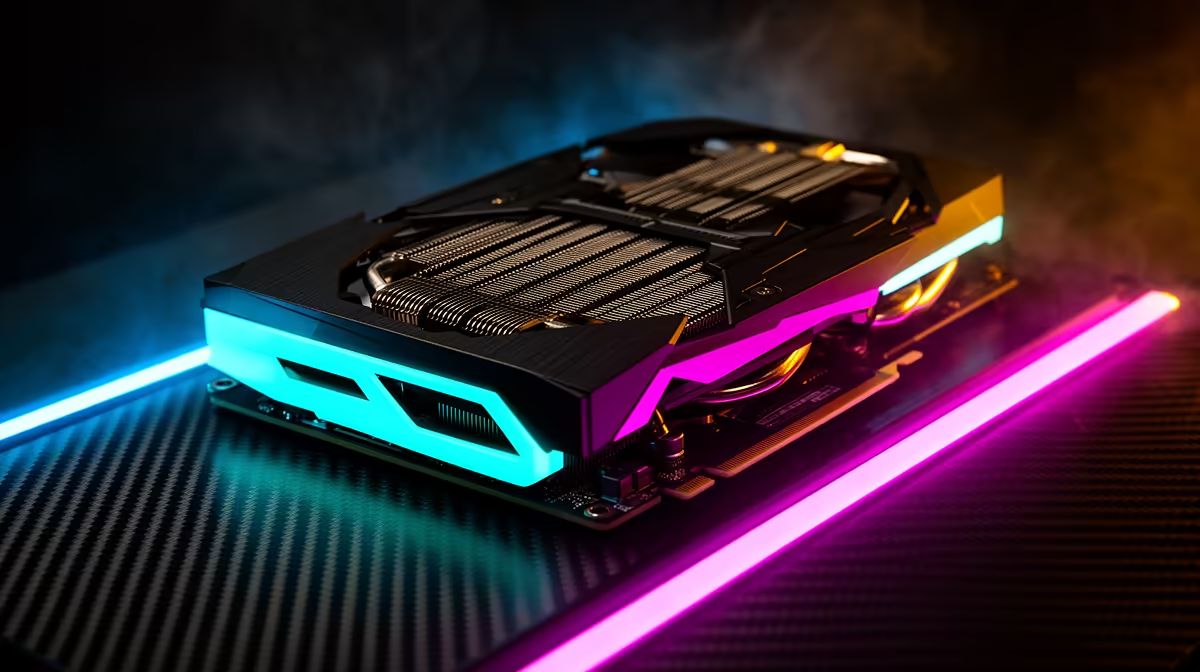
Frame rate charts rarely explain why a graphics card actually feels good to use day to day, focusing instead on peak numbers from a handful of benchmark titles. The RTX 5070 8GB deserves a more complete look than that, particularly as the card doing the rendering work inside a gaming mini pc built for both high frame rates and genuine creative use.
The RTX 5070 8GB in the R66,399 GR70 targets high frame rates in current games while also supporting creator applications that lean on GPU acceleration. Its 8GB of VRAM covers 1080p and 1440p gaming comfortably at high settings, with DLSS support extending that comfort zone further towards 4K than the raw VRAM figure alone would suggest.
Chasing high frame rates is not purely a matter of raw rendering horsepower. It depends on the card's architecture handling rasterisation efficiently, having enough VRAM to avoid stutter from memory limits, and supporting upscaling technology that can boost frame rates without a proportional loss in visual quality. The RTX 5070 checks each of these boxes, which is why it performs well specifically in the frame-rate-focused gaming that competitive and fast-paced titles demand.
At 1080p and 1440p, the resolutions most gamers on a setup like the GR70 are actually running, the RTX 5070 delivers frame rates well suited to high refresh rate monitors, which matters more for competitive titles than pure visual fidelity does.
A high frame rate is only useful if your monitor can display it. Pairing the RTX 5070's output with a high refresh rate panel, rather than a standard 60Hz screen, is where the card's frame-rate advantage actually becomes visible during fast-paced gameplay.
Ray tracing improves lighting and reflections noticeably in supported titles, but it also carries a real cost to raw frame rate on any card, including the RTX 5070. For competitive gaming, where frame rate consistency matters more than lighting fidelity, leaving ray tracing off or set to a lower preset tends to be the better trade, while single-player titles where visuals matter more can afford the setting turned up with DLSS compensating for some of the performance cost.
VRAM capacity determines how much texture and asset data the card can hold in fast memory at once, and 8GB is comfortably enough for the vast majority of current titles at 1080p and 1440p on high settings. The pressure point is 4K gaming with texture quality pushed to maximum in the most demanding recent releases, where memory usage can approach or exceed that ceiling.
DLSS changes this calculation meaningfully. By rendering internally at a lower resolution and using AI upscaling to reconstruct a sharper final image, DLSS reduces the memory load the GPU carries while also improving frame rates, which is precisely the combination that makes 8GB stretch further towards higher resolutions than it would in a card without that technology.
In the rare cases where 8GB does become a limiting factor, usually at native 4K with every setting maximised, stepping texture quality down from ultra to high typically resolves stutter without a dramatic visual difference in most games.
Modern GPUs are rarely single-purpose, and the RTX 5070 supports GPU-accelerated tasks in creator applications like video editing and rendering software, alongside its gaming credentials. For anyone using the GR70 for both gaming and content work, that dual capability means the same card handles frame rate demands in games and accelerated export or rendering tasks in creative software, rather than needing separate hardware for each.
This matters particularly for streamers and hobbyist editors, where the GPU's ability to handle encoding tasks alongside rendering a game in real time determines whether both can run smoothly together. Video export times in editing software, colour grading previews, and even some photo editing filters lean on the same GPU acceleration the card uses for gaming, so someone splitting a session between recording gameplay footage and trimming it afterwards is drawing on the same hardware for both halves of the workflow.
That dual role is part of why a card in this tier suits a compact all-in-one machine so well. Rather than needing a separate workstation card for content work and a separate gaming card elsewhere, the RTX 5070 covers both jobs inside the same R66,399 build.
A strong GPU still needs a capable processor and enough memory behind it to reach its potential. The 16-core Ryzen 9 9955HX and 32GB of DDR5 in the GR70 are matched closely enough with the RTX 5070 that the GPU is rarely left waiting on the rest of the system, and the included 1TB NVMe SSD keeps game and asset loading fast enough to avoid its own bottleneck during heavy sessions.
If your priority is high frame rates at 1080p or 1440p, with occasional 4K gaming assisted by DLSS, the RTX 5070 8GB is well matched to that use case in the GR70. The full specification and pricing for this build is worth reviewing directly before deciding. If you are weighing this GPU tier against other options, our graphics card deals page covers current pricing across the range, and Evetech's mini PC selection shows how this configuration compares to other compact builds.
Yes, particularly at 1080p and 1440p, where it delivers frame rates well suited to fast, high refresh rate monitors in current titles.
Not entirely. Many 4K titles remain playable with DLSS enabled and textures set to high rather than ultra, which keeps memory usage within that 8GB ceiling.
Yes, it supports GPU-accelerated work in creator applications alongside its gaming performance, making it useful for anyone splitting time between gaming and content creation.
It varies by title and setting, but DLSS generally provides a meaningful frame rate boost by rendering internally at a lower resolution before upscaling the final image.
No, the 16-core Ryzen 9 9955HX is matched closely enough with the RTX 5070 that the GPU is rarely waiting on the processor in current titles.
For competitive, fast-paced titles, leaving ray tracing off or on a lower preset generally preserves the highest and most consistent frame rate. Slower-paced single-player games can afford it turned up, especially with DLSS helping offset the performance cost.
Ready to chase higher frame rates with the RTX 5070? View the ASUS GR70 build found in Evetech's compact PC selection, tagged at R66,399 and works to push high-FPS gaming from a compact chassis.
Yes, particularly at 1080p and 1440p, where it delivers frame rates well suited to fast, high refresh rate monitors in current titles.
Not entirely. Many 4K titles remain playable with DLSS enabled and textures set to high rather than ultra, which keeps memory usage within that 8GB ceiling.
Yes, it supports GPU-accelerated work in creator applications alongside its gaming performance, making it useful for anyone splitting time between gaming and content creation.
It varies by title and setting, but DLSS generally provides a meaningful frame rate boost by rendering internally at a lower resolution before upscaling the final image.
No, the 16-core Ryzen 9 9955HX is matched closely enough with the RTX 5070 that the GPU is rarely waiting on the processor in current titles.
For competitive, fast-paced titles, leaving ray tracing off or on a lower preset generally preserves the highest and most consistent frame rate. Slower-paced single-player games can afford it turned up, especially with DLSS helping offset the performance cost.
PCIe 5.0 vs PCIe 4.0 for video editing in 4k is mainly about fit, features, compatibility, cost, and upgrade path, not one automatic winner. SA buyers should match the choice to the setup.
Read more
Wi-Fi 7 vs Wi-Fi 6e for competitive esports comes down to router support, latency goals, device compatibility, and coverage. SA buyers should match the choice to the real network setup.
Read more
ATX 3.1 vs ATX 3.0 for mMO and live-service games buyers - what changes is mostly about compatibility, budget, upgrade path, and setup fit. SA buyers should check device support and real needs before expecting a clear win from either option.
Read more
LGA 1851 vs LGA 1700 can affect Twitch and YouTube streaming when gaming and encoding share CPU resources. For SA creators, the real-world difference depends on encoder choice, memory support, motherboard cost, thermals, and upgrade plans.
Read more
X870E vs X670E for aaa single-player gaming is mainly about fit, features, compatibility, cost, and upgrade path, not one automatic winner. SA buyers should match the choice to the setup.
Read more
Hall Effect switches vs Mechanical switches for mMO and live-service games is mostly about compatibility, budget, upgrade path, and setup fit. SA buyers should check device support and real needs before expecting a clear win from either option.
Read more
A fake 113GB GTA VI ISO reportedly used empty padding around a small malware payload. SA gamers should delete unofficial builds, keep Windows security active and wait for official channels.

Wi-Fi 6E vs Wi-Fi 6 matters for 4K video editing when files move across a network. The real-world difference between Wi-Fi 6E and Wi-Fi 6 for video editing in 4K depends on NAS access, cloud uploads, router range, and SA creator workflows.

The difference between PCIe 5.0 and PCIe 4.0 for SA gamers is mostly bandwidth headroom. Compare GPU slot needs, NVMe speed, motherboard support, and upgrade timing before paying extra for a newer platform.

Gaming PC stuck pixel checks in South Africa should confirm the monitor fault first. Use colour tests, screenshot comparison, cable swaps, display menu checks, and clear photos before deciding on support.

Shokz OpenFit Air 2 earbuds weigh 7.2g each and use a redesigned dual-driver open-ear layout. SA buyers should choose them for comfort and awareness, not maximum isolation.

AMD's current driver now lists a Radeon RX 9050 4GB, while product coverage details a narrowed memory system. SA buyers should weigh the low VRAM ceiling against current local Radeon options.

Samsung Display has demonstrated a 16-inch 2.5K OLED laptop panel running at 300Hz. SA buyers should wait for a named notebook, full panel specifications and a local price before planning an upgrade.

Microsoft says some Windows 11 game crashes after recent updates are linked to RGB-related drivers. Affected SA gamers should confirm the update and driver before using the published registry workaround.

RTX 5090 on a 650W PSU is a tight pairing with very limited headroom. For SA gaming PCs, focus on total system draw, PSU quality, connector support, CPU choice, and avoid OC plans unless the full build is carefully power-limited.
PCIe 5.0 vs PCIe 4.0 for video editing in 4k is mainly about fit, features, compatibility, cost, and upgrade path, not one automatic winner. SA buyers should match the choice to the setup.

850W PSU safety for RTX 5090 is plausible with a quality unit and balanced parts. In SA, confirm connector support, CPU power draw, case airflow, PSU age, and spare capacity before building around 850W.
Wi-Fi 7 vs Wi-Fi 6e for competitive esports comes down to router support, latency goals, device compatibility, and coverage. SA buyers should match the choice to the real network setup.