Quick Answer
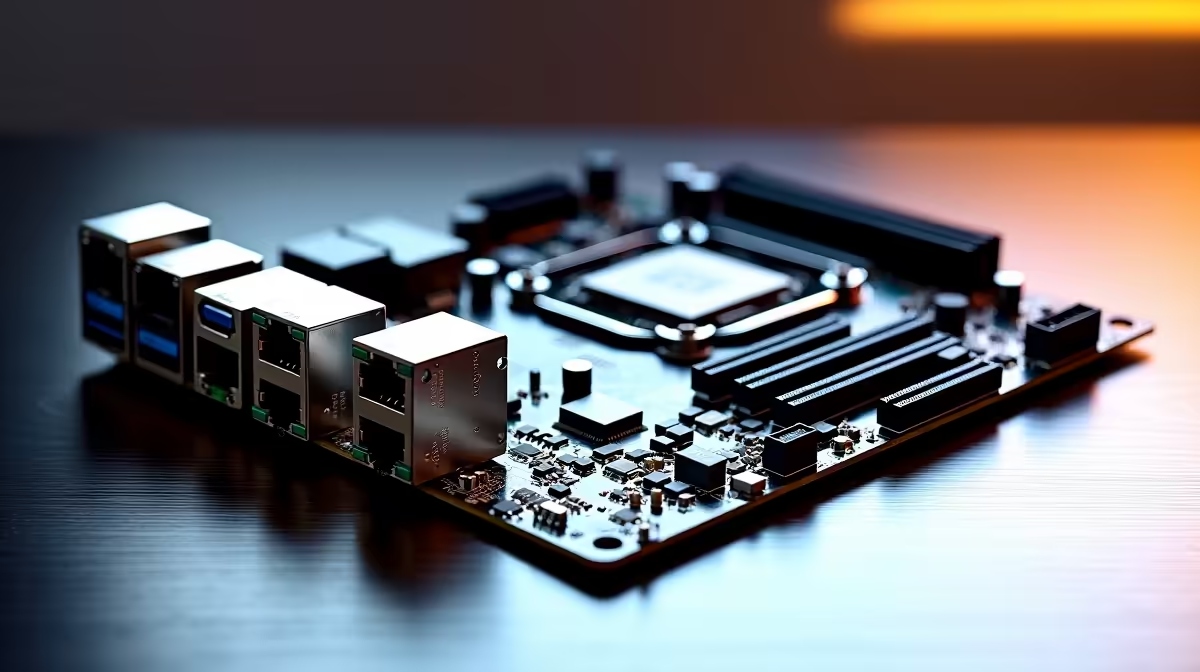
Onboard 10GbE is rare and lives on flagship X670E boards, so for the Ryzen 9 7900X expect a premium price; it is only worth it if you have a 10-gigabit switch and a NAS or workstation that can saturate it.
Choosing the onboard 10GbE board for your Ryzen 9 7900X
A 10GbE port moves files roughly ten times faster than standard gigabit, which matters for editors pulling 4K footage off a network store. For most Ryzen 9 7900X builds, 2.5GbE is the practical default and far cheaper. Reserve 10GbE for home labs, NAS power users, and studios with the switching to back it up.
What to verify before buying in SA
Check the board's VRM rating, its memory support list for your DDR5-6000 CL30 kit, and that the rear I/O carries the ports you actually use. Confirm the BIOS is current for Zen 4 support before first boot. A 12-core Zen 4 chip in a 170W envelope wants VRM heatsinks that sustain all-core load without throttling, so favour boards reviewers have stress-tested rather than guessing from a spec sheet. Budget realistically and plan cooling, case clearance and the PSU around the board together, since a mismatch there is the usual reason a strong CPU underperforms in a real build.
FAQ
Do I need onboard 10GbE for gaming?
No. Gaming barely uses bandwidth, so 2.5GbE or even gigabit is plenty. 10GbE only helps large local file transfers between machines on a 10-gigabit network.
Is a 10GbE add-in card cheaper than a board with it built in?
Often yes. A PCIe 10GbE card lets you put 10-gigabit on a mid-range board, which can cost less than buying a flagship board just for the onboard port.
What else do I need to use 10GbE?
A 10GbE-capable switch and a device on the other end (NAS or PC) that can actually read or write at those speeds. Without both, the fast port sits idle.
Pro Tip
Flash the motherboard BIOS to the latest stable version before first boot so the Ryzen 9 7900X is recognised and your DDR5-6000 kit trains cleanly. Many AM5 boards ship with firmware that predates current Ryzen support.