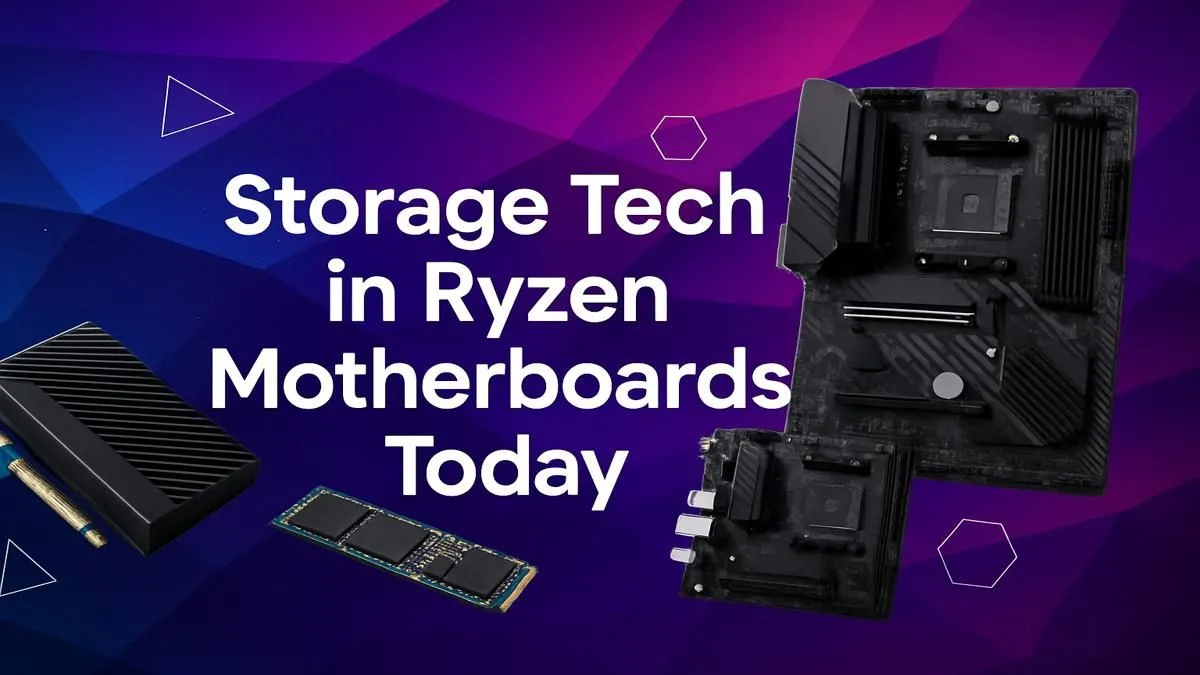
Building a new Ryzen-powered PC in South Africa? That’s brilliant. You’ve picked the CPU, maybe even the graphics card. But before you go further, let's talk about a detail that makes or breaks the entire experience: your Ryzen motherboard storage options. Get this right, and you’re looking at lightning-fast boot times and non-existent game loading screens. Get it wrong, and you could be bottlenecking your powerful new rig from day one.
The Foundation: Understanding Your Ryzen Motherboard Storage Options
When you look at a motherboard's spec sheet, the storage section can seem like alphabet soup... SATA, M.2, NVMe, PCIe 5.0. What does it all mean for your gaming? Let's break down the essential Ryzen motherboard storage options you'll encounter.
SATA III: The Reliable Workhorse
Serial ATA (SATA) is the old faithful of PC storage. For years, it was the standard for connecting hard drives and 2.5-inch Solid State Drives (SSDs).
- Speed: Tops out at around 600 MB/s.
- Best For: Bulk storage. It's a fantastic, cost-effective solution for storing your massive game library, media files, or backups. A 2TB SATA SSD offers incredible value in ZAR for games you don't play every single day.
- Connection: Uses a thin data cable and a separate power cable, which can add a bit of clutter to your build.
While it's not the fastest, having a few SATA ports is still incredibly useful for any modern build.
The Speed Demon: M.2 NVMe Explained 🚀
This is where the real magic happens. M.2 is a small, stick-of-gum-sized form factor that plugs directly into the motherboard. NVMe (Non-Volatile Memory Express) is the super-fast protocol that uses the PCIe bus, the same one your graphics card uses, to talk to your CPU.
The combination is a game-changer. An NVMe M.2 drive obliterates SATA's speed limits.
- PCIe Gen 4: Common on modern boards, offering speeds up to 7,000 MB/s. Your operating system and favourite games will load almost instantly.
- PCIe Gen 5: The new frontier, with speeds hitting a blistering 14,000 MB/s and beyond. This is overkill for most today, but it's the ultimate in future-proofing.
For a fantastic balance of price and performance, a board with PCIe 4.0 support is the sweet spot. Many AMD B550 motherboards offer this, providing a Gen 4 M.2 slot for your main drive at a great price point.
Choosing the Right Chipset for Your Storage Needs
The motherboard's chipset dictates how many and what kind of storage connections you get. This is a crucial part of selecting the right board for your Ryzen build.
- For the Mainstream Gamer: The latest AM5 chipsets like the B850 are the new baseline for performance. They typically guarantee at least one PCIe 5.0 M.2 slot for a primary drive, giving you access to next-gen speeds. Check out the current range of AMD B850 motherboards to see what the future of standard gaming builds looks like.
- For the Power User & Creator: If you're a content creator, streamer, or just want the absolute best, an enthusiast-grade chipset is the way to go. The top-tier AMD X870 motherboards are loaded with connectivity, often featuring multiple PCIe 5.0 M.2 slots and an abundance of SATA ports for a truly expansive storage setup.
Check Your Manual! 🔧
When installing multiple M.2 drives, be aware that on some motherboards, using a second or third M.2 slot can disable one or two of your SATA ports. It's because they share the same PCIe lanes. Always check your motherboard manual to understand how your board allocates these resources to avoid any surprises during your build.
Practical Storage Strategies for Your Build
So, what's the best setup? For most South African gamers, a hybrid approach offers the best performance for your rand.
- Primary Drive (OS & Favourites): A fast 1TB or 2TB NVMe M.2 SSD. This is where Windows and your most-played games like Apex Legends, Warzone, or Baldur's Gate 3 should live for near-instant access.
- Secondary Drive (Game Library): A larger 2TB or 4TB SATA SSD. This is perfect for the rest of your Steam library and other large files. The loading times are still excellent, and the cost per gigabyte is much lower.
This two-drive solution gives you the best of both worlds: incredible speed where it counts and vast, affordable capacity for everything else. It's the most popular and effective of all Ryzen motherboard storage options. When you're ready to pick your board, you can browse a huge variety of AMD motherboards to find one with the perfect port layout for this strategy.
Ready to Unlock Instant Load Times?
Choosing the right motherboard is the key to a balanced, high-performance PC. Don't let storage be an afterthought. Explore our massive range of AMD motherboards and find the perfect foundation for your Ryzen gaming beast today.