You've lined up the perfect headshot... and then it happens. Lag. Your screen freezes, and a moment later, you're staring at the respawn screen. In South Africa, our internet can be a fickle beast, but is it always your ISP's fault? This PC networking guide for South Africa will help you diagnose and crush lag, ensuring your bandwidth basics are sorted for good. Let's get your connection as sharp as your aim. 🚀
Understanding SA Bandwidth Basics
Before you phone your ISP in a rage, it's crucial to understand what you're actually dealing with. When it comes to online gaming, two numbers matter more than anything: latency and bandwidth.
- Bandwidth (Speed): This is what most people focus on. Measured in Megabits per second (Mbps), it's how much data can be transferred at once. Think of it as the number of lanes on a highway. A 100Mbps line is a massive highway, great for downloading games or streaming 4K movies.
- Latency (Ping): This is the king for gaming. Measured in milliseconds (ms), it's the time it takes for data to travel from your PC to the game server and back. It's the speed limit on that highway. A low ping (under 50ms) is excellent; a high ping (over 150ms) is what causes that frustrating lag.
For smooth gaming in South Africa, a stable 20Mbps line with low latency is far better than a laggy 200Mbps connection.
Choosing Your Connection: Fibre, LTE, and ADSL in SA
Your choice of internet connection is the foundation of your online experience. In South Africa, our main options have distinct pros and cons for gaming.
Fibre: The Gold Standard
Fibre optic is, without a doubt, the best choice. It offers symmetrical upload and download speeds and, most importantly, the lowest and most stable latency. If it's available in your area, it’s the ultimate upgrade. A powerful machine, like one from our range of AMD Radeon Gaming PCs, truly shines when paired with a fibre connection.
LTE/5G: Fast but Fickle
Wireless options like LTE and 5G can offer incredible download speeds, but they are more susceptible to network congestion and signal issues, which can cause ping spikes (jitter). It's a solid option if fibre isn't available, but less reliable for high-stakes competitive play.
ADSL: The Old Guard
While largely replaced, ADSL is still around. It runs on old copper telephone lines, making it slow and prone to high latency. It's functional for basic browsing but a real challenge for modern online gaming.
Optimising Your Home Network for Gaming 🔧
Got a great connection but still experiencing issues? The problem might be inside your house. Here’s how to fine-tune your setup.
Wired vs. Wi-Fi: The Ethernet Advantage
Wi-Fi is convenient, but it's not ideal for serious gaming. Wireless signals are prone to interference from walls, appliances, and other networks. An Ethernet cable provides a direct, stable link from your router to your PC, slashing latency and eliminating packet loss. If you've invested in a top-tier rig from our NVIDIA GeForce Gaming PCs collection, don't let Wi-Fi be your weak link.
Pro Tip: Can't Run a Cable? ⚡
If running a long Ethernet cable across the house isn't an option, look into Powerline adapters. These clever devices use your home's electrical wiring to create a stable, wired network connection. It's the next best thing to a direct Ethernet cable for reducing lag and improving stability.
Router Placement and Settings
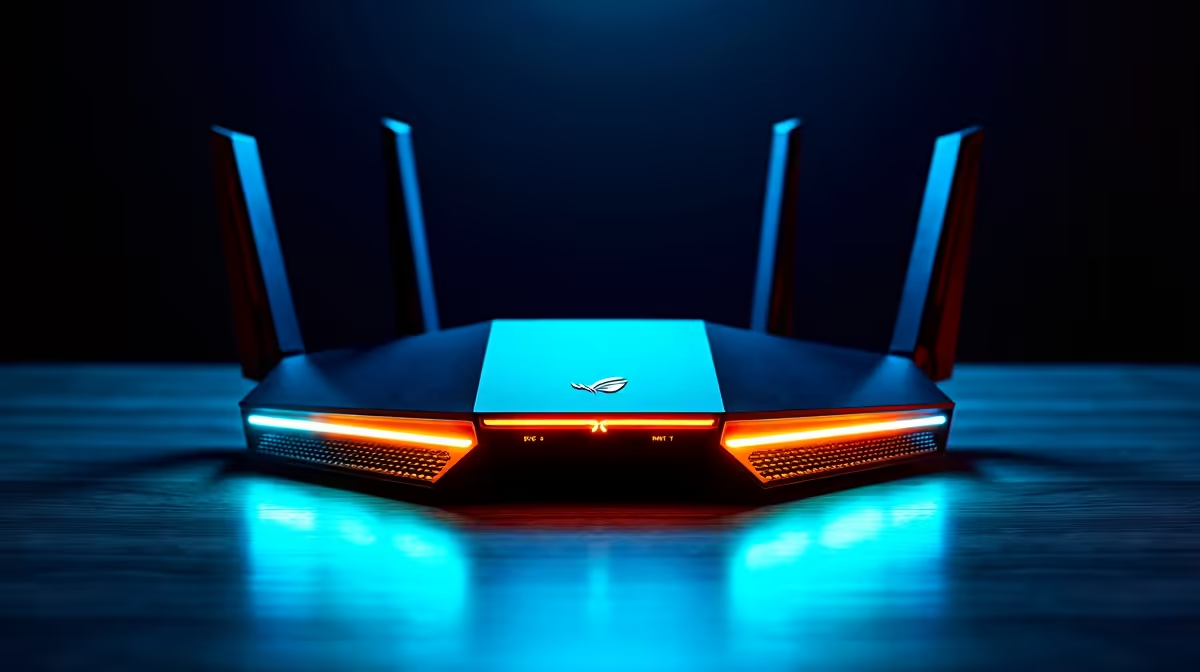
Your router is the heart of your home network. Keep it in a central, open location, away from thick walls or metal objects. Also, log in to your router's settings and look for a feature called Quality of Service (QoS). QoS allows you to prioritise traffic for specific devices—like your gaming PC—ensuring it gets the bandwidth it needs, even when others are streaming Netflix. ✨
When It's Not the Network... Is Your Rig the Bottleneck?
You've optimised everything. You're on a fibre line with a wired connection, and your ping is rock-solid... but you're still getting stutters. Sometimes, the issue isn't your network at all; it's your hardware struggling to keep up.
If you're gaming, streaming, and running Discord all at once, your CPU might be maxed out. For these demanding multi-tasking scenarios, having a machine built for heavy loads, like our purpose-built Workstation PCs, can make a world of difference, ensuring smooth performance both in-game and out.
Ready for a Lag-Free Future?
A fast internet connection is only half the battle. To truly dominate, you need a PC that can handle anything you throw at it. Explore our massive range of custom gaming PCs and build the ultimate machine to conquer your world.