You’re in the final circle in Apex, the tension is thick, and you’re lining up the perfect shot… then it happens. Your frames drop, the game stutters, and your PC sounds like it’s preparing for takeoff. That, my friend, is the sound of inadequate gaming PC cooling. It’s the silent performance killer that holds back even the most powerful rigs in South Africa. But fear not, because understanding the science behind it is the first step to victory. 🌡️
The Thermal Battlefield: Why Good Cooling Matters
Every component in your gaming PC generates heat, but the undisputed champions of temperature are your CPU and GPU. When you're pushing them to their limits rendering glorious 4K graphics, they can get seriously hot. Without an effective gaming PC cooling solution, this heat builds up and triggers a safety feature called "thermal throttling."
Essentially, your PC intentionally slows itself down to prevent damage. For a gamer, this means sudden frame drops, input lag, and a frustratingly inconsistent experience. Proper cooling isn't just about preventing a meltdown; it's about unlocking the full, consistent performance you paid for.
Air vs. AIO: Choosing Your Cooling Champion
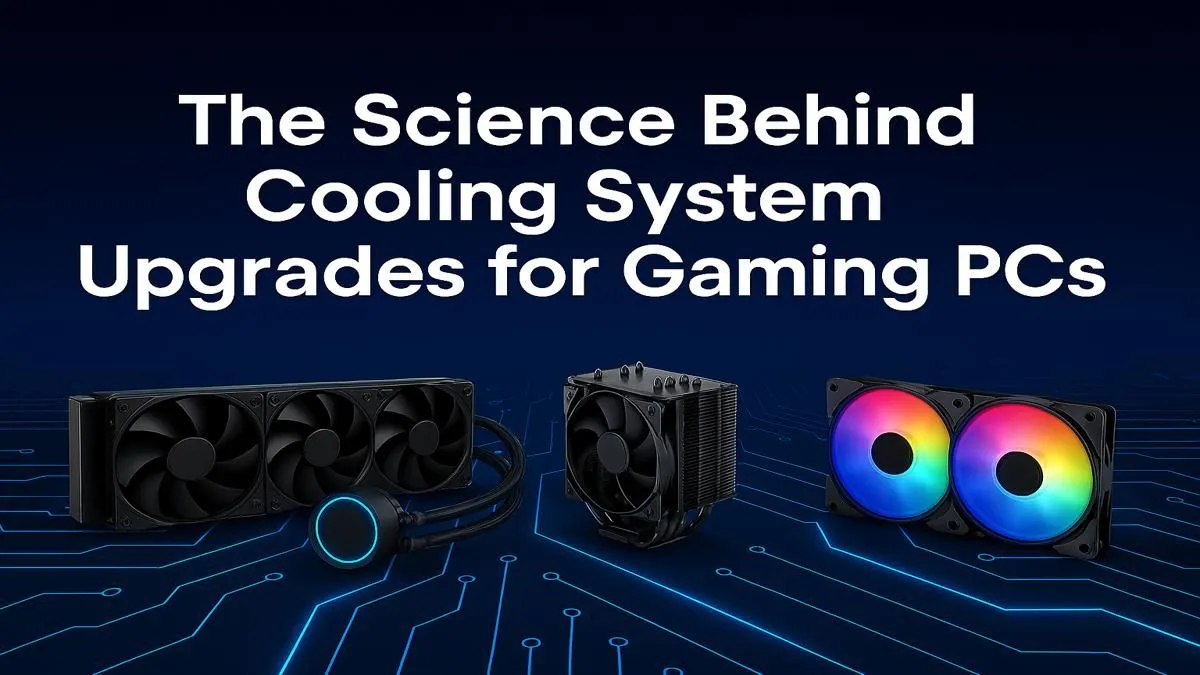
When it comes to upgrading your system's cooling, you generally have two choices: traditional air cooling or modern All-In-One (AIO) liquid cooling. Each has its place, and the best choice depends on your budget, case, and performance goals.
Air Cooling: The Reliable Workhorse
An air cooler is a simple, effective design: a metal heatsink with fins draws heat away from the CPU, and a fan blows that heat away. They are the bedrock of PC building for a reason. They're affordable, incredibly reliable (a fan is the only moving part), and modern high-end air coolers can compete with many liquid cooling setups. When paired with a powerful new CPU processor, a quality air cooler provides fantastic value.
AIO Liquid Cooling: The Silent Performer ❄️
All-In-One liquid coolers use a closed loop of liquid to transfer heat from your CPU to a radiator, where fans then dissipate it. This process is generally more efficient than air cooling, allowing for lower temperatures and quieter operation, especially under heavy load. The sleek aesthetics are a huge plus for builds with a tempered glass side panel. An AIO is often the top choice for enthusiasts looking to overclock or simply achieve the best possible thermal performance in their custom builds.
Pro Cooling Tip 🔧
PC's BIOS UEFI holds a powerful secret: fan curves. Instead of letting your fans run at one speed, you can create a custom curve that tells them to spin faster as temperatures rise. A gentle curve can keep your PC whisper-quiet during browsing but ramp up aggressively for cooling during intense gaming sessions. It's the best way to optimise your system's acoustics and thermal performance.
Beyond the Cooler: Simple Steps to Lower Your Temps
A great CPU cooler is just one part of the puzzle. The overall health of your system's airflow is critical for effective gaming PC cooling.
Think of your case as a wind tunnel. You need a clear path for cool air to enter, pass over your hot components, and then exit. Start by ensuring you have a balanced setup of intake fans (pulling cool air in, usually from the front) and exhaust fans (pushing hot air out, usually at the back and top).
Tidy cable management isn't just for looks; messy cables can obstruct airflow and create pockets of hot, stagnant air. Taking 30 minutes to route your cables properly can genuinely lower your component temperatures. This is a crucial step whether you're starting fresh with one of our Intel barebone kits or upgrading an existing machine. The same principles apply to creating the perfect airflow in powerful AMD barebone kits, ensuring your Ryzen CPU has all the cool air it needs to perform at its peak. 🚀
Ultimately, a holistic approach to your PC's thermals will always yield the best results.
Ready to Beat the Heat?
Effective gaming PC cooling is the secret to unlocking consistent, high-frame-rate performance. Whether you're upgrading your CPU cooler or planning a whole new build, we've got the parts to keep your rig frosty. Explore our massive range of PC components and build the ultimate cool and quiet machine.