Unleashing Your Inner Content Creator: Why Screen Record Hotkey Laptops Matter
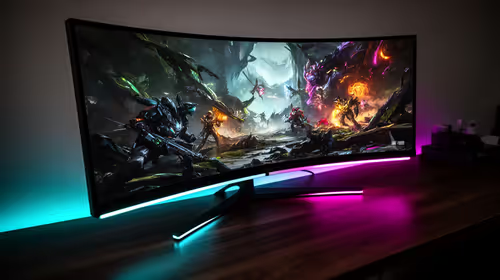
Ever pulled off an insane headshot in CS2 or nailed a perfect drift in Forza, only to realise no one saw it? That epic moment, gone forever… unless you hit record! For South African gamers and content creators, knowing your screen record hotkey laptops can be the difference between a forgotten triumph and viral glory. Let's dive into how to capture those legendary plays with ease, right from your notebook. 🎮
In today's digital landscape, merely playing games isn't enough for many. We want to share our stories, teach our friends, or even expose those cheeky cheaters. Mastering the art of screen record hotkey laptops is crucial, and thankfully, modern laptops come equipped with powerful tools, often accessible via simple hotkeys. Whether you're compiling a tutorial for a new game or showcasing a clutch moment, quick access to recording functions ensures you never miss a beat. It's about empowering you to become a creator, not just a consumer. From quick clips to full-blown streaming sessions, understanding these built-in shortcuts will elevate your gaming experience and content output.
The Go-To Hotkeys for Seamless Screen Recording
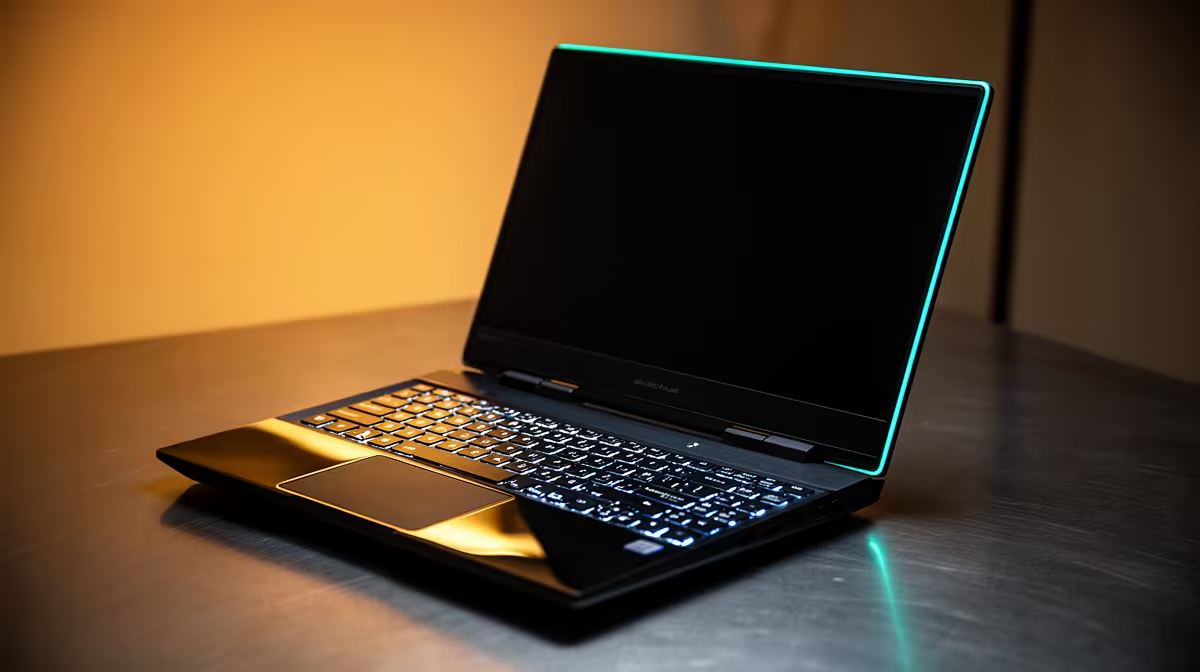
Most modern gaming laptops, whether powered by Intel, AMD, or NVIDIA, offer robust native solutions for screen recording. Forget clunky third-party software; your machine likely has everything you need built right in. Knowing the right hotkeys for laptop screen recording can save you precious seconds when that unmissable moment strikes.
Windows Game Bar: Your Built-In Buddy
For many Windows users, the Xbox Game Bar is your first port of call. Simply press Win + G to bring up the overlay, then hit Win + Alt + R to start recording immediately. It's perfect for quick gameplay captures without leaving your game. You can record up to two hours of footage, and it’s surprisingly efficient. Want to upgrade your setup to handle more demanding recording and gaming? Explore Evetech's range of affordable laptop specials that balance performance and budget.
Pro Tip: Customise Your Hotkeys
While standard hotkeys are great, you can often rebind them within your software settings. Find a combination that feels natural and won't conflict with in-game controls. 🔧
NVIDIA GeForce Experience: For the Green Team
If your laptop boasts an NVIDIA GPU, GeForce Experience is a must-have. Press Alt + Z to open the in-game overlay, then click "Record" or use Alt + F9 to start/stop recording. Even better is the "Instant Replay" feature (Alt + F10), which continuously records in the background, saving the last 30 seconds to 20 minutes of gameplay after an epic moment happens. It’s a lifesaver for those unexpected highlights! For the ultimate recording and gaming performance, check out Evetech's best gaming laptop deals – many feature powerful NVIDIA GPUs.
AMD Radeon Software: Team Red's Recording Powerhouse
AMD users aren't left behind. Radeon Software offers "Radeon ReLive," accessible via Alt + R. This feature provides excellent recording quality with minimal performance impact. Like NVIDIA, AMD also has an "Instant Replay" option, ensuring you capture those incredible plays even if you forget to hit record beforehand. For powerful notebooks ready to capture every frame, browse Evetech's AMD laptops on special today.
Beyond the Basics: Optimising Your Screen Recording Experience
While knowing your recording hotkeys is a great start, optimising settings can make a huge difference. Consider adjusting resolution (1080p is often a good balance), bitrate for video quality, and ensuring your audio inputs (mic, game sound) are correctly configured. Remember, recording uses system resources, so a laptop with a capable processor and sufficient RAM is key. If you're looking to upgrade or find a machine purpose-built for both gaming and content creation, a powerful Intel-based laptop might be your next best bet. Explore Evetech's fantastic range of Intel laptops on special to find a system that won't skip a beat.
Mastering your screen record hotkey laptops is more than just a convenience; it's an essential skill for modern South African gamers and content creators. Whether you're sharing a hilarious bug, an impossible clutch, or a detailed tutorial, these shortcuts ensure your stories are told. Don't let your epic moments fade into memory. Start capturing them today! ⚡
Ready to Capture Every Epic Moment?
Don't let another legendary play go unrecorded. Upgrade your rig or find the perfect machine that makes laptop screen recording effortless. Shop Evetech's powerful gaming laptops now and turn every game into a potential masterpiece. ✨