


RTX 4060 Ti Throttling Under Load: SA Temperature Guide
RTX 4060 Ti Throttling Under Load: Temperature. Everything you need to know with SA pricing, step-by-step instructions & expert recommendations.
Read moreSecure internet while traveling — • Assess risks • Use VPN & trusted Wi-Fi • Harden devices • Manage data 🛡️✨ Quick, actionable steps to protect privacy, payments, and connections on the road.
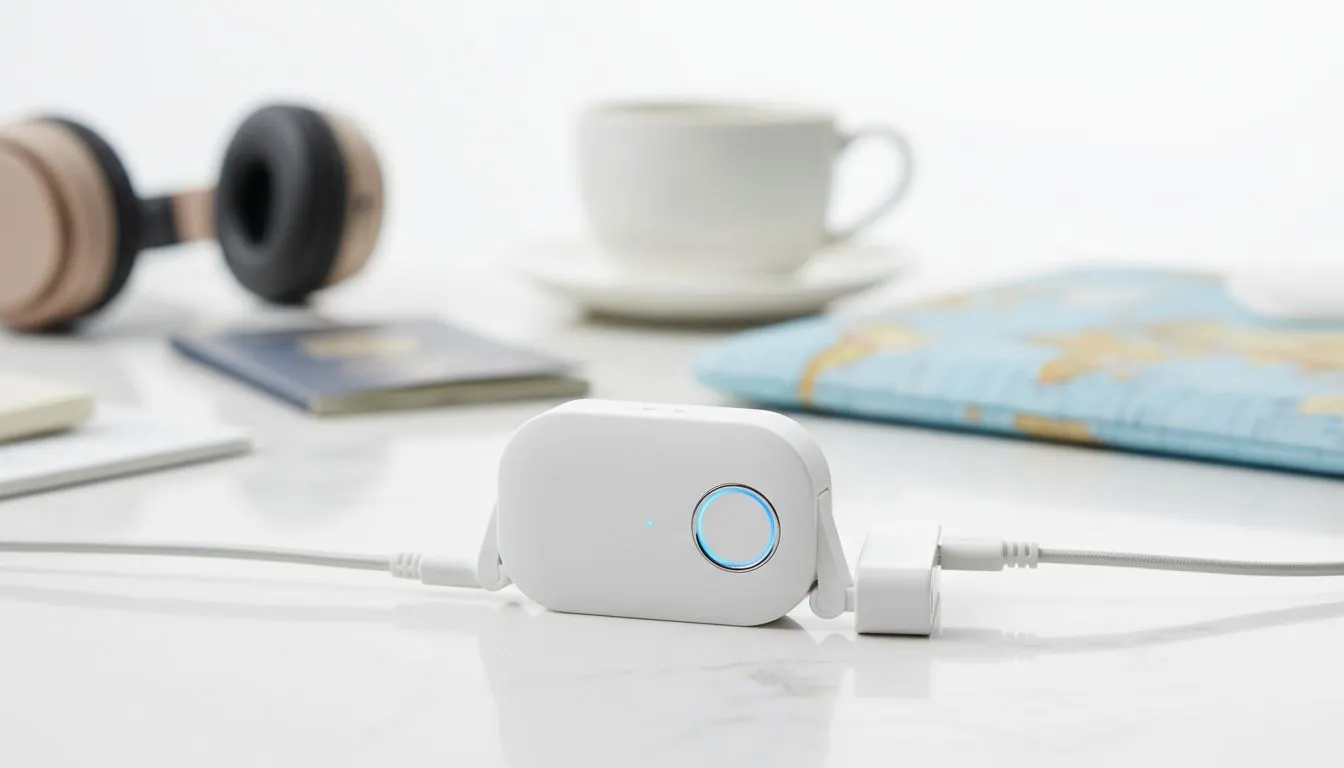
Heading to a LAN in Joburg or a beach house in Durbs? You need a secure connection. Relying on hotel Wi-Fi is like leaving your front door unlocked in a busy city centre. It is slow... it is risky... and it will definitely ruin your K/D ratio. Getting secure internet while traveling is the only way to stay protected while you grind.
Public hotspots are often unencrypted. This means hackers can easily intercept your data... from bank logins to your precious Steam credentials. If you are serious about your privacy, you cannot trust a network that hundreds of strangers use. Most hotel networks lack basic firewalls... making your laptop a sitting duck for packet sniffing.
Always change the default admin password on your mobile router before you leave home. Many factory settings are public knowledge... making it easy for someone nearby to hijack your connection. A unique password is your first line of defence.
The best way to stay safe is to bring your own network. Using a dedicated mobile router ensures you are the only one on the line. For example, the Cudy LT700 AC1200 4G Cat6 Router is a powerhouse for travelers. It offers fast speeds without the vulnerability of shared hotel connections. You just pop in a local SIM card and you are ready to go.
Reliability matters when you are away from home. You should look at established brands that offer robust security features. Many gamers prefer TP-Link wireless routers because they are easy to configure on the fly. These devices allow you to set up a personal firewall in minutes.
If you want something even more specialised, the full Cudy South Africa range provides options for every budget... from basic LTE units to high-end mesh systems. Having your own gear means you can optimise your settings for low latency. No more lagging out during a crucial match because someone in the next room is streaming 4K video.
Even with your own router, you should practice good digital hygiene. Always use a reputable VPN to add another layer of encryption. Keep your firmware updated to patch any new vulnerabilities. Turn off file sharing on your OS before you connect to any external network. These small steps ensure your data stays yours... no matter where you are in the world. 🚀
Ready to Secure Your Connection? Don't let poor hotel Wi-Fi compromise your security or your gaming performance. Explore our range of high-performance routers and stay connected safely wherever your journey takes you.
Yes. A VPN encrypts your traffic on public Wi‑Fi, protecting passwords, banking, and personal data from snoops. Use reputable VPN services.
Confirm the exact network name with staff, avoid networks without passwords, and use a VPN. Check for HTTPS and avoid sensitive transactions.
Update OS and apps, enable full-disk encryption, set strong passcodes, turn off auto-connect Wi‑Fi, and install trusted security apps.
Mobile hotspots are generally safer than public Wi‑Fi but secure them with a strong password and VPN, and monitor data-sharing settings.
Choose VPNs with no-logs policy, strong encryption, a kill switch, good speeds, and servers in needed countries for geo-unblocking.
Use your bank's app over a VPN, enable multi-factor authentication, avoid public Wi‑Fi, and notify your bank of travel plans.
A travel router can secure multiple devices on one network; combine with a trusted VPN for stronger protection and easier configuration.
RTX 4060 Ti Throttling Under Load: Temperature. Everything you need to know with SA pricing, step-by-step instructions & expert recommendations.
Read more
Apex Legends Max Settings on RTX 4080. Tested & verified settings for best FPS and visual quality on SA hardware budgets.
Read more
GPU Buying Guide. Everything you need to know with SA pricing, step-by-step instructions & expert recommendations.
Read more
GPU Terms Guide. Everything you need to know with SA pricing, step-by-step instructions & expert recommendations.
Read more
AMD Adrenalin Download & Setup Guide: GPU. Clear setup instructions with SA-specific considerations, troubleshooting tips & recommended components.
Read more
Back-to-School GPU Buying Guide. Everything you need to know with SA pricing, step-by-step instructions & expert recommendations.
Read more
Snapdragon X2 NPU Explained: How 80 TOPS Changes. Plain-English explanation of what it means, why it matters & how it affects your buying decisions in SA.

HBM? High Bandwidth Memory Used in GPUs and AI. Plain-English explanation of what it means, why it matters & how it affects your buying decisions in SA.

How much should you spend on sim racing accessories in South Africa for a realistic setup? We break down budgets by quality tiers, so you buy smart gear and avoid overspending 🎮💸

G-Sync and FreeSync? Variable Refresh Rate. Plain-English explanation of what it means, why it matters & how it affects your buying decisions in SA.

AMD Laptop: Value. SA-focused analysis with local pricing data, real-world insights & actionable buying advice.

How MacBook Neo Handles 30+ Chrome Tabs with Only. SA-focused analysis with local pricing data, real-world insights & actionable buying advice.

Why Apple Put 8GB RAM in MacBook Neo: The A18 Pro. SA-focused analysis with local pricing data, real-world insights & actionable buying advice.

Upgrade your work laptop with a New Motherboard. Step-by-step instructions with SA-specific tips, common pitfalls to avoid & expert recommendations.

Maintain wired headset — Checklist: • inspect cables • clean earpads • store properly 🔧🎧 Practical steps to preserve sound quality and avoid premature replacements.

Fix crackling headset fast: step-by-step checks for cables, connectors, drivers, and settings to remove static or distorted audio on wired headsets 🎧⚙️

Stereo vs mono headsets: learn which delivers clearer calls, better spatial music, or simpler mono voice performance — pick the right headset for meetings, music, or gaming 🎧💬

- Compare gaming headset vs studio headphones; - Assess comfort, mic and sound; - Recommend best daily picks. Gaming headset vs studio headphones: learn which suits work, music and casual gaming. 🎧⚖️