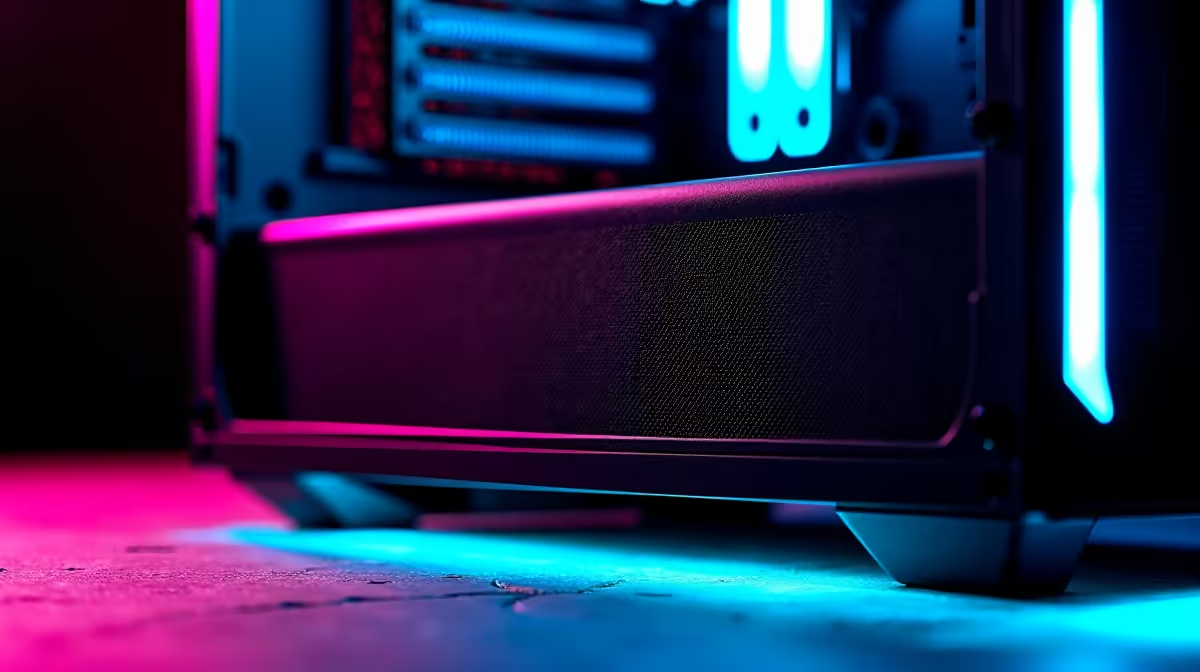
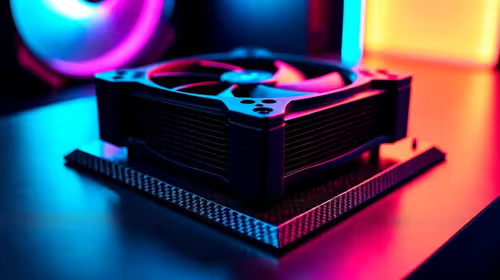
A set of dust filters is worthwhile for a shared family computer when its case has unfiltered intake openings and visible dust returns quickly. Filters do not replace cleaning, sensible placement or balanced airflow. Dense material can also raise temperatures when it is blocked or fitted to the wrong vents.
Inspect airflow before covering openings
Power the computer down and identify each intake and exhaust using the fan direction and case layout. Photograph dust patterns, clean the system safely and record temperatures during a normal homework session plus a game or export. Mark only the intake openings that need compatible filters, leaving exhaust paths clear.
No dust-filter set has verified pricing in the factpacks. Compare candidates on exact dimensions, frame material, mesh density, mounting method, ease of cleaning, effect on fan clearance, warranty and whether the case manufacturer provides a matched part. Avoid cutting material where fibres can enter the computer.
Disconnect power before cleaning, prevent fans from spinning freely under compressed air and keep liquids away from components. Maintain backups of assignments and family files before opening the case. Record the cleaned baseline so future temperature changes are meaningful.
Buy filters when they fit the mapped intakes and temperatures remain safe after a sustained test. Moving the tower off the floor or improving room cleaning may reduce dust more effectively.
Keeping a family PC cleaner? > Browse Evetech cases and cooling gear after checking airflow.