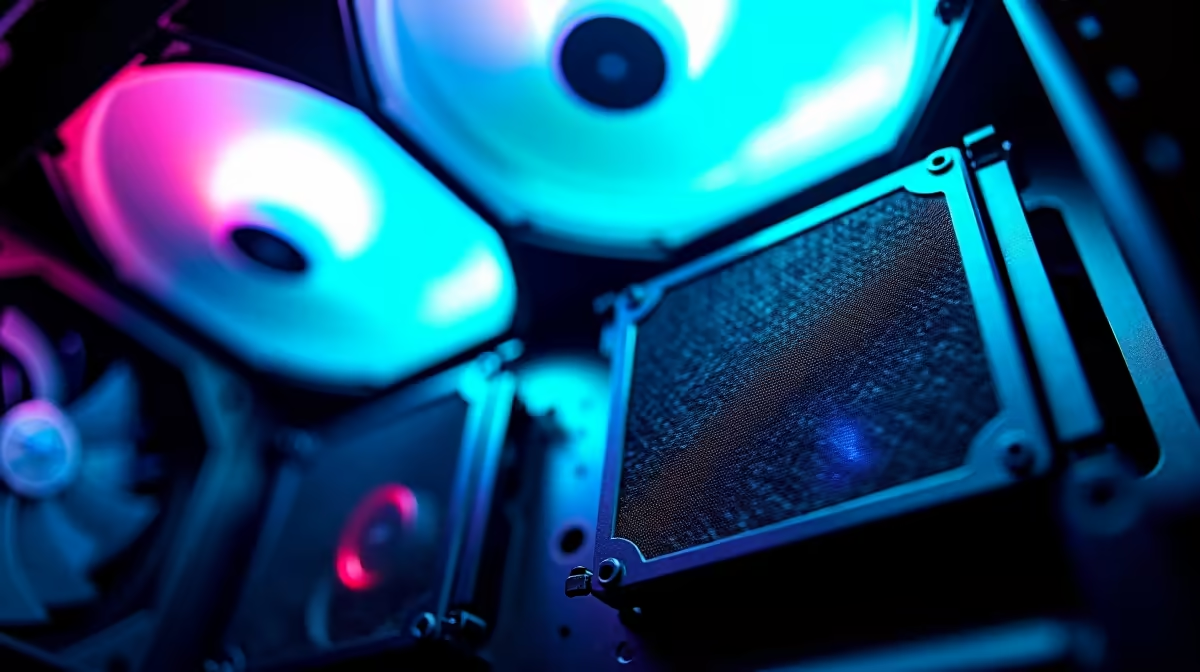
Choose a set of dust filters for a photogrammetry workstation by the case openings, fan sizes and working environment. The wider computer allowance should go toward processing hardware and storage, while filtration protects airflow over time. An overly restrictive filter can raise temperatures if the fan layout cannot overcome its resistance.
Map every intake opening
Identify which vents actually draw air during a long reconstruction. Measure their dimensions and note magnetic, slide-out or screw-mounted attachment points. Seal only unintended gaps that pull unfiltered air; never block PSU, radiator or exhaust paths. Field laptops, drone cases and memory cards should be cleaned away from the workstation so loose soil is not brought to its intakes.
No verified dust-filter set and price appears in the supplied facts. The Antec AX1000 case has a verified R800 price as an enclosure comparison, while the Gamdias AURA GC11 is verified at R400. Confirm their included filters, fan positions and internal clearances before treating either as suitable for the mapping build.
Compare temperatures before and after
Run one fixed photogrammetry image set while logging CPU and GPU temperature, clock behaviour and noise. Fit the proposed filters, keep room conditions similar and repeat the job. If temperatures rise sharply, adjust intake area or fan curves rather than accepting throttling. Record a cleaning interval and inspect filters before dusty-season workloads.
Buy filters that fit securely, remove easily and preserve safe temperatures. A custom workstation remains reliable only when filtration is maintained instead of forgotten.
Protecting a mapping tower? > Ask Evetech to compare cases and compatible cooling parts for the measured workstation.