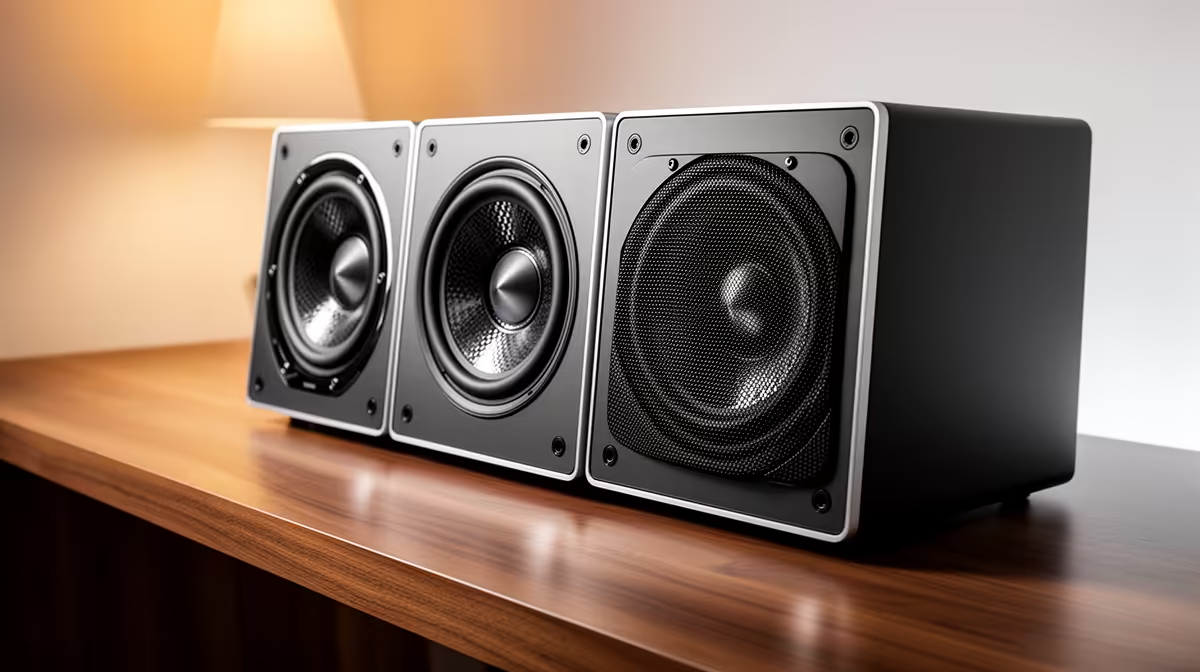
Engine note, tyre scrub and nearby traffic all help you drive, while the room decides how loudly they can arrive. Sim racing headphones vs speakers is a choice about positional detail, isolation, comfort and shared space.
Quick Answer
Headphones are the clean starting point for sim racing. They provide close directional cues, contain the sound in a shared home, and need no speaker placement around the rig. Speakers become attractive when you want open ears, easy sharing, and a permanent setup with space for correct positioning.
Audio should follow the room and platform rather than the wheel tier. Compare the physical rig first through the sim racing section. Then use the stand and frame layouts around flight simulator equipment to see where audio cables, speaker supports, or a headset hook could sit without interfering with controls.
Entry tier: use the headphones you own
A working pair of wired headphones is enough to hear engine load, tyre scrub, kerbs, spotter calls, and cars near you. Confirm the connection route. A PC may offer front and rear audio sockets or USB, while a console setup may route sound through the controller, display, or a supported USB device.
Cable reach matters from a moving seat. Leave enough slack to turn your head without pulling the plug, then secure the excess away from the wheel shaft, pedals, and chair wheels. A short extension can help when it supports the required plug and microphone standard.
Set volume at a comfortable level. Racing audio has sustained engine noise and sharp peaks. Raise the spotter or important effects inside the game before pushing the whole mix louder. Take breaks during long stints.
Stereo is useful. A well-mixed game can position cars and cues without requiring a large channel count. Learn the title's audio settings before buying hardware for a surround label.
Middle tier: choose comfort and a clean signal
Upgrade headphones when the current pair becomes uncomfortable, isolates too much, lacks a microphone you need, or connects poorly to the platform. Weight, clamp pressure, pad material, and ear-cup depth matter during hour-long races.
Open-back headphones can feel airy and give a broad presentation, but they leak sound and allow room noise in. Closed-back models contain more sound and can reduce distractions. Neither design wins in every home. Choose according to the people and noise around the rig.
Wireless removes a cable from the seat, yet brings battery management and platform support. Bluetooth can introduce delay depending on the complete connection, while dedicated wireless systems may use their own USB transmitter. Check current compatibility with the exact PC or console.
A separate microphone is useful for team racing when the chosen headphones lack one. Place it so steering movement and wheel vibration do not strike the stand. Test voice activation or push-to-talk against engine noise.
Speaker tier: plan the room around the seat
Two speakers can give a convincing result when placed symmetrically in front of the driver. Aim them towards the seated position and keep their height as close to ear level as practical. The wheel and monitor should not block one side more than the other.
Speakers suit a permanent rig because their relationship to the seat matters. If the wheel stand moves around the room, audio balance changes each time. Small desktop speakers may work on the monitor desk, provided wheel vibration does not make them rattle.
Check how audio reaches them. A PC can use analogue, USB, or digital outputs depending on its hardware. A console may send sound through HDMI to a television or monitor, which then needs a compatible output. Some displays have no audio output despite having HDMI.
Powered speakers need sockets and cable management. Keep power and signal cables clear of pedals and seat rails. Avoid running leads where someone enters the cockpit. A volume control reachable from the seat is useful, but it should not sit where your hand can catch it during a correction.
What a subwoofer changes
A subwoofer adds low-frequency weight to engines, kerbs, and impacts. It also sends energy through floors and walls, which can be unwelcome in a flat or at night. Room placement affects the result more than putting it beside the rig for appearance.
Start with the level low and blend it with the main speakers. Heavy bass can mask tyre and engine detail. Use isolation methods approved for the floor and speaker, and agree on sensible listening times in a shared home.
A tactile transducer is a different approach. It attaches to a suitable seat or frame and turns selected audio or telemetry into vibration. It requires compatible mounting, amplification, software, and careful tuning. Treat it as a later rig project, not a required part of good sound.
Surround sound, virtual processing, and spotters
Physical surround speakers can place effects around the driver, but they need space and calibration. Side and rear channels should sit relative to the seated position, which is difficult in a corner or multipurpose room. Extra speakers also add cables and power needs.
Headphone surround processing creates directional cues through two ear cups. Results depend on the game, platform, and listener. Compare it with plain stereo using the same replay or practice session. Avoid stacking several spatial effects from the game, operating system, and headset software because the combination can blur direction.
The in-game spotter is one of the most valuable audio tools. Set voice volume so calls remain intelligible over the engine. Then balance tyre, opponent, wind, and impact sounds for the information you use. A good mix can improve awareness on modest hardware.
Match audio to each kind of rig
A desk-clamped starter rig pairs well with wired headphones. They occupy little space and move with the setup. Put the cable on the side away from the shifter and store the headphones on a stable hook that does not load the wheel rim.
A folding stand can use wireless headphones if platform support and battery life suit your sessions. Keep the transmitter connected to the gaming system rather than the folding frame. This shortens setup and protects the USB plug.
A permanent cockpit can support speakers, a microphone arm, and later low-frequency feedback. Build separate mounts where possible so force feedback does not shake the speakers or microphone. Measure monitor and speaker positions together.
If several people watch or take turns, speakers make the session easier to share. Headphones remain useful for late racing and voice chat. A practical mature setup may use both, switching outputs according to the time and company.
Test before changing equipment
Use a familiar car and circuit. Listen for tyre scrub at corner entry, engine tone near the shift point, spotter clarity, and a car moving from one side to the other. Fix the in-game mix before judging the hardware.
Check for hum, crackle, channel imbalance, and disconnections. Reseat cables, test a known port, disable unnecessary processing, and compare another supported device. Wheel motors and power supplies can expose poor cable routing, so separate signal and power leads where practical.
Comfort needs a full stint test. Heat around the ears, pressure on glasses, or a cable brushing your shoulder may matter more than a small sound difference. For speakers, test at the volume you can use in the room rather than a showroom level.
FAQ
Are headphones better than speakers for sim racing?
Headphones give private, close directional sound and suit compact rigs. Speakers keep your ears open and make racing easier to share. The better choice depends on the room, platform, session length, and people nearby.
Does surround sound matter for competitive racing?
Clear positional cues and a well-balanced spotter matter. Stereo headphones can provide useful direction, while surround systems may add immersion when set up well. Compare modes without stacking multiple spatial processors.
Can I use a soundbar with a sim rig?
Yes, when the PC, console, television, or monitor provides a compatible audio path. A soundbar offers simple front sound, though its fixed width and position give less placement control than separate speakers.
Choose sim-racing audio around your room, platform, and stint comfort, then tune the game mix before adding more hardware.