The Lenovo LOQ RTX3050 at R9,500 suits a streamer who wants a laptop with dedicated graphics for a cleaner live production setup without moving near the the stated budget ceiling.
Smart picks for a streaming desk
For live streaming, the Lenovo LOQ RTX3050 at R9,500 is the strongest first look because the RTX3050 spec gives you more graphics headroom than a plain office machine. That matters when the same desk is handling camera preview, browser sources, chat, and a light game or screen share at the same time.
The Lenovo IdeaPad Slim 3 i7 at R13,400 is a neater option for a creator who mostly streams lessons, webinars, or product demos. Its i7 spec is useful when the workload is more about browser tabs, slides, a capture app, and multitasking than gaming visuals.
The ASUS Vivobook S14 OLED at R10,719 makes sense when colour and framing matter on a compact desk. The OLED spec is helpful for checking thumbnails, overlays, camera exposure, and scene contrast before going live.
Creator Desk Setup For SA Streaming
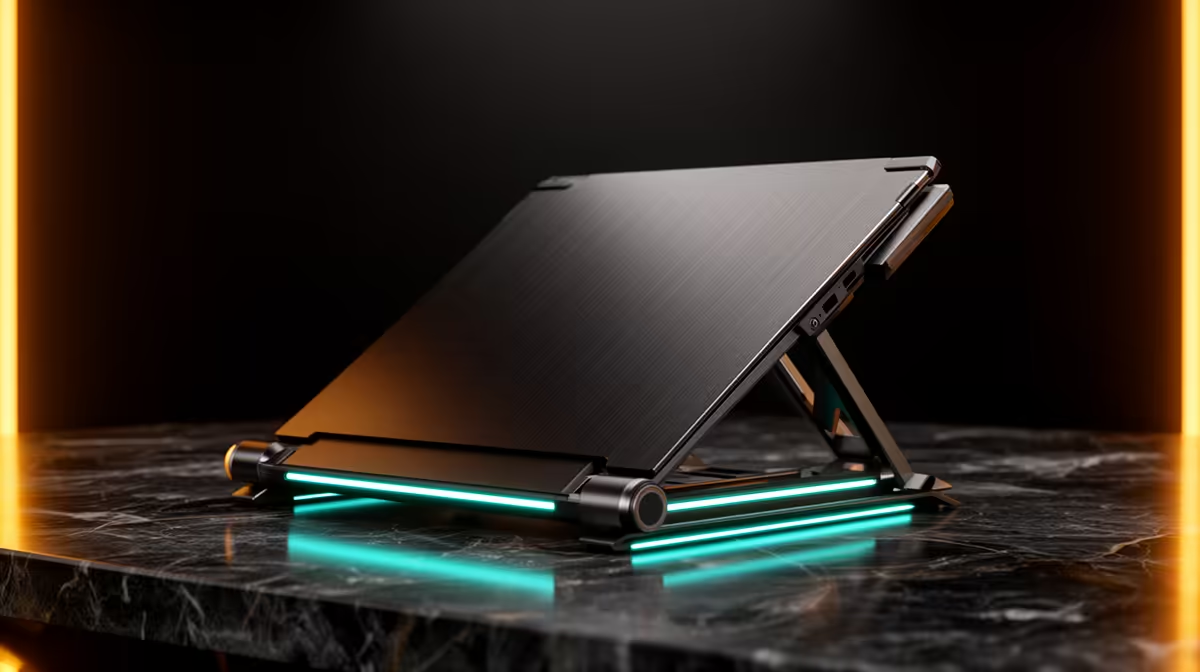
A small creator desk benefits from a laptop that can sit on a stand while a microphone, webcam, and second screen take the main viewing position. The ASUS ExpertBook P1503 i5 at R9,858 fits that practical role for lighter streaming admin, while the ASUS Vivobook X1504VA i7 at R13,999 gives more processor room for a busier browser-based workflow.
The ASUS ExpertBook P5405 at R12,700 is another sensible pick for a tidy desk where reliability and everyday laptop use matter between streams. It is not the graphics-first option, but it keeps the budget controlled for a practical work-and-stream setup.
Ready to choose the right laptop?
Use ASUS ExpertBook P1503 i5 at R9,858 as the laptop shortlist benchmark, then check whether its listed spec matches the space, workload, and upgrade path.