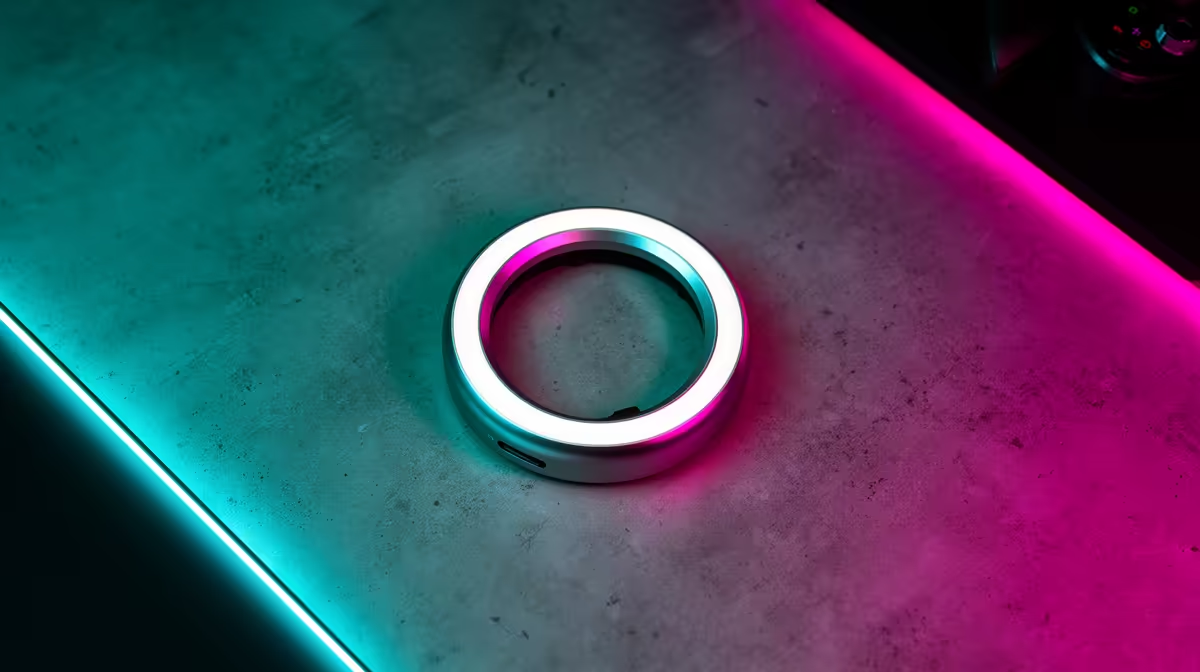
A smart light kit is not overkill for a TikTok creator when repeatable brightness, colour temperature or remote control solves a real filming problem. It is unnecessary when a window and one well-placed basic light already produce consistent results. The supplied factpacks do not verify a light kit or price.
Fix placement before adding automation
Film a test clip at the normal time of day. Check facial shadows, skin tone, reflections, background separation and flicker. Move the camera and existing light before buying more fixtures. A smart app is useful only if it saves repeatable scenes or lets one person adjust the setup without leaving frame.
The NearStream V08AF 4K webcam is a verified creator-camera reference at R678. It still needs suitable framing and light. For any new kit, check documented brightness, colour-rendering information, flicker behaviour, mounting safety, power requirements, app support and manual controls. A cloud-only control system can become inconvenient when the account or connection is unavailable.
Keep stands outside walking paths, secure cables and avoid hot fixtures near fabric. Save one neutral talking-head preset, then test it through the final TikTok processing rather than judging the preview alone. Spend on smart lighting after the camera position and room prove that automation will improve consistency. Otherwise, choose a simple dependable light and use the remaining budget on sound or storage.
Building a TikTok workstation? > Compare verified creator PCs and webcams with Evetech while checking lighting separately.