



PCIe 5.0 vs PCIe 4.0 for Video editing in 4k in SA
PCIe 5.0 vs PCIe 4.0 for video editing in 4k is mainly about fit, features, compatibility, cost, and upgrade path, not one automatic winner. SA buyers should match the choice to the setup.
Read moreSmall business POS use needs a router setup that keeps payment and till devices connected through the trading day. Cudy WR1300 is listed at R327, WR3600E Wi-Fi 7 at R766, M3000 mesh 3-pack at R1,502, with LTE options from LT300 R450 to LT700 R1,396.
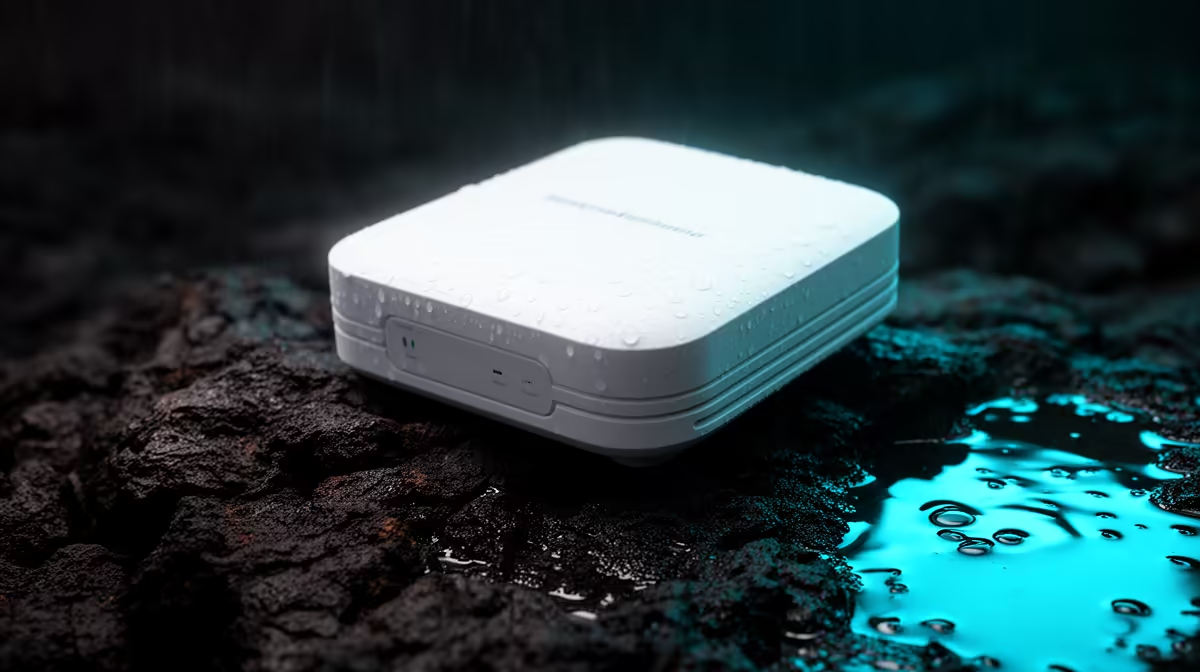
A smart outdoor access point for a small-business POS is justified only when transactions genuinely occur outside and the device path needs weather-suitable Wi-Fi. The headline budget should first protect the POS computer, wired core, internet service and recovery process. Indoor counters do not benefit from outdoor hardware.
Mark every till, handheld device and customer-facing location. Test signal, latency and payment workflow during busy hours. Identify a protected Ethernet route, mounting point and PoE method. Keep coverage within the business boundary and away from unnecessary neighbouring areas. Document who may administer the access point and when.
No outdoor access-point model and current price are verified by the factpacks. An indoor reference, the Cudy AP3000 ceiling access point, is listed at R899. Confirm its live wireless standards, Ethernet, PoE requirements, management, mounting and warranty. It must not be installed outdoors without documented weather suitability.
For a true outdoor model, verify weather rating, operating conditions, antenna pattern, link speed, PoE and mounting. Use qualified installation where height, sealing or electrical safety requires it. Secure administration, apply supported updates and retain a wired or manual transaction fallback.
Buy outdoor hardware only when the site survey and POS provider support it. Keep remaining budget for cabling, backups and business continuity.
Extending business Wi-Fi outdoors? > Check Evetech access points for verified weather and PoE support.
For POS, connection consistency around the sales counter matters more than chasing the highest model inside the R50,000 limit.
Choose around the till area, card device position, and any outdoor access point that must stay linked during business hours.
LTE options such as LT300 R450, LT500 R889, and LT700 R1,396 may suit a POS plan that needs mobile data support.
A small shop should favour predictable coverage over extra complexity, with M3000 mesh 3-pack only if one router leaves gaps.
Map the checkout device locations first, then pick the router or LTE model that can serve those points cleanly.
WR3600E Wi-Fi 7 at R766 is the listed newer wireless option, while LT700 R1,396 is the highest listed LTE choice.
PCIe 5.0 vs PCIe 4.0 for video editing in 4k is mainly about fit, features, compatibility, cost, and upgrade path, not one automatic winner. SA buyers should match the choice to the setup.
Read more
Wi-Fi 7 vs Wi-Fi 6e for competitive esports comes down to router support, latency goals, device compatibility, and coverage. SA buyers should match the choice to the real network setup.
Read more
ATX 3.1 vs ATX 3.0 for mMO and live-service games buyers - what changes is mostly about compatibility, budget, upgrade path, and setup fit. SA buyers should check device support and real needs before expecting a clear win from either option.
Read more
LGA 1851 vs LGA 1700 can affect Twitch and YouTube streaming when gaming and encoding share CPU resources. For SA creators, the real-world difference depends on encoder choice, memory support, motherboard cost, thermals, and upgrade plans.
Read more
X870E vs X670E for aaa single-player gaming is mainly about fit, features, compatibility, cost, and upgrade path, not one automatic winner. SA buyers should match the choice to the setup.
Read more
Hall Effect switches vs Mechanical switches for mMO and live-service games is mostly about compatibility, budget, upgrade path, and setup fit. SA buyers should check device support and real needs before expecting a clear win from either option.
Read more
A fake 113GB GTA VI ISO reportedly used empty padding around a small malware payload. SA gamers should delete unofficial builds, keep Windows security active and wait for official channels.

Wi-Fi 6E vs Wi-Fi 6 matters for 4K video editing when files move across a network. The real-world difference between Wi-Fi 6E and Wi-Fi 6 for video editing in 4K depends on NAS access, cloud uploads, router range, and SA creator workflows.

The difference between PCIe 5.0 and PCIe 4.0 for SA gamers is mostly bandwidth headroom. Compare GPU slot needs, NVMe speed, motherboard support, and upgrade timing before paying extra for a newer platform.

Gaming PC stuck pixel checks in South Africa should confirm the monitor fault first. Use colour tests, screenshot comparison, cable swaps, display menu checks, and clear photos before deciding on support.

Shokz OpenFit Air 2 earbuds weigh 7.2g each and use a redesigned dual-driver open-ear layout. SA buyers should choose them for comfort and awareness, not maximum isolation.

AMD's current driver now lists a Radeon RX 9050 4GB, while product coverage details a narrowed memory system. SA buyers should weigh the low VRAM ceiling against current local Radeon options.

Samsung Display has demonstrated a 16-inch 2.5K OLED laptop panel running at 300Hz. SA buyers should wait for a named notebook, full panel specifications and a local price before planning an upgrade.

Microsoft says some Windows 11 game crashes after recent updates are linked to RGB-related drivers. Affected SA gamers should confirm the update and driver before using the published registry workaround.

RTX 5090 on a 650W PSU is a tight pairing with very limited headroom. For SA gaming PCs, focus on total system draw, PSU quality, connector support, CPU choice, and avoid OC plans unless the full build is carefully power-limited.
PCIe 5.0 vs PCIe 4.0 for video editing in 4k is mainly about fit, features, compatibility, cost, and upgrade path, not one automatic winner. SA buyers should match the choice to the setup.

850W PSU safety for RTX 5090 is plausible with a quality unit and balanced parts. In SA, confirm connector support, CPU power draw, case airflow, PSU age, and spare capacity before building around 850W.
Wi-Fi 7 vs Wi-Fi 6e for competitive esports comes down to router support, latency goals, device compatibility, and coverage. SA buyers should match the choice to the real network setup.