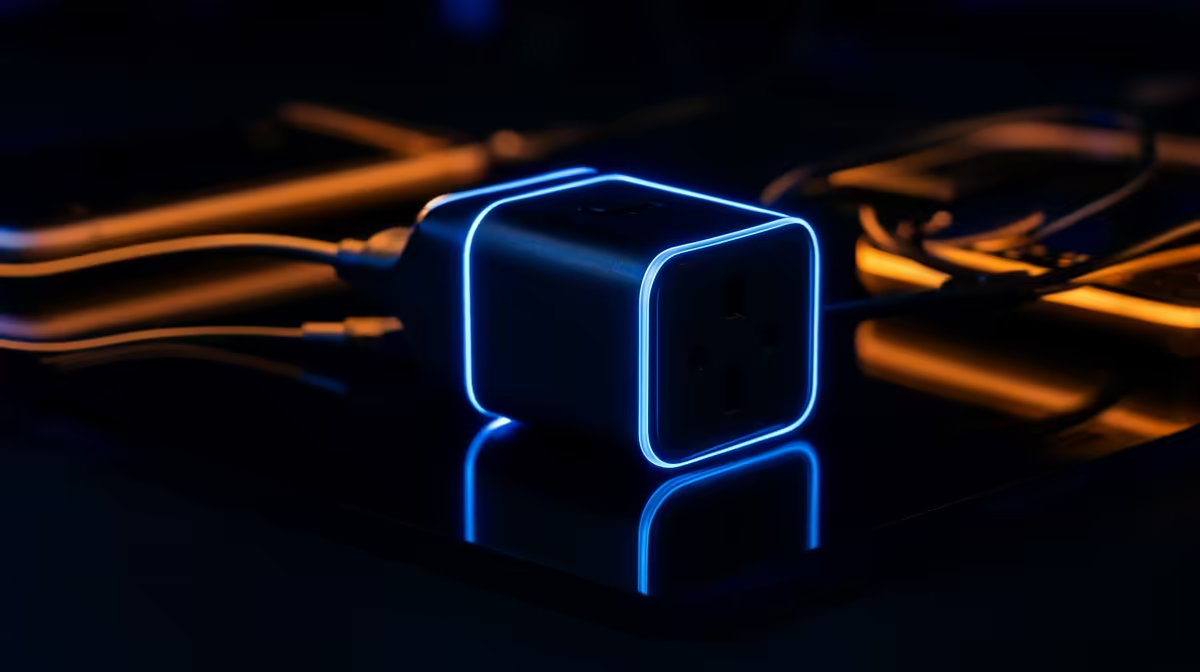
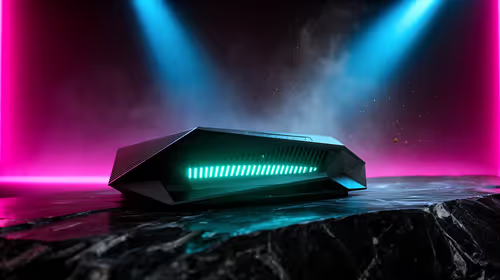
A smart plug set can schedule lamps around an esports practice desk, but it should never cut power to the gaming PC, monitor or network hardware during updates or matches. The verified facts contain no plug model. Source compliant products elsewhere after checking load rating, app support and a physical override.
Automate only low-risk equipment
The Cudy WR6500H at R1,394 supplies verified Wi-Fi 7 routing where compatible clients and coverage needs fit. For compatible practice devices, the verified Cudy WR3600E offers Wi-Fi 6 routing at R766.
A supported esports desktop can add internal PCIe Wi-Fi 6 through the confirmed ASUS PCE-AX1800 at R147.
Test one lamp for a week
Name the plug by room, create one practice-light schedule and confirm that the physical button works when the app or internet fails. Do not connect heaters, crowded multi-plugs or the gaming tower. Use separate household accounts and remove access when a player leaves a shared residence. Review activity logs and check the plug for heat. Keep match preparation focused on stable network, display and input settings. Smart control earns its place through a safe repeatable lighting routine, not through remote power over critical gaming equipment.
Give a teammate or housemate a manual lamp switch route so account loss cannot leave the practice area dark before a match.
Organising an esports practice desk? > Tell Evetech the network, computer and lighting priorities.