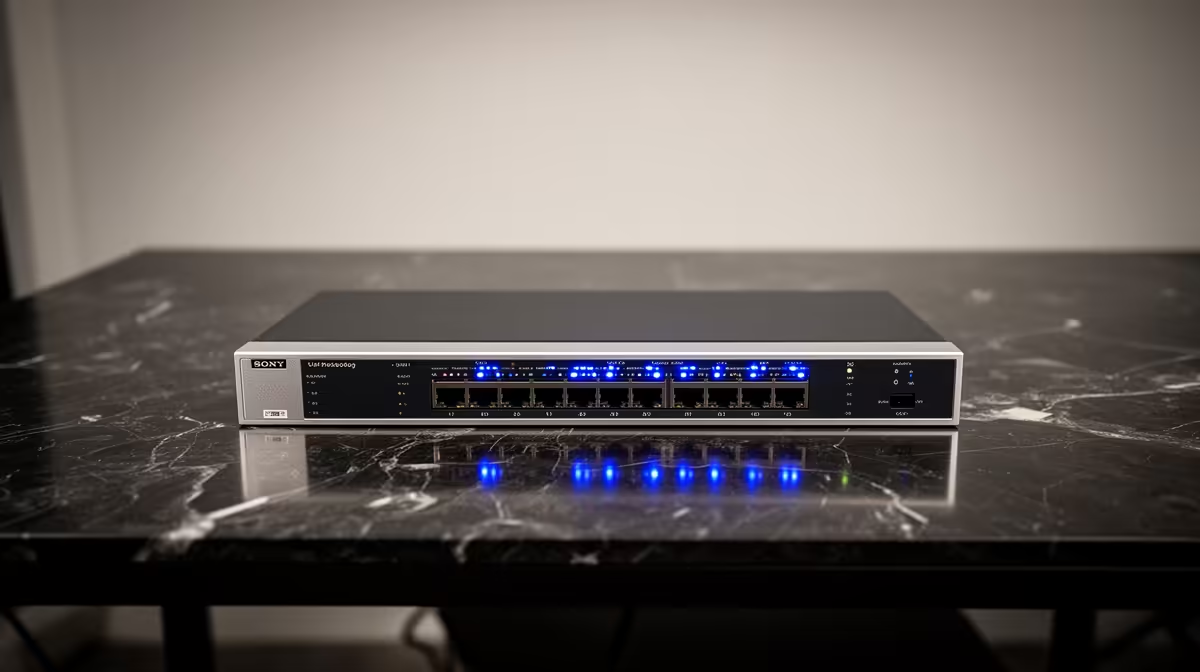
A PoE switch is useful beside a small-business POS only when the same network powers access points, cameras or compatible phones. The till computer and card device do not become faster because power travels over Ethernet. Buy the switch for documented powered devices and network segmentation, not the business budget alone.
Map payments and powered devices separately
List every powered endpoint, its PoE standard and maximum draw. Add the wattage, allow headroom and check each port limit plus the total budget. Mark non-PoE uplinks to the router, POS, recorder and any other switch. Managed VLANs can separate payments, staff, guests and cameras when correctly configured.
The available product evidence identifies no confirmed PoE switch or associated amount. Inspect current Evetech listings for supported standards, port count, total power budget, uplink speed, management, fan noise, warranty and mounting. Do not connect passive-power equipment to standard PoE ports without explicit compatibility.
Use labelled, tested cabling and keep configuration backups for a managed unit. Connect the POS only after the switch network is stable, then test a sale, refund, receipt and card transaction. Provide a recovery path if the switch fails, because combining many devices on one unit also concentrates downtime risk. Retest every powered endpoint after each firmware or network configuration update.
Building a safer POS network? > Compare current Evetech PoE switches after mapping powered endpoints, VLANs and recovery.