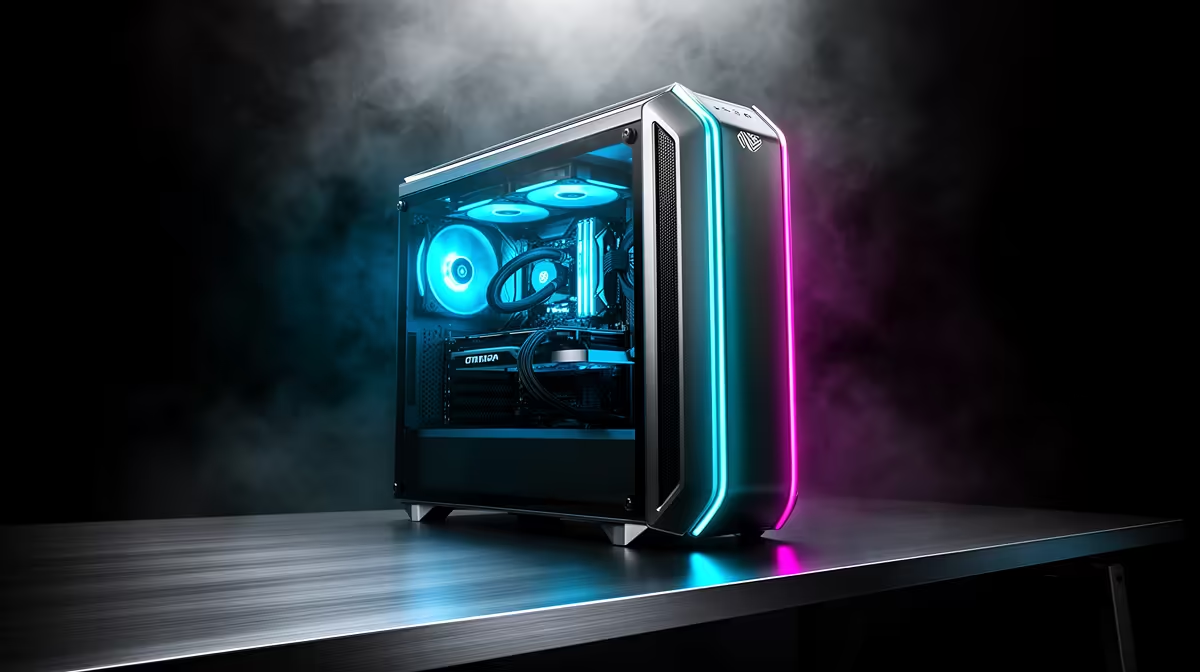
A smart streaming PC for 1080p gaming should deliver stable frame times while OBS, voice chat, alerts and local recording run together. A broad budget does not justify oversized parts that add heat without improving the target experience.
Benchmark the complete broadcast
Play the main game at the intended refresh and competitive settings. Run every scene, camera and audio source for a full match. Record one-percent lows, dropped frames, encoder use, temperature and fan noise. Test upload stability separately from local performance.
Reserve budget for a clear microphone, reliable network, monitor and backup storage. A capable modern GPU encoder may remove the need for a second PC. Keep a simple fallback scene and save the known-good profile.
At high refresh, 1080p gaming can become processor-limited even with a capable GPU. Measure CPU and GPU utilisation during the full broadcast. Balance the system around frame-time consistency rather than allocating every extra rand to graphics.
Streaming profiles should include game capture, camera, audio and encoder settings in a dated backup. Rebuilding them under deadline invites avoidable mistakes.
Check CPU frame times before allocating the entire build to graphics.
The Palit RTX 5060 8GB is verified at R4,800. The ViewSonic VX2779A 240Hz monitor is verified at R2,350. Confirm encoder support, ports, power, game fit and stock.
Building a 1080p streaming PC? > Compare Evetech hardware by frame-time stability.