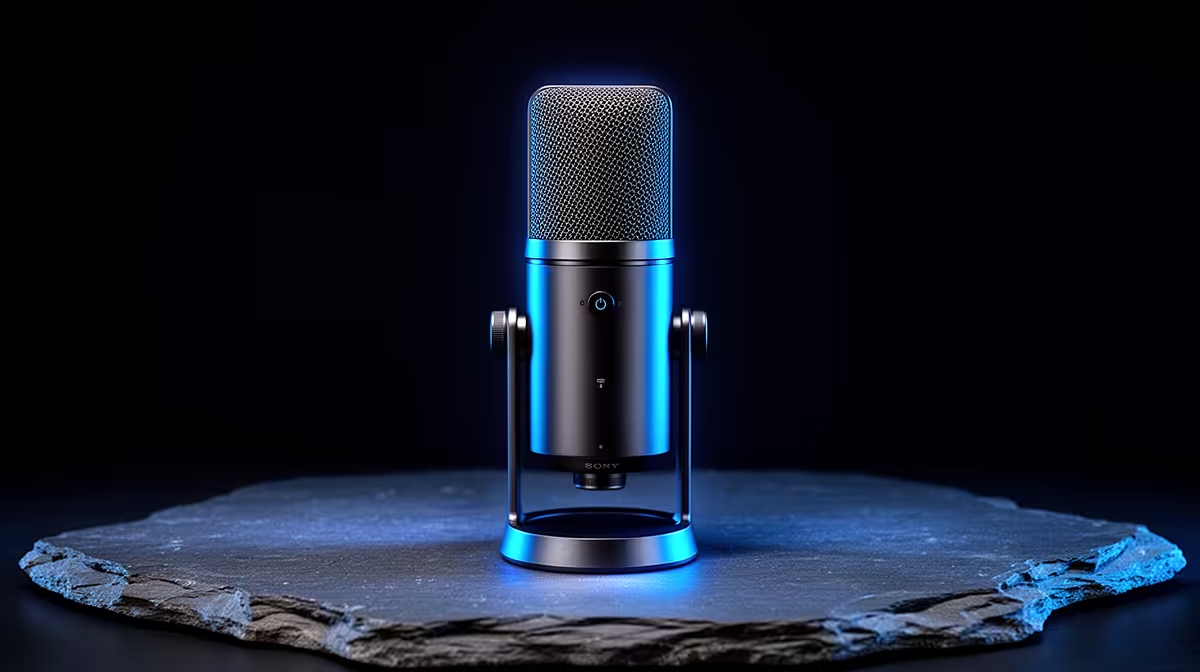
HyperX SoloCast 2 at R690 suits a creator desk where clean voice capture for 2D animation notes, tutorials, and character scratch tracks matters more than buying an oversized audio setup. A good microphone choice here should keep the desk simple, leave budget for a tablet or monitor, and make voice work feel repeatable.
Smart microphone picks for creators
The HyperX SoloCast 2 at R690 is the sensible first pick because it keeps the setup focused on one USB microphone instead of extra audio hardware. For short animation voice notes, animatic dialogue, and screen-recorded explanations, that simplicity is useful when the desk already has a drawing tablet, keyboard, and reference screen competing for space.
The NearStream AM10X-P USB/XLR at R730 is the more flexible option if the creator may later move from direct USB recording to an XLR-friendly setup. That USB/XLR spec gives it room to grow, so it suits someone who starts with simple desktop capture but wants a path toward a tidier audio chain for more polished voice work.
The MARVO MIC-07 at R351 is the budget-conscious choice for a starter animation corner. At this price, it makes sense for rough voice guides, timing tests, and quick narration drafts before the final take is recorded on the main desk microphone.
Creator desk setup for animation voice drafts
On a compact creator desk, the HyperX SoloCast 2 at R690 keeps the audio choice straightforward while the NearStream AM10X-P USB/XLR at R730 adds upgrade flexibility. The MARVO MIC-07 at R351 works best as an entry mic for practice takes or a second workstation.
Ready to choose the right microphone?
Use HyperX SoloCast 2 at R690 as the microphone shortlist benchmark, then check whether its listed spec matches the space, workload, and upgrade path.