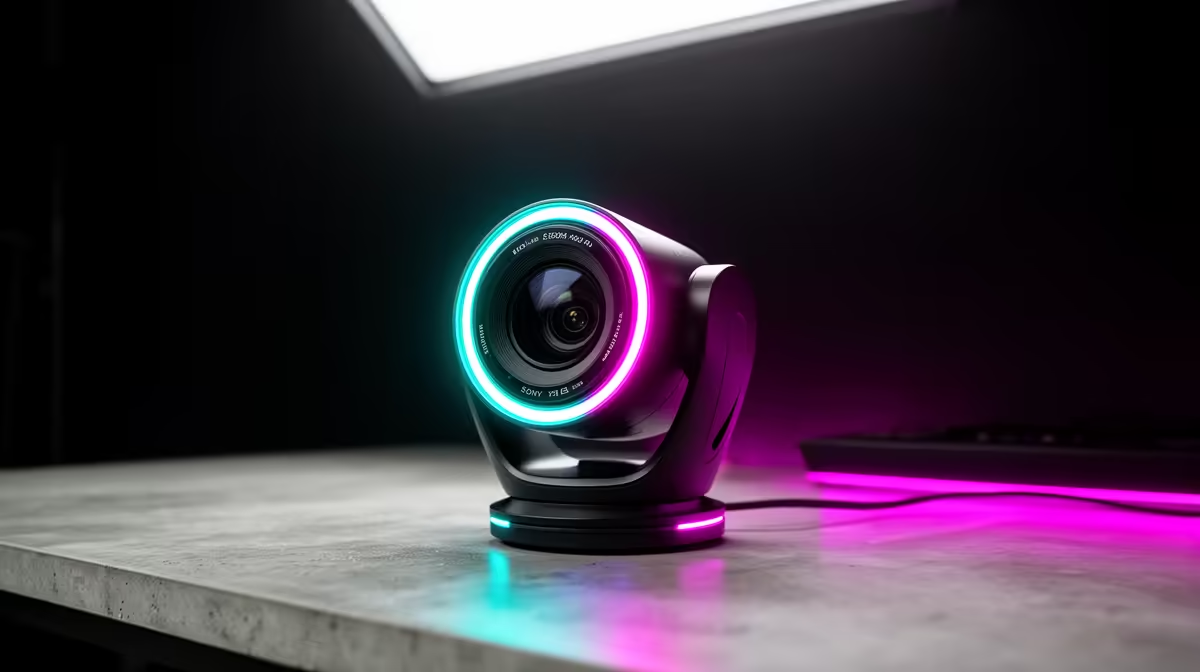
South African streamers who upgraded to high-bitrate HDMI broadcast webcams hit a wall they did not expect: the camera produces gorgeous uncompressed footage, but the upload pipe squeezes it back to mush. Matching your fibre plan to what the camera actually outputs is the step that closes that gap and keeps your 1080p60 or 4K feed landing at the viewer in the shape it left your desk.
Quick Answer
A 100/100 Mbps symmetrical fibre line comfortably carries an HDMI broadcast camera feed encoded for streaming. 1080p60 wants about 6 to 9 Mbps upload. 4K30 needs roughly 20 to 25 Mbps. The bottleneck is almost never the camera itself but the upload speed and whether the plan is symmetrical or not.
🔌 Why HDMI Cameras Produce Higher Bitrates in the First Place
An HDMI broadcast webcam works differently from a straightforward USB model. The sensor captures footage as a full, uncompressed video signal, then outputs that signal through the HDMI port. A capture device sitting between the camera and the PC converts it into a format your streaming software can use.
The quality advantage is real. Nothing is thrown away before the encoder sees it, so the software works from the richest possible source material. That matters most at 1080p60, where fine texture and fast motion both benefit from a clean input signal.
The trade-off is that a higher-quality source requires a higher output bitrate to preserve that quality during encoding. Set the encoder too conservatively and you waste the camera's capability. Set it generously and your upload line has to carry the load without flinching.
Understanding this chain, sensor to HDMI to capture device to encoder to internet, is the foundation for choosing a fibre plan that actually fits.
📡 Reading SA Fibre Plans for Upload Symmetry
Most South African entry-level ADSL-era thinking trained people to watch the download number. Fibre changed that equation, but not all plans are symmetrical. A 100/10 Mbps asymmetric plan gives you 100 Mbps down and only 10 Mbps up. That 10 Mbps upload looks fine until you account for what lives alongside a stream.
A 1080p60 stream from an HDMI source encoded at 8 Mbps takes up 8 Mbps of that 10 Mbps upload allocation. Any voice chat, chat bot traffic, or game server packets chew into the remaining 2 Mbps. The result is a stream that stutters unpredictably, not because the camera failed, but because the plan was never sized for uploading at broadcast quality.
A 100/100 symmetrical line at the same price tier gives the stream 8 Mbps with roughly 90 Mbps of headroom for everything else. That headroom is what keeps the feed stable through a three-hour session rather than degrading into dropped frames after the first hour.
Choosing the Right Tier
For solo 1080p60 streaming via an HDMI camera: a 50/50 symmetrical plan is workable, though it leaves limited room for other traffic. A 100/100 line is the practical minimum for stable sessions with a second device on the network.
For 4K30 HDMI streaming: budget for 25 Mbps upload as a floor, which means a 50/50 line runs close to capacity. A 200/200 or 500/500 plan makes 4K broadcasting comfortable without traffic management concerns.
Operators like Vumatel, Openserve, and Frogfoot cover most Joburg, Cape Town, and Durban suburbs now. Symmetric plans at 100 Mbps and above are widely available where fibre has been deployed, often for under R700 a month on annual contracts.
🎙️ The Capture Card in the Chain
The capture device is where the physical HDMI signal becomes streaming data, and it matters more than most guides acknowledge. An entry-level capture card at around R900 to R1,500 will accept an HDMI feed and pass it to the PC, but it may impose its own bitrate ceiling or introduce a few frames of lag.
A mid-range card in the R2,500 to R5,000 range typically captures at much higher internal bitrates, processes the colour information more cleanly, and offers near-zero passthrough delay so you can monitor your own image without it feeling disconnected from your speech.
For a 1080p60 HDMI setup, the entry card is acceptable. For 4K30, a better card pays back its cost in fewer artefacts and a cleaner feed at the encoder. Check that the card you choose supports the frame rate and colour space the camera outputs before purchasing.
Pro Tip ⚡
Run a speed test specifically for upload during your streaming hours, not just once at installation. SA fibre upload speeds can vary with network congestion in residential areas during evening peak. If your 100 100 plan tests below 40 Mbps up between 8pm and 11pm, contact your ISP before assuming the camera is the problem.
🔥 When an HDMI Camera Is the Right Choice
An HDMI broadcast cam earns its complexity for specific use cases. Multi-camera setups, where three or four angles feed into a mixer before the stream, benefit from HDMI because it carries the signal over longer cable runs with no quality loss. A USB cable starts degrading at five metres; a quality HDMI cable stays clean up to ten metres, and an HDMI extender over Cat6 cable reaches thirty metres or more.
Solo desk streamers chasing incremental quality gains on a 100/100 or faster fibre line also see genuine benefit. The cleaner source material allows the encoder to produce a better result at the same bitrate, which means the stream looks sharper without demanding more upload bandwidth.
Where an HDMI camera is genuinely unnecessary is the most common situation: a solo content creator on a desk, well under two metres from their PC, streaming at 1080p30 to an audience of under a few thousand concurrent viewers. A quality USB webcam at that distance, on a 50/50 fibre line, is essentially indistinguishable to viewers and simpler to maintain.
Frequently Asked Questions
Why does pairing an HDMI camera with fast fibre make a difference?
The camera outputs video at a significantly higher quality than a USB webcam encodes internally. When your encoder converts that signal for streaming, it works from richer source material and can produce a cleaner result at the same output bitrate. A fast, symmetrical fibre plan ensures the encoder's output actually reaches viewers without being throttled mid-stream by upload congestion.
What upload bitrate does a 1080p60 HDMI stream actually use?
Encoding at broadcast quality for 1080p60 typically lands between 6 and 9 Mbps for the video alone. Add roughly 128 to 320 kbps for audio, and a clean 1080p60 stream sits comfortably under 10 Mbps. A 50/50 fibre line handles this well for a solo stream; a 100/100 line gives room for other network traffic running at the same time.
Does an HDMI webcam need a capture card to connect to a PC?
Yes. HDMI is a display output standard, not a direct PC input. The camera's HDMI port routes to a capture device, which converts the video signal into a USB or PCIe input the PC and streaming software can see. Unlike a USB webcam that shows up immediately, an HDMI setup requires this intermediate step before the camera appears as a source.
Is a 50 Mbps upload enough for 4K30 HDMI streaming?
It is tight. A 4K30 stream encoded at around 25 Mbps leaves only 25 Mbps of upload budget for audio, game traffic, voice communication, and any other connected devices. During peak evening hours on a residential fibre node in South Africa, that margin can disappear. A 100/100 or faster plan removes the anxiety and gives the encoder consistent headroom.
When is an HDMI camera overkill compared to a USB option?
If you are streaming alone from a desk within a metre of your PC, at 1080p30 or 1080p60, to a standard streaming platform, a good USB webcam produces an excellent result without the complexity of a capture device. HDMI broadcast cameras justify their setup overhead for multi-camera productions, long cable runs, studio installs, or creators who want the absolute cleanest source material for post-processing as well as streaming.
Ready to match your camera quality with an upload speed that keeps up?
Browse the HDMI-capable webcam and capture device range at Evetech and find the combination that suits your fibre tier and streaming goals.