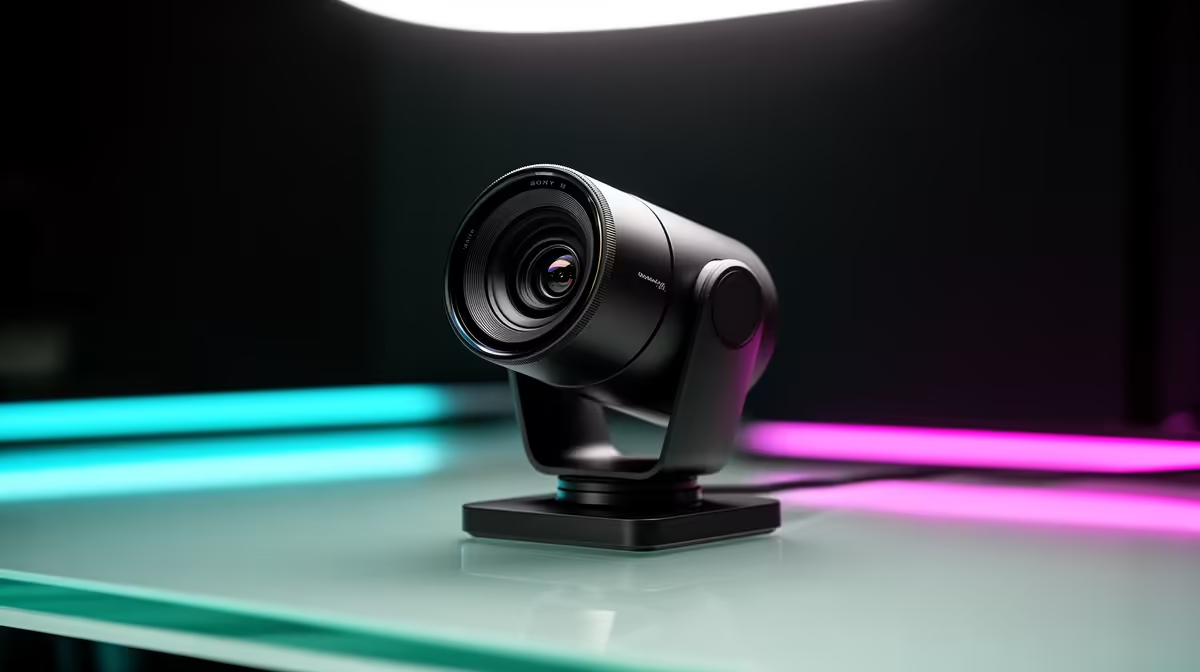
Walk into any South African electronics retailer and the webcam shelf is dominated by megapixel numbers. 4K sits above 1080p, 1080p sits above 720p, and the marketing implies the hierarchy is simple. For streaming, it is not. Streaming webcam specs interact in ways that make a well-chosen 1080p camera visibly outperform a poorly chosen 4K one, and understanding which numbers actually drive real-world quality is what separates a sharp, professional stream from one that looks soft regardless of the camera price.
Quick Answer
For streaming, prioritise sensor size and frame rate over resolution. A large-sensor 1080p camera at 60fps produces cleaner, smoother video than a small-sensor 4K model at 30fps. Budget around R2,000 to R3,000 for a streaming-grade option with autofocus and a wide lens.
🔆 Why Sensor Size Outranks Resolution
Resolution tells you how many pixels a sensor contains. Sensor size tells you how much light each pixel can gather. Those are very different things, and light-gathering ability is what determines whether your image looks clean or grainy when the room is less than perfectly lit.
A 4K sensor packed onto a small physical chip has tiny individual pixels. Each one captures a narrow slice of the available light, which means in any room that is not flooded with studio lighting, the camera has to amplify the signal to get a usable image. That amplification introduces grain. A larger sensor with fewer pixels can gather the same scene with less amplification and less grain.
For most streamers in South African homes and offices, room lighting is variable. Daytime shooting near a window is fine; evening streams or rooms without strong overhead light are where sensor size separates the cameras. A larger sensor stays clean where a smaller one grains up, regardless of what the resolution figure says on the box.
Reading the Spec Sheet Honestly
When you are comparing webcams, look for sensor size listed in fractions of an inch. Larger fraction denominators mean a physically bigger chip. A 1/2.8-inch sensor holds more light per pixel than a 1/3.6-inch one. If the spec sheet only shows megapixels, treat that as incomplete information and dig further before committing.
Pair sensor size with maximum lux rating or low-light performance claims. A camera spec that mentions back-illuminated sensor design is worth attention, as that architecture improves light capture from the same physical area compared to a front-illuminated equivalent.
🎯 Frame Rate: The Spec Streamers Underrate
Resolution affects how sharp a still frame looks. Frame rate determines how fluid motion appears during live video, which is a fundamentally more important quality for streaming than for video calls.
At 30fps, fast head movements and hand gestures produce a light trail of motion blur. At 60fps the same movement looks smooth and intentional. For a streamer who is reactive, expressive, or demonstrating products and peripherals on camera, 60fps is the more professional choice.
The bandwidth implication is real. Doubling frame rate roughly doubles the bitrate needed to encode that footage at the same quality. Before committing to a 60fps webcam, check that your South African fibre upload speed can absorb the difference at your chosen streaming resolution. A consistent 20 Mbps upload handles 1080p 60fps comfortably; a shaped or constrained line may force you to either drop to 30fps or reduce quality settings in your encoder.
✨ Autofocus and Lens Angle
A fixed-focus webcam works when the subject sits at exactly the right distance and never moves. Streamers who lean forward to show something, gesture with their hands, or shift posture during long sessions quickly discover that fixed focus introduces soft moments at the edges of its focal range.
Continuous autofocus keeps the subject sharp across a reasonable depth range. The quality of autofocus varies considerably between cameras. A slow, hunting autofocus that pulses in and out is worse than fixed focus for streaming, because the motion is visible and distracting. When evaluating a camera, look for reviews or sample footage that specifically tests autofocus during movement.
Lens field of view sets how much of your space appears behind you. A narrow lens around 65 degrees frames your face tightly, which suits a clean, minimal look. A wide lens around 90 degrees includes more background, useful if you want viewers to see your setup or if you are presenting from a wider space. Neither is universally better. The right choice depends on what your background looks like and what the stream is communicating.
Pro Tip ⚡
Mount the webcam at eye level rather than on top of a tall monitor. A camera looking up at you from below adds unflattering shadows and a wide-angle distortion. A small webcam mount or adjustable arm sitting level with your eyes costs very little and noticeably improves the framing.
💰 Budget Guidance for SA Buyers
At around R1,000 to R1,500 you get reliable 1080p 30fps with basic fixed focus. This is the entry point that handles standard video calls but starts to show its limits for serious streaming use.
The R2,000 to R3,000 range is where streaming-grade hardware begins. At this level you should expect 1080p 60fps, a reasonable autofocus system, and a wide lens option. These cameras are appropriate for content creators, daily streamers, and remote professionals who are on camera for extended hours.
Above R3,000 you gain 4K resolution, larger sensors, and more advanced autofocus. This range makes sense once you have the lighting, the upload bandwidth, and the production environment to justify the resolution jump. Buying into 4K before your room, your connection, and your content demand it is spending money on a spec that your stream never uses.
Frequently Asked Questions
Which webcam specification matters most for live streaming?
Sensor size and frame rate together carry the most weight. A large sensor produces clean, low-noise video in real-world room lighting, while 60fps makes motion look professional and fluid. High resolution matters less than many buyers assume, since most streaming platforms cap output quality well below 4K anyway.
Is autofocus important on a streaming webcam?
For anyone who moves during a stream, yes. A smooth continuous autofocus system tracks subtle depth changes as you lean in or shift in your seat. Fixed focus holds sharpness only within a narrow range, and once you step outside it the softness is obvious in a live feed. Evaluate autofocus quality separately from resolution when comparing models.
Does a wider lens always suit a streaming setup better?
Not always. A 90-degree field of view includes more of your background, which works well if the space behind you is tidy or intentionally set up. If your home or office background is cluttered, a tighter 65-degree view keeps the frame clean. The choice is as much about your environment as the optics themselves.
Can a 1080p webcam look better than a 4K one?
Yes, frequently. A 1080p camera with a large sensor, 60fps capability, and smooth autofocus routinely outperforms a 4K camera with a small, noisy sensor running at 30fps. Resolution is only one input into perceived quality, and on streaming platforms it is often not the binding constraint.
Will 60fps need more upload bandwidth from my SA fibre connection?
Yes. Doubling frame rate from 30fps to 60fps roughly doubles the bitrate required to maintain the same quality level in your encoder. A healthy fibre line with a consistent upload above 20 Mbps handles this comfortably. If your line is shaped or your upload is constrained, test your connection at peak hours before committing to a 60fps streaming setup.
Ready to find the right streaming webcam for your SA setup?
Browse the webcam range and match the sensor, frame rate, and lens angle to your actual space and upload speed.