Staring at a loading screen while your mates are already dropping into the action? It’s a classic frustration for South African PC builders. The culprit is often your storage drive. Upgrading to a Solid State Drive (SSD) is the single biggest performance boost you can make, but the big question remains: which of the main SSD interfaces is right for you? Understanding SATA vs NVMe is key to unlocking your PC's true potential. Let's dive in.
Understanding the Core Difference: It's All About the Connection
Choosing between SATA and NVMe isn't just about picking a fast drive; it's about understanding two fundamentally different technologies. Think of it like choosing between a reliable highway and a dedicated F1 track.
The Reliable Highway: SATA SSDs
SATA (Serial ATA) is the veteran interface. For years, it was the gold standard for connecting storage drives. These SSDs typically come in a 2.5-inch rectangular case and connect to your motherboard via two cables: one for data and one for power.
They are incredibly reliable and compatible with almost any PC built in the last decade. While much faster than old-school hard drives, they have a speed limit of around 550MB/s. They are a fantastic, cost-effective choice from our wide range of solid-state drives.
The F1 Track: NVMe SSDs ⚡
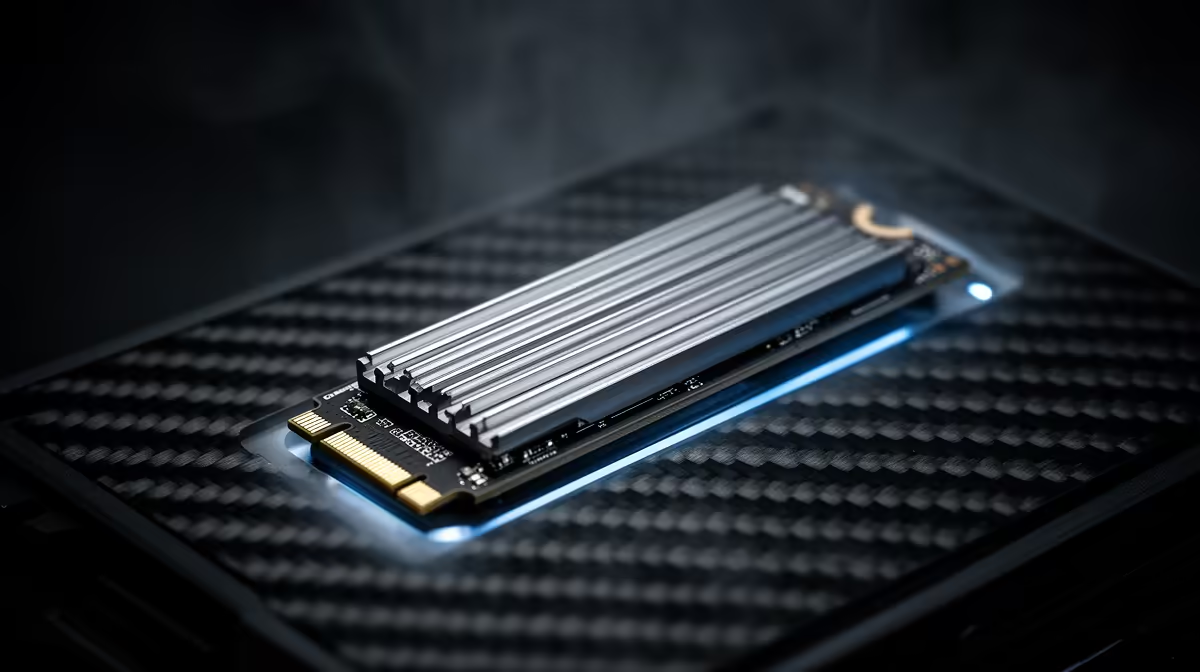
NVMe (Non-Volatile Memory Express) is the modern speed demon. These drives look more like a stick of RAM and plug directly into an M.2 slot on your motherboard. By using the super-fast PCIe bus (the same one your graphics card uses), NVMe drives bypass the SATA bottleneck entirely.
This direct connection allows for breathtaking speeds... we're talking 3,500MB/s for entry-level models and over 7,000MB/s for the latest Gen4 drives. For anyone serious about performance, browsing the latest NVMe SSDs is a must.
Check Your Motherboard! 🔧
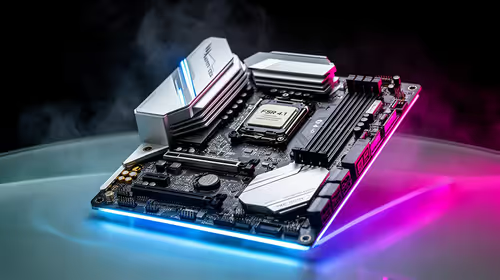
Before you splash out on a lightning-fast NVMe drive, double-check your motherboard's specifications. Look for an "M.2 slot" that supports "PCIe" or "NVMe". Some older M.2 slots are SATA-only, which will bottleneck your new drive's performance.
SATA vs NVMe: Which Is Right for Your Rig?
So, how does this battle of SSD interfaces play out for a South African PC builder's budget and gaming needs?
- For the Budget-Conscious Builder: If you're looking for the best bang-for-your-buck to store a massive game library, a SATA SSD is a brilliant choice. You can get a huge 1TB or 2TB drive for a great price, eliminating the need to constantly uninstall games. It's also the perfect technology for portable storage, as most external SSDs are limited by USB speeds anyway.
- For the Performance-Chasing Gamer: If you want your operating system to feel instantaneous and your open-world games like Starfield or Cyberpunk 2077 to load in seconds, NVMe is the only answer. The difference in responsiveness is something you feel every time you use your PC. It's the ultimate choice for a primary OS and game installation drive. 🚀
The Real-World Impact on Your Gaming
While benchmarks show massive speed gaps, what does it actually mean for you? For loading into a new map in Call of Duty or fast-travelling across the Lands Between in Elden Ring, an NVMe drive can shave precious seconds off your wait time.
For general gameplay, the difference in FPS between a SATA and NVMe drive is usually zero. However, as games become more complex and leverage technologies like Microsoft's DirectStorage, having a fast NVMe will become increasingly important. To get the best of both worlds without breaking the bank, keep an eye on Evetech’s best SSD deals, where you can often find a speedy NVMe for your OS and a large SATA for your library.
Ultimately, the SATA vs NVMe decision comes down to your specific needs and budget. Both are a massive leap over traditional hard drives, but for a truly modern PC build, NVMe is the clear winner for that primary drive slot. ✨
Ready to Banish Loading Screens?
Whether you're after rock-solid reliability or blistering speed, the perfect storage upgrade is waiting. Explore our full range of SSDs at Evetech and give your PC the boost it truly deserves.