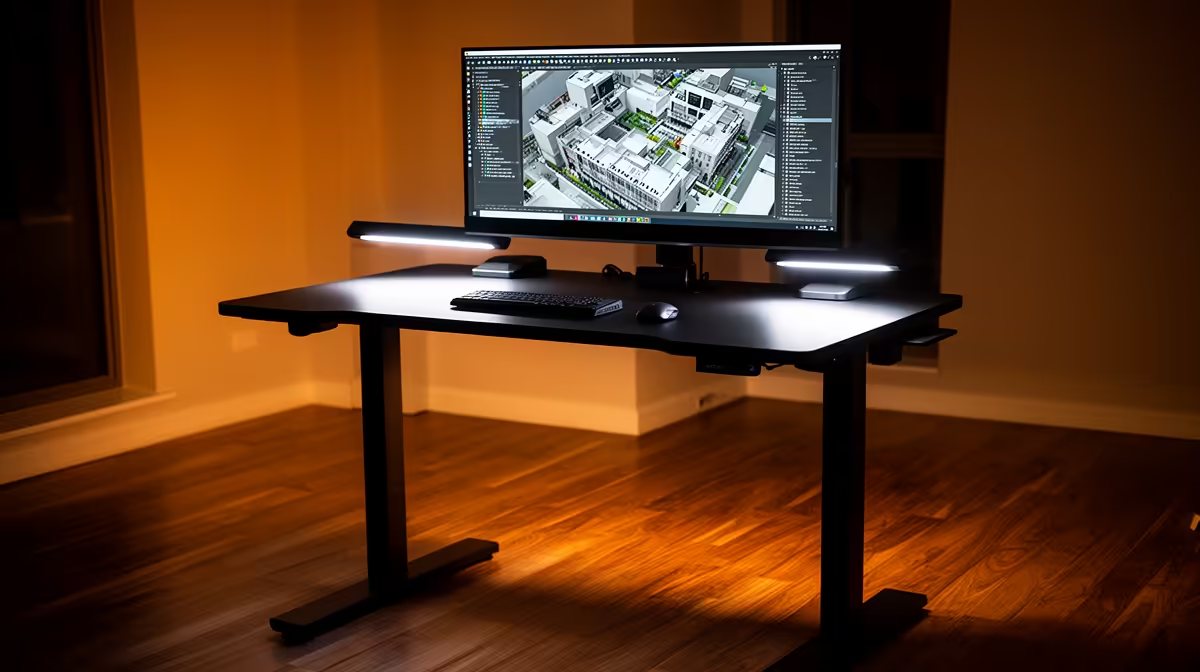
A standing desk can help a SketchUp user change posture during long modelling sessions. It does not make orbiting, rendering or geometry faster. The desk earns its cost when its height range fits the user and the moving surface carries monitors, input devices and cables without wobble.
Rehearse the model at both heights
The supplied facts contain no standing-desk model or verified price. Check current Evetech stock, load rating, minimum and maximum height, stability and warranty. Add monitor arms, speakers and laptop weight before comparing capacity. A desktop tower can stay on a fixed shelf when desk movement would pull its cables.
Route power, USB and display leads through loose service loops. Raise the empty desk through its full range and inspect each connector. Keep cables away from frame pinch points. Set the monitor near eye level and keep elbows relaxed at the keyboard and mouse.
Open a normal SketchUp project and work while seated, then standing. Note wrist reach, screen movement and precision during fine selection. Alternate positions rather than standing for hours. A fixed desk plus movement breaks may provide the same comfort. Buy when the full-range test improves posture without compromising stable control. Repeat the modelling test after adding a second display and a long rendering task upstairs.
Improving a SketchUp workspace? > Ask Evetech to compare current monitors and ergonomic desk accessories.