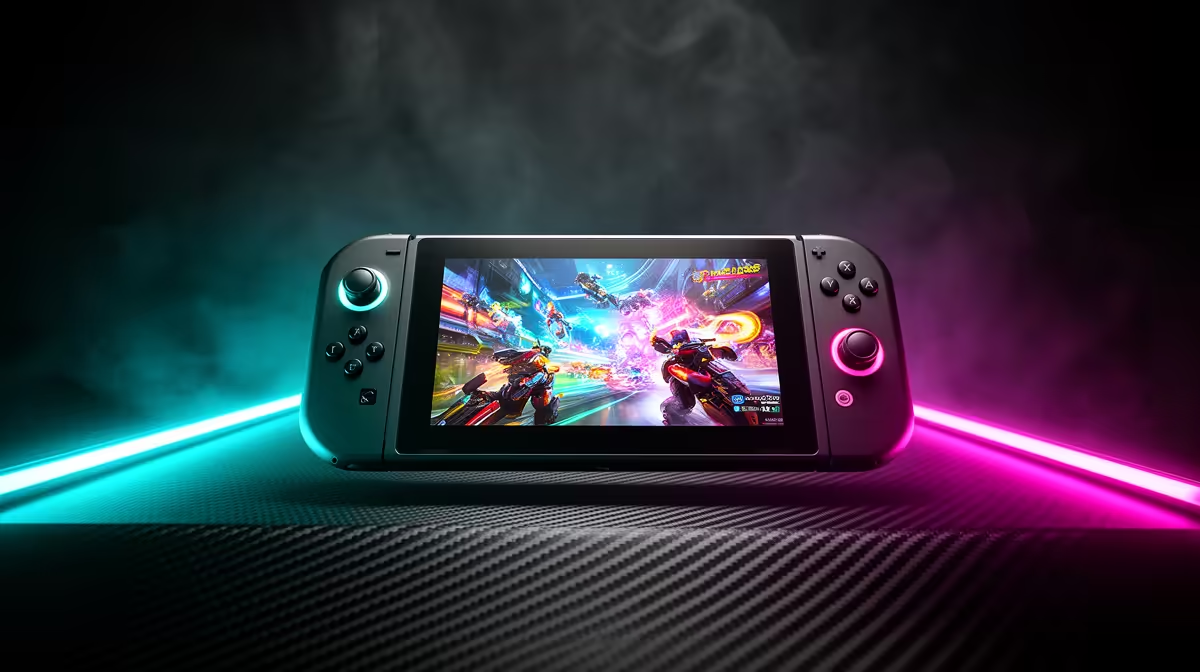
Quick Answer
The Steam Deck OLED is best valued as a portable 1280 x 800 handheld with a 90 Hz OLED screen, not as a desktop replacement. It is best judged as an 800p handheld with excellent screen quality and efficient settings control. SA buyers should treat broad imported-stock pricing around R14,000-R22,000 as a high-end handheld purchase and confirm warranty support before checkout.
What the OLED model is good at
The OLED screen, lower-power tuning, and console-like controls make it excellent for indie games, older PC titles, emulation, and couch play. Randburg buyers usually compare home delivery with quick collection, so the practical test is whether the item fits the desk, room, and warranty path after checkout. Many lighter games can run near 60-90 fps, while demanding AAA games often need 30-45 fps caps and medium or low settings.
The key buying signal is comfort and library fit. If your main games work well on SteamOS and controller input, the Deck OLED feels simpler than a Windows handheld.
Where the limits are
The 800p screen is sharp enough at handheld distance, but docked 1440p or 4K is not the main use case. A gaming laptop or desktop is better for high-refresh external monitors, keyboard-and-mouse games, and heavy multiplayer anti-cheat requirements.
Check storage carefully because modern games can exceed 80 GB. A 512 GB or 1 TB model is easier to live with than constantly moving games between internal storage and microSD.
Delivery and setup checks
Confirm the storage option, charger, case, warranty route, and whether a dock is needed. After setup, cap demanding games to 40 fps for smoother battery life instead of forcing maximum refresh.
FAQ
Can Steam Deck OLED play at 1440p or 4K?
It can output to higher-resolution displays when docked, but it is not built for heavy native 1440p or 4K gaming. Use 800p handheld settings or upscaling for the best experience.
Is the OLED screen a real upgrade?
Yes, the 90 Hz OLED panel improves contrast, motion feel, and perceived clarity. The upgrade matters most in dark games, colourful indie titles, and handheld play.
Should I choose Steam Deck OLED or ROG Ally X?
Choose Steam Deck OLED for a simpler console-like Steam experience and OLED screen quality. Choose ROG Ally X when Windows compatibility, 1080p tuning, and broader launcher support matter more.