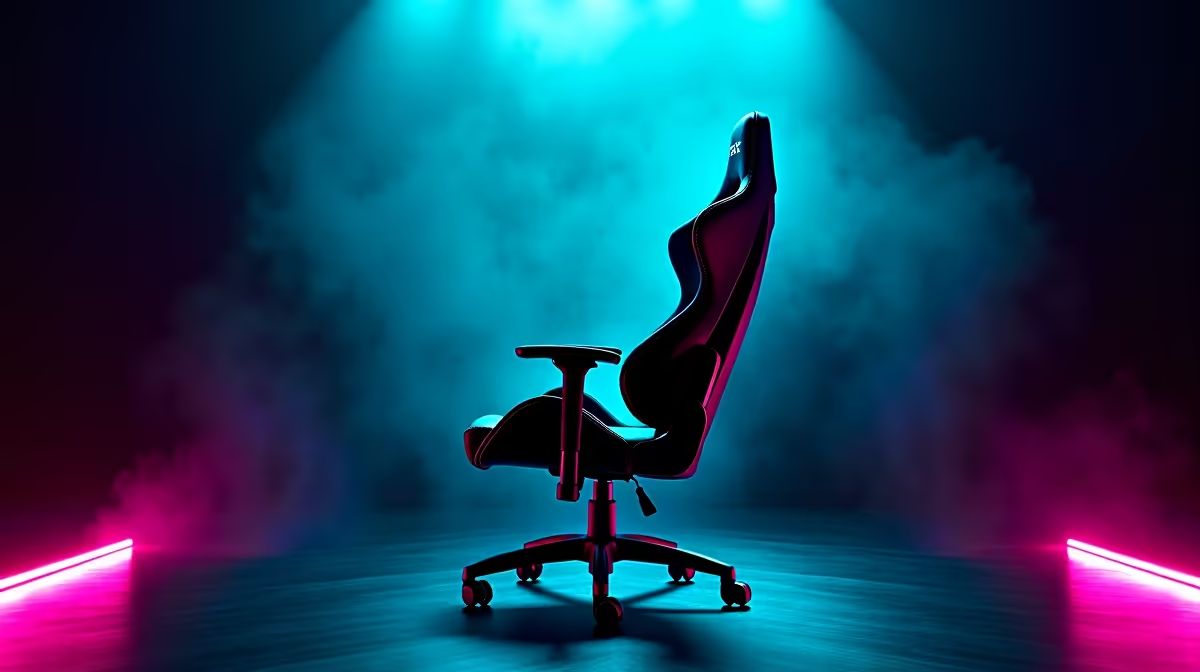
Picture this: you're in the final circle, the tension is thick... and just as you lean in for the winning shot... SQUEAK! That sound is more tilting than a load-shedding notification mid-raid. A noisy throne can completely shatter your focus. Don't let it ruin your K/D ratio.
Here’s the definitive local guide on how to stop gaming chair squeaks for good and get back to climbing the ranks in blissful silence. 🤫
Why Your Gaming Chair Squeaks (And How to Find the Source)
Before you drown your chair in lubricant, you need to play detective. A squeaky gaming chair is usually caused by friction between two parts. The most common culprits are loose bolts, the main tilt mechanism under the seat, the gas lift cylinder, or even the wheel castors.
To find the source of the squeak, sit down and rock gently back and forth. Then, lean from side to side. Recline. Swivel. Try to isolate the specific movement that triggers the noise. This will tell you exactly where to focus your efforts.
Your Step-by-Step Guide to Stop Gaming Chair Squeaks
Once you've found the noisy culprit, it's time for a quick fix. Grab a screwdriver or Allen key set and some silicone-based lubricant spray. 🔧
- Tighten Everything: Start with the basics. Systematically go over every bolt and screw on your chair—especially those connecting the armrests, backrest, and the mechanism to the seat base. A loose connection is the #1 cause of gaming chair squeaks.
- Lubricate the Mechanism: If tightening didn't work, the main tilt and recline mechanism is your next target. Spray a small amount of silicone lubricant into the joints, springs, and moving parts. Wipe away any excess to avoid dust build-up.
- Check the Gas Lift & Wheels: Sometimes the noise comes from where the gas lift cylinder meets the chair base or the wheel castors. A quick spray of lubricant in these areas can often solve the problem instantly.
Pro Lubricant Tip
Avoid standard WD-40 on plastic or rubber parts! It's a solvent that can degrade these materials over time. Stick to a silicone-based spray for a safe, long-lasting fix on your chair’s joints and mechanisms.
When to Lubricate vs. When to Upgrade
Following these steps will fix most squeaks. But what if the noise returns or never truly goes away? This often happens with older, well-loved chairs where the internal components are simply worn out. A persistent squeak can be a sign that it’s time for an upgrade. ✨
Modern designs from the top brands selling gaming chairs in South Africa often feature more robust internal mechanisms built for longevity. You don't have to break the bank either; there are many high-quality, durable options under R4000 that offer a silent and comfortable experience.
For pro gamers or those who spend countless hours at their desk, investing in one of the premium gaming chairs above R4000 means superior ergonomics, premium materials, and whisper-quiet operation that lasts for years.
Ready for a Silent Setup?
Whether you're silencing your current throne or upgrading to a squeak-free model, we've got your back. Check out the best gaming chair deals in SA and enjoy pure, uninterrupted gaming immersion.