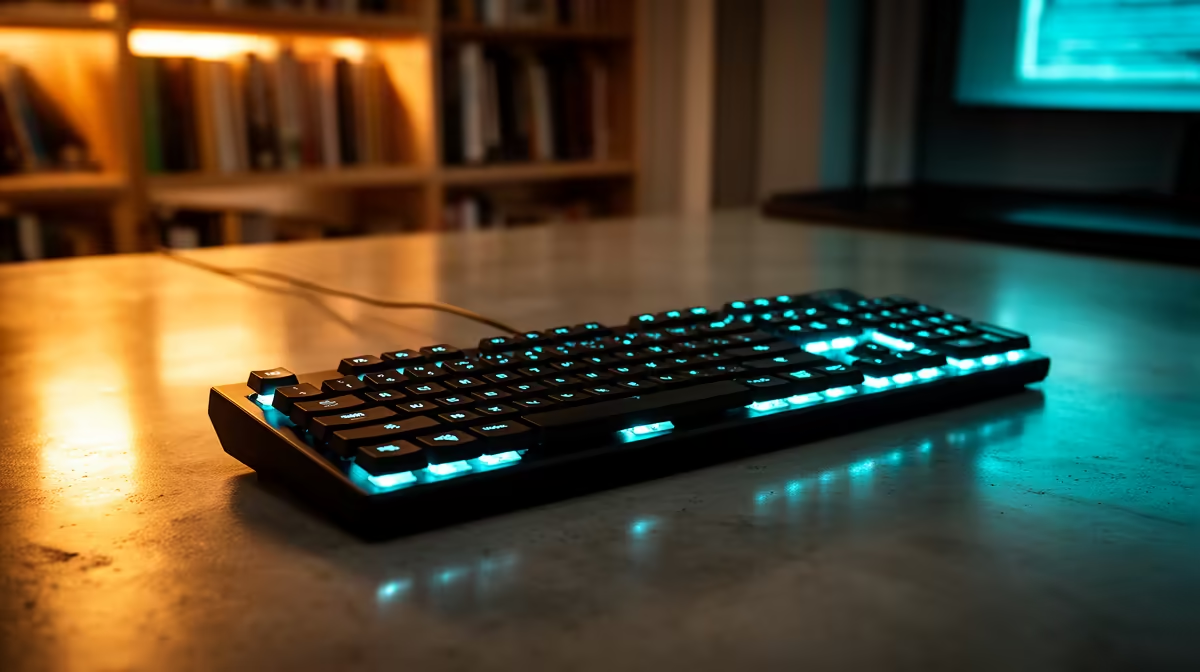
A stream deck can be overkill for a homeschooling family when lessons require only a few browser links, mute controls and ordinary shortcuts. It becomes useful when several different learners repeat the same approved actions and clear physical buttons reduce confusion. The supplied factpacks verify no controller model or price.
Map one school morning
List the five actions repeated across lessons, such as opening the learning portal, muting a call, starting a timer or switching slides. Test each through keyboard shortcuts first. Keep manual fallbacks and avoid macros that submit work, expose passwords or delete files without confirmation. Give each learner a separate profile where appropriate.
The Logitech Brio 100 webcam is factpack-verified at R458. The NearStream USB and XLR microphone appears at R676. The Promate TransHub-Lite is listed at R305. Confirm current connections, learning-platform support, hub port set, power arrangement and warranty. These products solve camera, audio and connectivity needs rather than verifying automation support.
Protect lesson links, children accounts and private notifications. Keep profiles and school files in recoverable storage. Buy a deck when several full school days prove that repeated controls interrupt learning and the family can troubleshoot it. If only mute and timer are needed, labelled keyboard shortcuts may be clearer, cheaper and easier to replace.
Improving a homeschooling setup? > Compare verified webcams, microphones and hubs with Evetech around the lesson workflow.