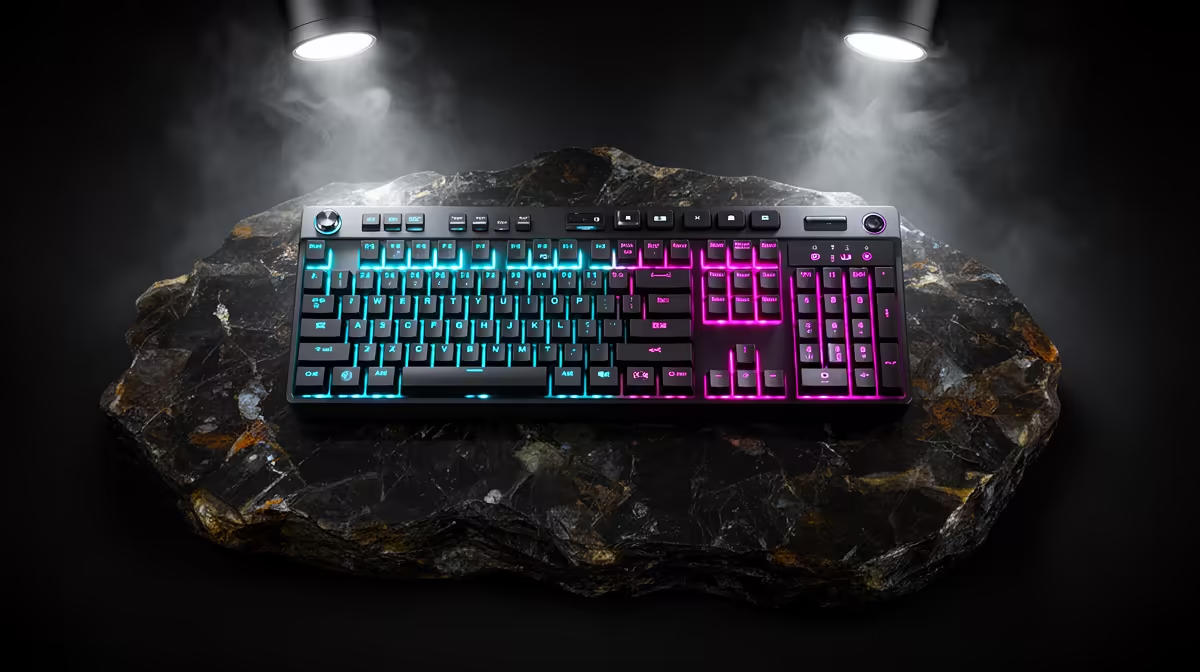
A stream deck is excessive for most postgraduate study unless the student repeats complex controls during presentations, experiments, coding sessions or media work. The verified facts contain no model. Source one elsewhere after proving each button through an ordinary shortcut. A keyboard remains easier to replace, document and use across campus computers.
List the repeated actions from one week
The Logitech MX Keys S at R1,759 supplies verified productivity input for a compatible research computer. The Logitech Lift vertical mouse at R956 offers confirmed pointer input for supported hand sizes.
The Dell S2725QC 27-inch 4K USB-C monitor at R6,128 provides verified detailed screen space for papers, code and analysis.
Prototype controls in software
Write down actions repeated several times per day, assign supported keyboard shortcuts and use them for a full week. Count time saved and mistakes prevented. Check whether dedicated control software supports the operating system, research application and managed campus device. Avoid putting passwords, participant names or confidential project labels on buttons. Export any profile and maintain a plain-language shortcut sheet for presentations. If the useful list contains only mute, next slide and launch commands, a regular keyboard can handle the work with less desk clutter.
Review the control list with a supervisor so custom buttons do not bypass an approved research or laboratory procedure.
Simplifying postgraduate work? > Share the applications, repeated actions and computer with Evetech.