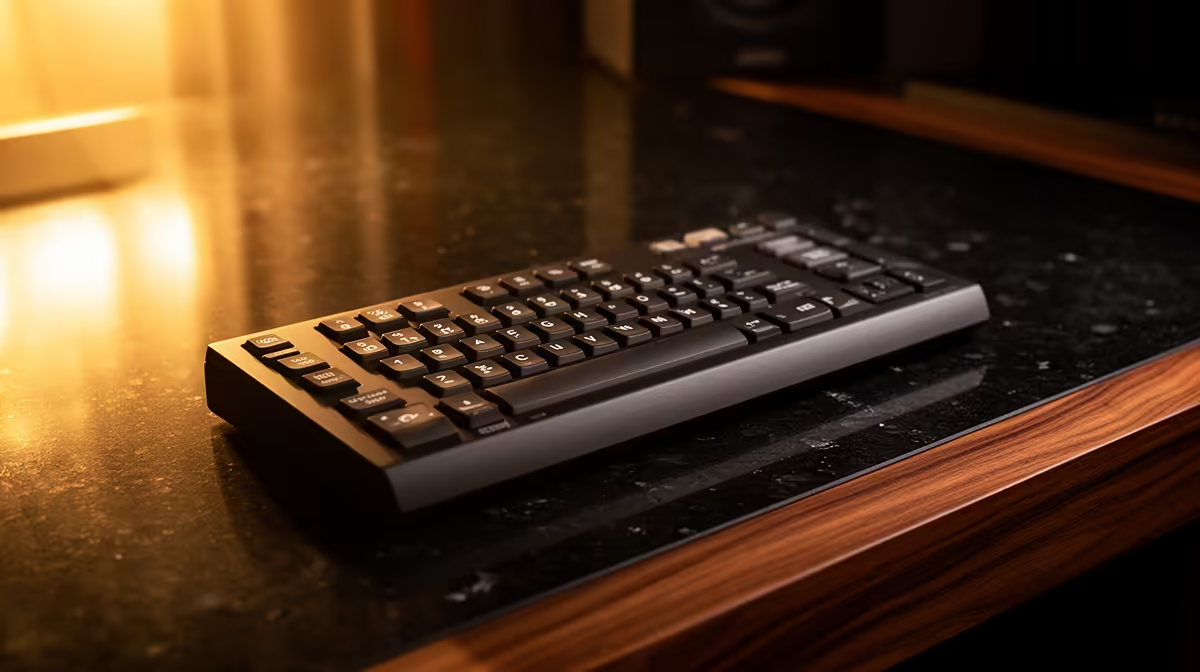
A stream deck is the right choice for a retiree only when labelled physical shortcuts simplify repeated supported tasks without hiding important confirmations. It may help launch calls, open trusted applications or support accessibility, but it should not map payments, password entry or destructive system actions.
Observe the real computer routine before assigning any programmable key
List calls, email, photographs, documents and entertainment tasks. Count actions that repeat and check whether ordinary desktop shortcuts already solve them. Choose large clear labels, keep each page simple and verify that the user can complete every essential task through the keyboard or mouse as a fallback.
No stream-deck product with a dependable selling price is verified by the factpacks. The Minisforum NAB6 Lite at R4,150 is a verified compact-PC reference, not a programmable controller or complete accessibility solution. Confirm live software, port, display and warranty needs independently.
Use a standard user account, strong credentials and available multifactor protection. Label every key plainly, test profiles after software updates and keep written instructions nearby. Never assign refunds, purchases, deletions or account changes to one unconfirmed press.
Buy only after a trial proves the physical keys reduce confusion or effort. Use simpler desktop shortcuts when the routine remains manageable.
Keep a printed guide beside the shortcut device for recovery.
Simplifying everyday computing? > Compare Evetech PCs around the actual apps, display and support needs.