Quick Answer
For console-to-PC switching, the buying order is mic first, then a boom arm, then a pop filter and acoustic treatment. A cardioid USB mic like a HyperX QuadCast (R2,200-R2,800) or Elgato Wave 3 (R3,000-R3,800) is the must-have; a Shure MV7 (R4,500-R5,500) is the step-up. Cardioid pickup keeps console and PC desk noise out of the recording.
Must-Have: The Mic and Pattern
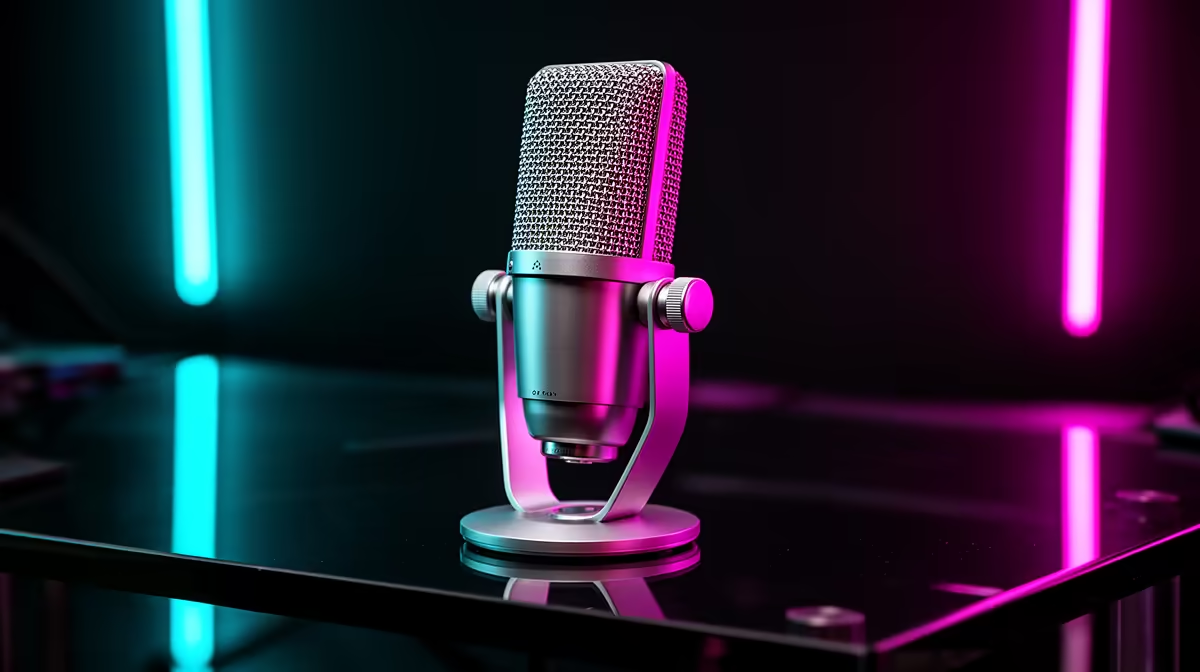
Start with a cardioid (front-only) USB mic, which rejects the keyboard, fans and room behind it, ideal for a busy desk. A HyperX QuadCast (R2,200-R2,800) or Elgato Wave 3 (R3,000-R3,800) plugs in over USB and works across PC and, via capture setup, console audio. For console-to-PC switching, skip multi-pattern mics unless you record two people; cardioid is what a solo streamer needs.
Nice-to-Have and Skip
Nice-to-have next: a R400-R900 boom arm to position the mic close and off the desk, plus a pop filter to tame plosives. Skip, for now, a full XLR mic plus audio interface (Shure SM7B territory) unless you've outgrown USB, since it's a R8,000+ jump. For console-to-PC switching, a USB cardioid mic on a boom arm covers 95% of streaming needs at a fraction of that cost.
FAQ
What mic should console-to-PC streamers buy first?
A cardioid USB mic like the HyperX QuadCast (R2,200-R2,800) or Elgato Wave 3 is the must-have first buy. Cardioid pickup keeps desk and fan noise out, and USB works cleanly on PC.
Do I need an XLR mic and interface?
Not to start. A USB cardioid mic covers most streaming needs; an XLR setup (Shure SM7B class) is an R8,000+ upgrade for when you've outgrown USB and want studio control.
What's the right buying order?
Mic first, then a boom arm to position it close, then a pop filter and basic acoustic treatment. Spend on the mic and placement before chasing extras.
Compare streaming microphones at Evetech; start with a cardioid USB mic, add a boom arm, and skip XLR until you've outgrown USB.