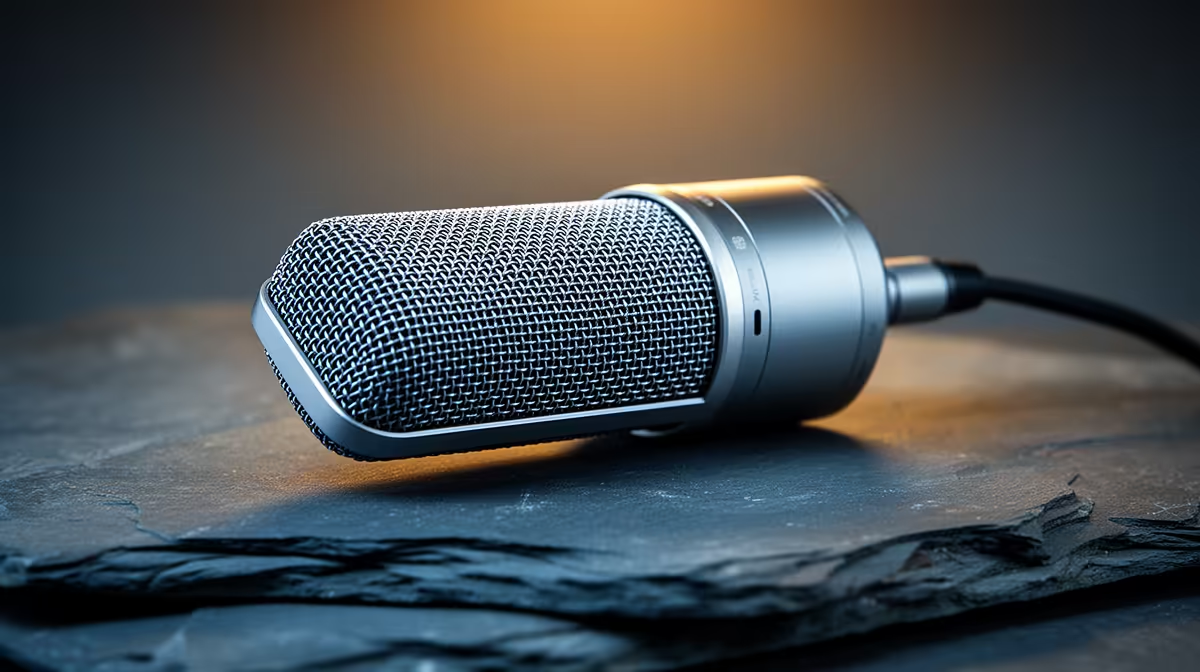
CAD learners recording tutorials, walkthroughs or voiced project submissions need clear audio over their screen capture, so the streaming microphone upgrade path is about clean voice recording for technical narration. For SA students, the path moves from a basic USB mic to a quality cardioid model as the recording becomes more serious.
Quick Answer
For CAD learners, start with a budget USB cardioid mic around R600 to R1,000 for clear tutorial narration, step up to a quality USB condenser near R1,800 for crisper voiced walkthroughs, then a dynamic USB mic near R2,800 if your room is noisy. All beat a headset mic for recorded CAD work. The key is a cardioid pattern that captures your voice clearly over screen capture.
Start with a clear cardioid USB mic
For a CAD learner beginning to record narrated tutorials or project walkthroughs, a budget USB cardioid microphone around R600 to R1,000 is a big step up from a headset or laptop mic. The cardioid pattern focuses on your voice and reduces room noise, giving clear narration over screen-captured CAD work. This entry tier makes voiced submissions and tutorials sound clean and professional enough for coursework. It is the right starting point before investing more, since it covers the core need of intelligible technical narration.
Step up for crisper technical narration
As recording becomes more regular or you want better quality, a quality USB condenser microphone near R1,800 captures voice with more clarity and detail, which helps when explaining precise CAD steps where every word matters. The crisper sound makes longer tutorials easier to follow. This middle tier suits a learner producing more polished walkthroughs or building a portfolio of recorded work. The improvement over the budget tier is in vocal clarity and presence, which lifts the professionalism of technical content without a large jump in cost.
Go dynamic for a noisy study space
If your recording space is noisy, a shared res room, a flat with traffic noise, a dynamic USB microphone near R2,800 is the upgrade that helps most, since dynamics reject room noise far better than condensers. Used close to your mouth, a dynamic mic captures clean voice while ignoring background sounds that would otherwise bleed into a CAD tutorial. This top tier is worth it specifically when room noise is the problem. For a quiet space, the condenser is enough, so match the mic to your recording environment.
FAQ
What microphone suits a CAD learner recording tutorials?
Start with a budget USB cardioid mic around R600 to R1,000 for clear narration over screen capture. Step up to a condenser near R1,800 for crisper walkthroughs, or a dynamic near R2,800 for a noisy room.
Why use a cardioid mic for CAD recording?
Because the cardioid pattern focuses on your voice and reduces room noise, giving clear narration over screen-captured CAD work. It beats a headset or laptop mic for intelligible technical tutorials.
When should a CAD learner choose a dynamic mic?
When the recording space is noisy. A dynamic USB mic near R2,800 used close to your mouth rejects background noise far better than a condenser, keeping voice clean in a shared or noisy room.
Match the mic to your recording space: a cardioid USB mic for a quiet room or a dynamic near R2,800 for a noisy one, from Evetech, so your CAD tutorials have clear voice over the screen capture.