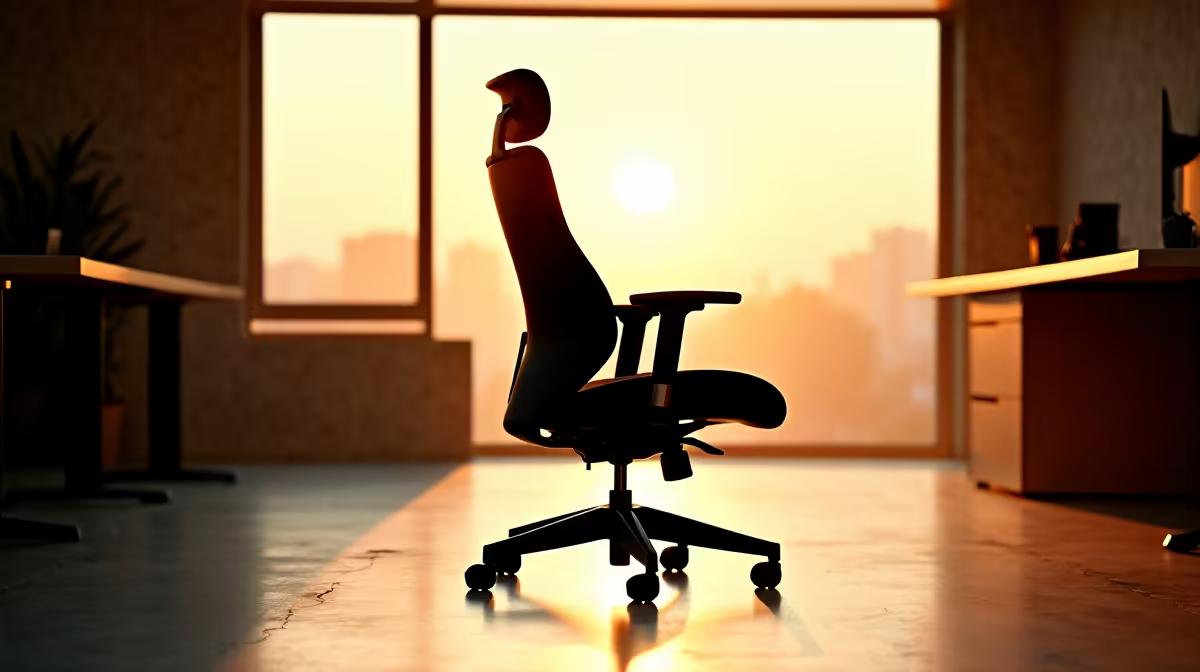
An IT student should choose a chair by body fit, adjustment range and compatibility with the study desk, not by gaming styling. Coding, labs and documentation create long seated blocks, so the chair must allow supported posture changes and close access to the keyboard. No model can be declared ergonomic for every person without a proper trial.
Test fit at the intended desk
The verified GAMDIAS ZELUS E5 chair is priced at R1,540 and gives the student a specific option to test. Check current dimensions and controls before visiting or ordering. With the back supported, feet should rest firmly and the seat edge should not press behind the knees. Armrests must clear the desk while allowing relaxed shoulders. Test typing, mouse use and reading for at least twenty minutes rather than judging the first soft impression.
Correct the rest of the workstation
Set the screen so the neck remains neutral, keep the mouse close and provide foot support if desk height prevents stable feet. A good chair cannot correct a laptop placed far below eye level or a desk that blocks the knees. Alternate focused sessions with standing and walking. Inspect fasteners periodically and follow the manufacturer weight and assembly guidance. Persistent pain, tingling or weakness should be assessed by a qualified health professional, not treated through repeated furniture purchases.
Improving an IT study desk? > Compare Evetech chairs, monitors and computers around the learners measurements and course tools.