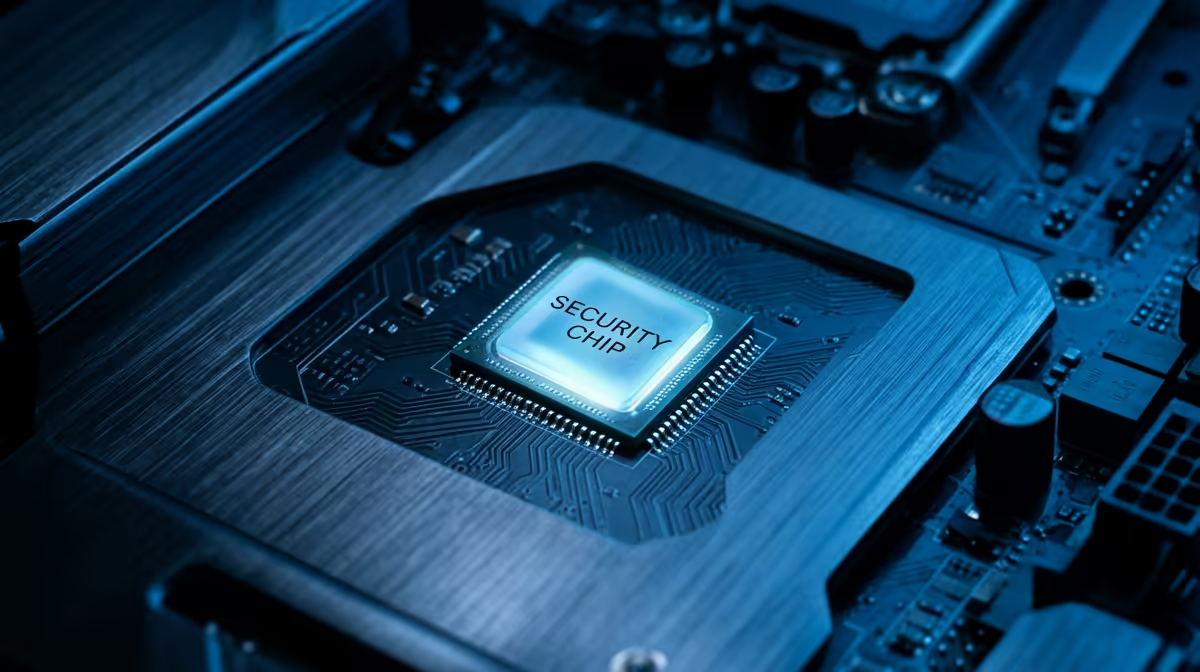
A student should treat a TPM 2.0 check as a compatibility verification, not as a product to buy. The aim is to confirm whether the current computer exposes a supported security processor and meets the operating system or course software requirement before replacing hardware.
Verify with trusted system information
Read the requirement from the official operating-system or institution guidance. On the computer, inspect the built-in security and firmware information, note the TPM specification version and confirm its ready state. Record the exact model and firmware before changing settings.
No standalone TPM module has confirmed pricing in the supplied facts. The ASUS ExpertBook P1503 laptop with Core i5-13420H, 8GB memory, 512GB storage and Windows 11 Pro is verified at R9,858 as a current laptop reference. Confirm its full security and course compatibility from the exact specification before purchase.
Do not install a random module or alter firmware merely because a checker reports a problem. Motherboard headers and modules are not universally interchangeable. Back up important work, save any recovery key and follow vendor instructions or qualified support before changing TPM, Secure Boot or firmware settings.
Replace the computer only after identifying the precise failed requirement and all safe update routes. A correct check can prevent an unnecessary purchase when support is present but disabled or not yet configured.
Checking a student computer? > Compare Evetech laptops only after verifying the exact compatibility gap.