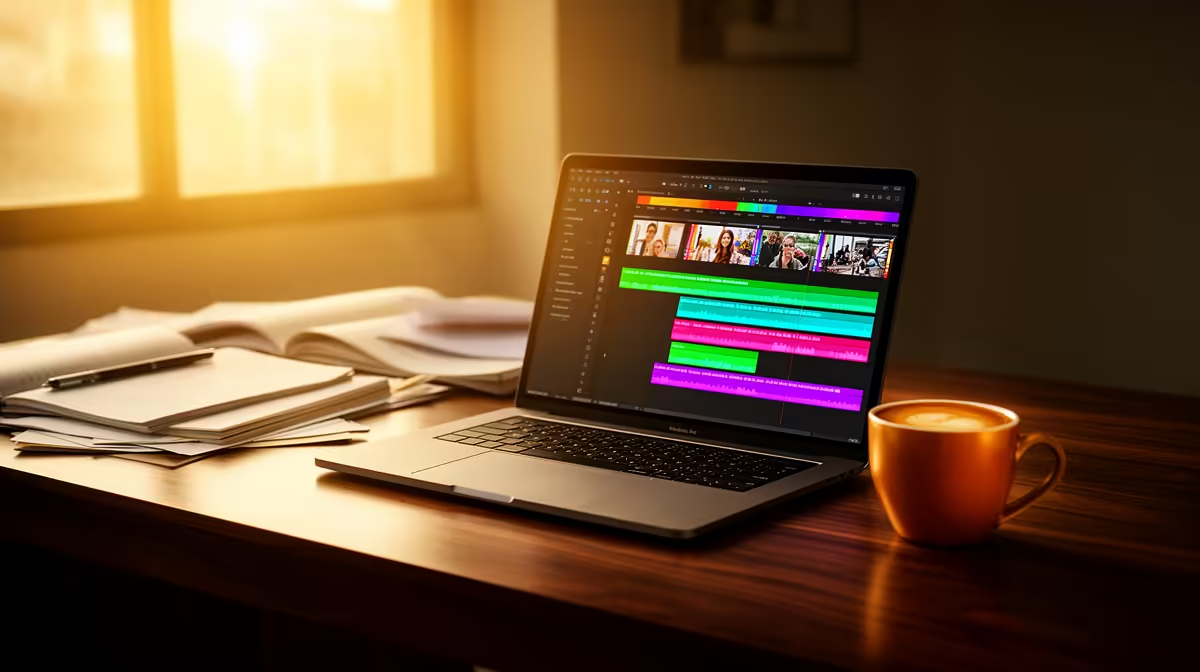
Lenovo LOQ RTX3050 R9,500 is the sensible laptop pick for an SA student who needs smoother video editing without jumping into a costly creator workstation. The RTX3050 matters because timeline previews, effects, and export support are easier to live with than on a basic study machine, while the R9,500 price keeps it within reach for a student desk that also handles assignments.
What to buy first
ASUS ExpertBook P1503 i5 R9,858 is the safer academic-first option if editing is occasional. Its i5 spec is fine for trimming phone clips, preparing short class presentations, and keeping browser tabs open while notes sit beside the project. It is not the one to choose for heavy effects work, but it can cope with light student edits when expectations are realistic.
Lenovo IdeaPad Slim 3 i7 R13,400 gives more CPU headroom for students who edit more often. The i7 spec helps when exporting longer clips, working through lecture footage, or handling a few layers in a simple timeline. ASUS Vivobook X1504VA i7 R13,999 sits in the same practical lane, also using an i7 spec for buyers who want a general study machine with stronger editing comfort.
Creator Desk Reality For SA Students
At a small student creator desk, screen quality can matter as much as raw speed. ASUS Vivobook S14 OLED R10,719 brings an OLED spec that is useful when checking colour, contrast, and thumbnail visuals before uploading. ASUS ExpertBook P5405 R12,700 is better framed as a study and productivity buy, while the Lenovo LOQ RTX3050 R9,500 stays the stronger choice when the editing workload is the priority.
Ready to choose the right laptop?
Use ASUS ExpertBook P1503 i5 at R9,858 as the student desk benchmark, then check whether its listed spec matches the space, workload, and upgrade path.