Superhuman Hearing explained for competitive gaming
If you’ve ever lost a duel because you heard the footsteps a second late, you already get the value of audio. In South African FPS and battle royale sessions, precision beats power. So when a headset marketing term like “superhuman hearing” pops up, it’s natural to wonder… is it real, or just hype?
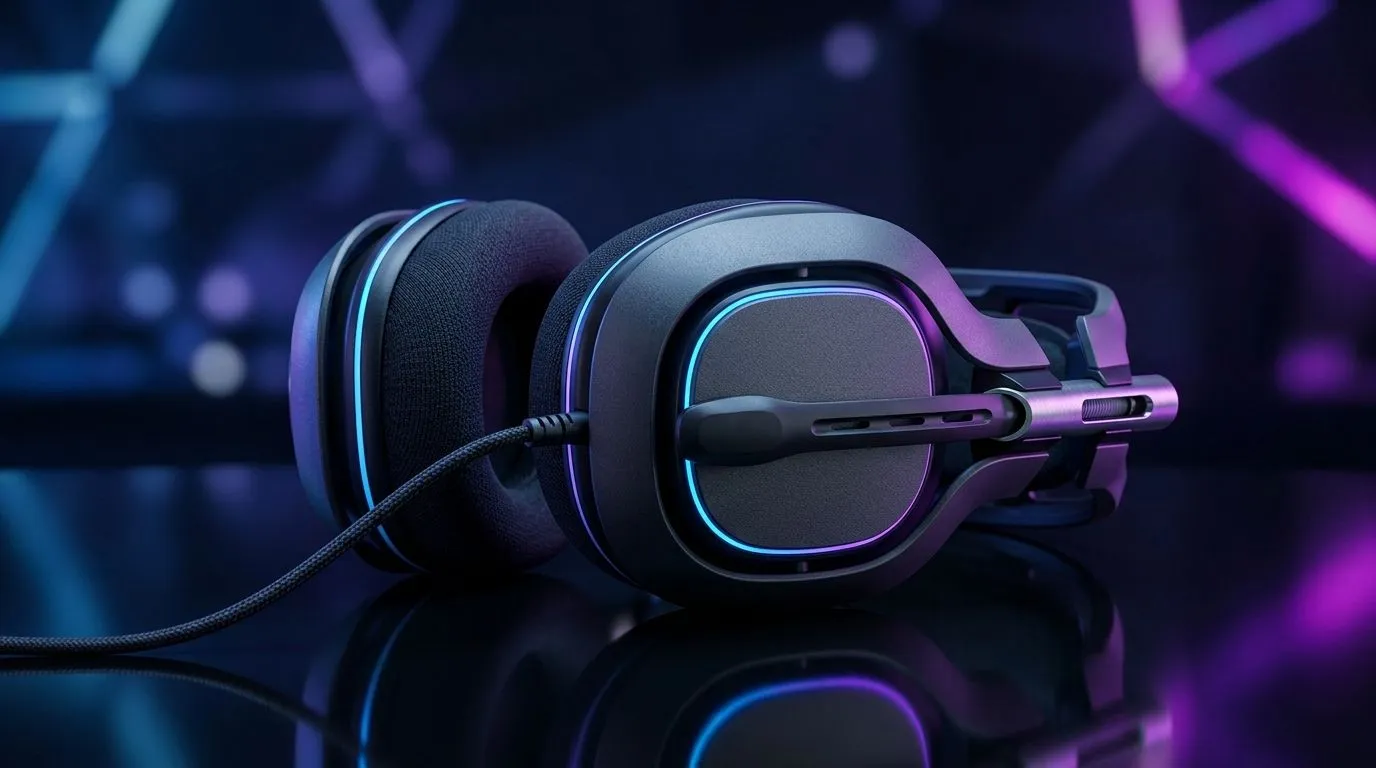
Superhuman hearing typically boosts quiet sounds (like footsteps, weapon reloads, and ambient cues) while reducing louder distractions. The goal is simple: help you react faster, especially in busy moments.
In practice, it’s about sound processing, not magic. Many headsets use equalisation profiles and dynamic filtering to bring detail forward. That can make directional audio feel clearer, especially at lower volumes.
What does superhuman hearing do to sound cues?
Superhuman hearing usually works in two ways:
- Frequencies boosted for low-volume cues
Footsteps and other subtle cues often sit in frequency ranges that can be masked by gunfire and explosions. Boosting those ranges helps your brain separate the details.
- Loud sounds tamed so you stay attentive
If explosions or bass-heavy audio dominate, everything else gets lost. Reducing the “cover noise” can help you track timing and distance better.
Important note: results depend on the game’s mix and your headset’s tuning. If a title has a weak audio mix, no processing can fully fix it. Still, well-tuned processing can noticeably improve clarity.
Is it worth it? A quick “try-it-like-a-pro” method
Before you buy, test the concept. Here’s a quick check you can do in your next session:
- Start in an offline practice range or training mode.
- Lower game volume to a comfortable level.
- Toggle superhuman hearing (if your headset supports it) and compare: can you identify footsteps and reload timing sooner?
If you notice earlier cues without harshness, that’s a good sign. If the sound becomes “tinny” or fatiguing, you may need a different profile or a lower boost.
Productivity Pro Tip 🔧
On your Windows PC, set your audio output to the headset and then open Sound settings to verify the correct device is active. Switching between USB dongles, Bluetooth, and monitor speakers can silently break directional audio. After you change settings, restart the game so the audio profile applies cleanly.
Real-world buying advice (South Africa)
Not all “superhuman hearing” implementations are identical. Some are subtle and natural, others are aggressive. Look for headsets that offer adjustable profiles, strong passive or active isolation, and reliable positioning.
If you want a wireless option that’s built for competitive play, consider the Razer Barracuda X Chroma Wireless (Phantom White) deal here: https://www.evetech.co.za/razer-barracuda-x-chroma-wireless-headset-phantom-white/best-deal/24367. A strong wireless headset can reduce latency issues and help you keep focus during long matches.
Want to browse more options across the range? Start with these categories:
Quick comparison tips:
- Mic clarity matters: if comms are muddy, you lose tactical info.
- Comfort for long sessions: hearing benefits won’t help if your ears get sore after an hour.
- Isolation beats loudness: you want to hear details, not just louder audio.
Final thought: superhuman hearing is a tool, not a cheat
Superhuman hearing can help you catch quiet cues earlier. Used well, it can tighten your reaction time and improve your awareness. But it’s still only as good as the headset tuning, your audio settings, and the game’s mix. So treat it like an advantage you dial in… not a guarantee.
Ready to Find Your Perfect Match?
Dialling in competitive audio is easier when you can compare comfort, tuning, and value side by side. Explore our massive range of laptop specials and pair your next upgrade with the right tech to dominate your matches.