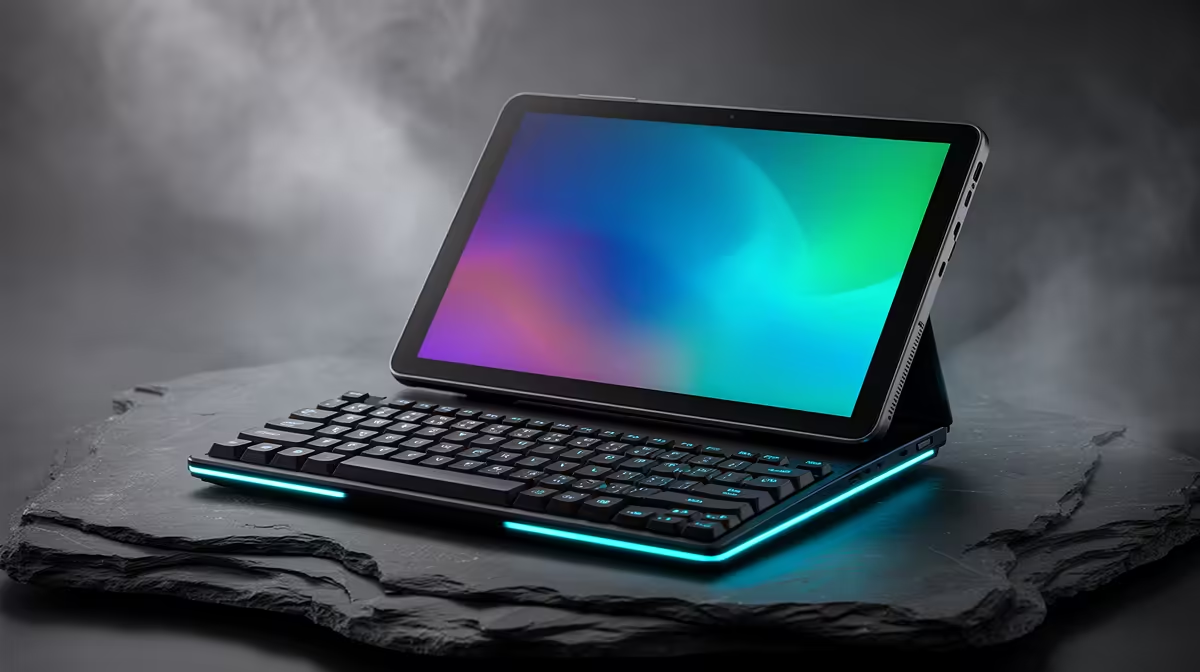
The Logitech MX Keys S at R1,759 suits students who want a neater typing setup for long assignments, notes, and research without turning a tablet desk into a cramped mess. A gaming keyboard can still make sense for study work because the main upgrade is not gaming flair, it is a firmer typing surface that feels better during long writing sessions.
Better typing for tablet study days
For a tight budget, the GAMDIAS Hermes P2A at R130 is the simple starting point. Its key spec here is the low R130 price, which makes it easier to add a separate keyboard to a tablet setup without spending close to laptop money.
The Logitech G413 SE at R1,160 is the stronger middle option if the desk is used for both assignments and after-class play. Its useful spec is the R1,160 price point, placing it below the Corsair K70 CORE while still giving the setup a more serious full keyboard feel than a clip-on tablet cover.
Student Desk Setup In SA
A tablet can be fine for reading PDFs, watching lectures, and checking notes, but typing essays on a flat screen gets tiring fast. The Corsair K70 CORE at R1,300 makes more sense on a student desk where the tablet sits on a stand and the keyboard stays in one comfortable position for Word documents, research tabs, and LMS submissions.
The Logitech MX Keys S at R1,759 is the premium pick from this set for a quieter, cleaner study corner. At R1,759, it costs more than the Corsair K70 CORE, but it suits a tablet-first student who wants a polished typing station for assignments instead of treating the tablet keyboard as a temporary accessory.
Ready to choose the right gaming keyboard?
Keep GAMDIAS Hermes P2A at R130 on the list for tablet keyboard actually studying assignments; its listed spec is the detail to test against that brief.