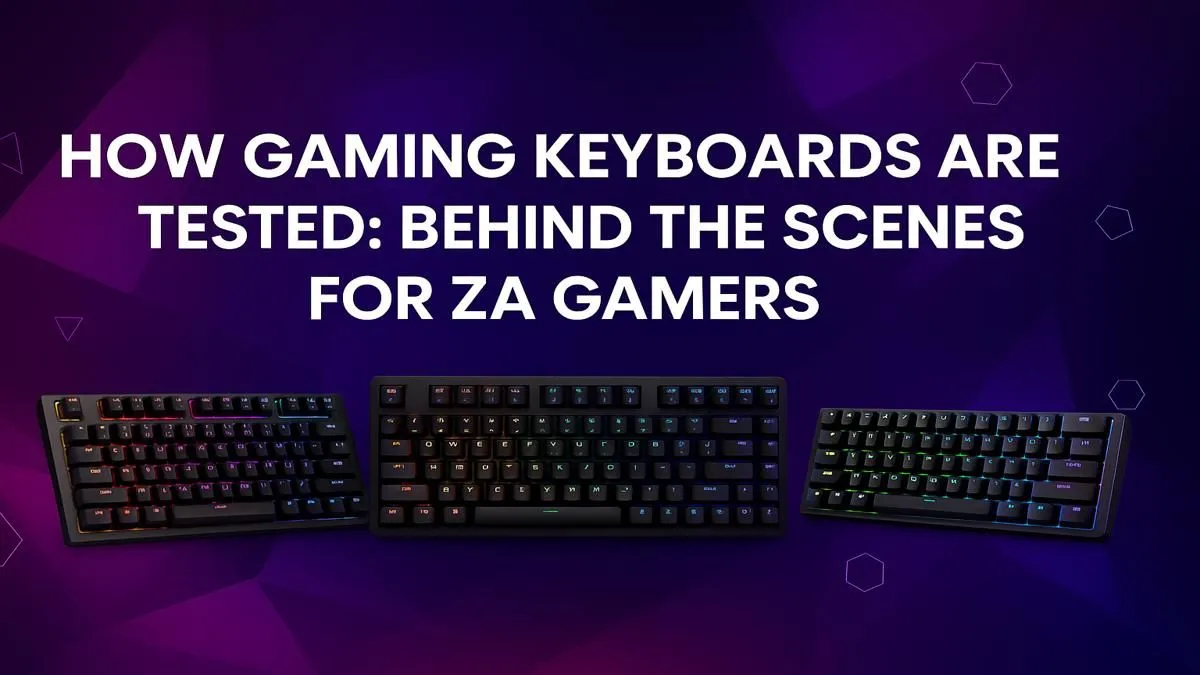
That split-second difference between a clutch win and a frustrating loss... ever wondered if it’s your keyboard letting you down? Before you spend your hard-earned Rands, it's crucial to know what you're buying. Properly testing gaming keyboards isn't just for pro reviewers; it's the smartest way for any ZA gamer to find the perfect fit. This guide will walk you through exactly how to put a keyboard through its paces, ensuring your next upgrade feels absolutely perfect. 🚀
How to Test Gaming Keyboard Switches
The soul of any gaming keyboard is its switches. This is where your testing journey begins, as the feel of the keys determines everything. Don't just mash them; feel them.
Linear, Tactile, or Clicky? The Feel Test
First, identify the switch type. Linears (like Cherry MX Reds) are smooth all the way down, great for rapid presses. Tactiles (like Browns) have a small bump you can feel at the point of activation. Clickys (like Blues) have that same bump plus an audible click.
Your test is simple: close your eyes and press a key slowly.
- Linear: Can you feel any bump at all? It should be a buttery smooth press.
- Tactile: Where exactly do you feel the bump? Is it satisfying or mushy?
- Clicky: Is the click sharp and consistent across different keys?
This initial feel test is the most personal part of testing a gaming keyboard. If you decide you want to build your own board from scratch, you can find a massive variety of custom keyboard switches to find your perfect match.
Testing Build Quality and Ergonomics
A great feel means nothing if the keyboard flexes like a cheap ruler. A proper gaming keyboard test involves checking its physical construction and how it fits your setup.
Hold the keyboard at both ends and gently try to twist it. Is there significant flex or creaking? A solid frame, often with a metal top plate, indicates better durability. Next, check the keycaps. Are they slippery ABS plastic or textured PBT? While many boards come with standard caps, upgrading your keycaps is an easy way to improve the feel and longevity of your board.
Finally, consider ergonomics. How does your wrist feel after a 30-minute typing session? If it feels strained, you might need a quality wrist rest to ensure comfort during those long gaming nights. ✨
The Sound Test 🎧
Listen closely as you type. Do you hear a hollow, metallic echo or "ping"? This often points to a less dense case. A solid, low-pitched "thock" sound is generally preferred and indicates higher build quality. This is a quick way to gauge the keyboard's internal construction without taking it apart.
The Real-World ZA Gamer's Performance Test
Theory is one thing, but the ultimate test is in-game. Fire up your favourite titles and pay attention to specific actions.
- For FPS (Valorant, CS:GO): Test your movement. Does counter-strafing feel crisp and responsive? Can you spam A and D without the keys feeling sluggish? This is where you test for key rollover and input lag.
- For MMO/MOBA (WoW, Dota 2): How easy is it to hit your ability combos? Test the spacing of the keys and your accuracy when things get hectic.
- For Typing (Discord, Work): How does it feel to type for an extended period? A good gaming keyboard should also be comfortable for everyday use.
This is where you find out if a board is truly for you. If you're just starting out, you can find many affordable gaming keyboards in South Africa that perform brilliantly in these tests.
Finding Value: Software and Features
The final step in testing gaming keyboards is to look beyond the hardware. Does the keyboard come with software for remapping keys, creating macros, or customising the RGB lighting? Good software can significantly enhance your experience. Check for features like dedicated media controls, USB pass-through, and onboard memory. These extras can make a huge difference in daily usability. When you're browsing for a new board, keep an eye on the complete package to find great gaming keyboard deals that balance performance with practical features.
Ready for the Perfect Setup?
Now that you know how to test for quality, find the gear that passes with flying colours. Shop keyboard and mouse combos for a complete, performance-ready setup delivered anywhere in SA.