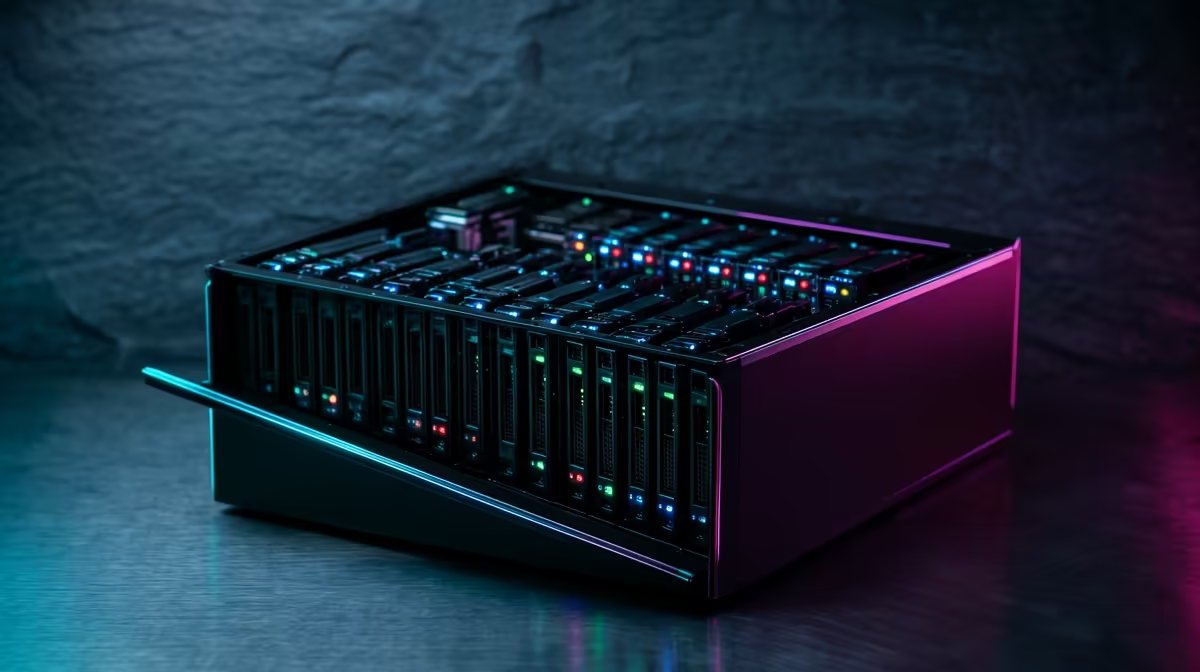
A home lab is the fastest way to learn networking and self-hosting, because nothing teaches a concept like breaking it on hardware you own and then fixing it. Reading about VLANs, reverse proxies and VPNs gets you a vague feeling for them. Standing up a WireGuard tunnel that refuses to connect, then tracing why, builds the kind of understanding that transfers straight into a professional networking or sysadmin role. The good news is that a useful lab does not need a server rack. It starts with one small machine and grows as your curiosity does.
Quick Answer
The best learning home lab pairs a low-power always-on box running a few self-hosted services with three skills you practise deliberately: a VPN such as WireGuard or Tailscale for remote access, a reverse proxy such as Nginx Proxy Manager to route traffic, and VLAN segmentation once you add a managed switch. Start with one mini PC or NAS, host two or three services, and add networking complexity as you go rather than buying it all up front.
Why a Home Lab Beats Tutorials Alone
Networking is full of concepts that only click when something goes wrong. A subnet mask is abstract until two devices on different VLANs cannot see each other and you have to reason out why. A reverse proxy is a diagram until you misconfigure one and every service returns the wrong page. The lab turns theory into muscle memory, and the skills map directly onto what employers want: VPN configuration, traffic routing, network segmentation and basic security hardening.
It also lowers the stakes. You can wipe a virtual machine and start over, snapshot before a risky change, and experiment freely because nobody's production system is on the line. That freedom to fail safely is the whole point, and it is why a home lab teaches faster than any course running on someone else's locked-down cloud account.
The Hardware Foundation
Start small and deliberate. Three tiers cover almost everyone.
The Brain
One always-on machine does most of the work. A mini PC with a modern low-power CPU, 16GB of RAM and an SSD is the sweet spot: quiet, cheap to run around the clock, and powerful enough to host a dozen containers. A used small-form-factor desktop works too. The goal is enough RAM to run several virtual machines or containers at once, since that is where you will spend most of your learning time. Browse the mini PCs we keep in stock for machines that fit this role without a noisy tower.
Storage
If your lab will hold files, backups or media, a small NAS or a second drive gives you somewhere durable to put them, and teaches you about shares, permissions and RAID along the way. Many people fold this into the main box at first and split it out later.
The Network Gear
This is where the networking learning concentrates. A managed switch unlocks VLANs, letting you carve the network into isolated segments, for example a lab VLAN, an untrusted IoT VLAN and a guest VLAN, exactly as a real network is divided. You do not need it on day one, but it is the upgrade that takes the lab from server practice to genuine networking practice.
The Networking Skills Worth Building
These three give you the most career-relevant reps.
Remote Access With WireGuard or Tailscale
Getting to your lab from outside without exposing it to the open internet is the first real networking skill. WireGuard is the modern standard, fast and far simpler to configure than older VPNs, and setting one up by hand teaches you about keys, peers and routing. Tailscale builds a mesh on top of WireGuard and is the easy on-ramp, handling the hard parts so you can connect devices in minutes and share access with family. Many labbers run Tailscale for convenience and a hand-rolled WireGuard tunnel to learn the fundamentals underneath it.
Reverse Proxy With Nginx Proxy Manager
Once you host more than one service, you need something to route incoming requests to the right place and handle certificates. Nginx Proxy Manager wraps this in a friendly interface and is the standard beginner choice, teaching you about ports, domains, and HTTPS without hand-editing config files. It is the piece that makes a sprawl of services feel like one tidy system.
Network Segmentation With VLANs
With a managed switch you can split one physical network into several logical ones. Putting smart-home gadgets on their own isolated VLAN, separate from your trusted devices, is both good security practice and the clearest way to learn how segmentation and firewall rules between networks actually behave. This is the skill that most directly mirrors enterprise network design.
A Sensible Project Roadmap
Build in stages so each step teaches one thing. Begin with a network-wide ad blocker like Pi-hole, which introduces DNS in a low-risk way. Add a personal cloud such as Nextcloud to practise storage and user permissions. Layer Nginx Proxy Manager over your services to learn routing and certificates. Stand up WireGuard or Tailscale for remote access. Finally, introduce a managed switch and VLANs to bring real segmentation into the picture. Resist buying everything at once; each addition is more valuable when you understand the one before it.
A home lab also makes a low-cost, low-power companion to your main rig, which matters on a South African power bill where running a full tower around the clock adds up. When you are pricing the central machine, our most popular desktop systems give a feel for the specs other local builders settle on, even if a quiet mini PC ends up being the better fit for a 24/7 lab. The lab you build this way grows with you, and so do the skills.
Frequently Asked Questions
What hardware do I need to start a home lab?
One always-on machine is enough to begin. A mini PC with a modern low-power CPU, 16GB of RAM and an SSD handles a dozen containers comfortably. Add storage and a managed switch later as your projects demand them.
Should I learn WireGuard or just use Tailscale?
Use both for different reasons. Tailscale gets you connected in minutes and is great for everyday access, while configuring WireGuard by hand teaches the keys, peers and routing underneath it. Running both is a common and effective learning setup.
Do I need a managed switch for a home lab?
Not at first, but it is the upgrade that unlocks real networking practice. A managed switch lets you create VLANs and segment your network the way a professional one is divided, which is some of the most career-relevant experience a home lab offers.
What is the best first self-hosting project?
A network-wide ad blocker such as Pi-hole is a popular starting point because it introduces DNS in a low-risk way and delivers an immediate, visible benefit. From there, a personal cloud like Nextcloud teaches storage and permissions.
How much power does a home lab use?
A mini PC or NAS-based lab sips power and is cheap to run around the clock, unlike a full desktop tower. That efficiency is part of why small low-power boxes are the favoured base for always-on home labs.