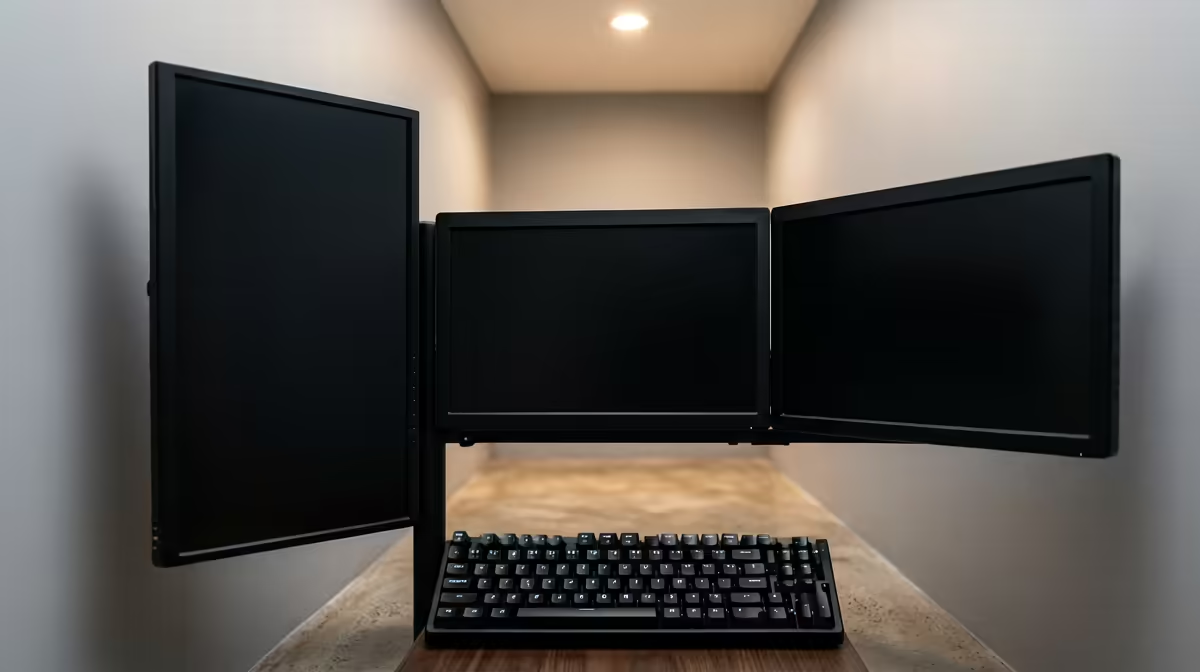
A bedroom corner or the edge of a bachelor flat can hold a proper home office, the trick is buying back the surface area that a monitor stand and a deep desk quietly steal. A small WFH desk setup built around a monitor arm and a compact sit-stand frame fits desktops down to roughly 100cm wide while still leaving room to type, write and breathe. You do not need a spare room. You need to use the wall, the corner and the vertical space you already have.
Quick Answer
For a tight space, pair a compact sit-stand frame around 100 to 120cm wide with a monitor arm that clamps to the desk and clears the stock-stand footprint. A 60cm-deep top is plenty once the monitor floats on an arm, and a corner placement keeps the rest of the room open.
Start With the Footprint
The biggest space win comes before you buy a single accessory: choose a desktop that is wide enough to work on but no deeper than you need. A 60cm-deep top is ample when the monitor is on an arm, because you are no longer reserving 20cm of desk for a stand base. Widths around 100 to 120cm give you space for a keyboard, mouse and one secondary item without sprawling across the room.
Placing the desk in a corner is the single most effective layout move in a small flat. A corner uses two walls that were otherwise dead space and leaves the centre of the room clear for everything else you live around.
The Monitor Arm Is the Keystone
Everything compact flows from getting the screen off the desk. A monitor arm clamps to the rear edge and floats the display in the air, which frees the surface underneath for notes, a coffee, or simply elbow room. It also lets you push the monitor back toward the wall and pull it forward only when you need it, and it brings the screen to the right height so you are not hunching, the posture problem that small setups usually create.
Reach and Posture in a Tight Zone
A well-placed arm keeps your screen and tools inside a primary working zone of roughly 40 to 50cm from your body, so you are not stretching across a cluttered surface all day. Position the screen's upper edge level with your seated eye line and you protect your neck even in a cramped corner. Good posture is not a luxury of big offices; it is mostly a matter of screen height and chair, both of which a small space can absolutely deliver.
Compact Sit-Stand Frames That Actually Fit
Standing for part of the day matters more when your whole life happens in one room, and compact sit-stand frames now start small enough to suit a flat. Mini dual-motor frames begin around 100cm wide, include cable management and run quietly enough not to disturb a shared space. The dual-motor designs are smoother and more stable than single-motor budget frames, which is worth the difference when the desk lives in your bedroom and you raise it daily.
Standing in a Bedroom Corner
A sit-stand frame in a corner is genuinely practical: you raise it to stand, lower it to sit, and the footprint never changes. For a vaalie commuting in or a student in res working from a desk crammed between a bed and a wardrobe, the ability to switch posture without rearranging furniture is the whole point. Cable management built into the frame keeps the small space from looking like a server room.
The Chair Problem in Small Spaces
A chair is the one item people try to skimp on and regret. In a corner setup the chair needs to tuck fully under the desk to free the floor, and it still has to support a long working day. A compact ergonomic or gaming-style chair with a smaller base does both. The current desk options that suit tight rooms are easy to compare in the gaming and compact desk range at Evetech, which covers everything from slim corner frames to fuller adjustable builds.
Build It in Stages
There is no need to acquire everything in one purchase. The highest-impact order is usually monitor arm first, since it transforms the surface you already have, then the chair, then the sit-stand frame when budget allows. Each piece earns its place before the next arrives, and you avoid a pile of accessories that do not fit together.
Lighting and Cables in One Room
In a bedroom, a single bright overhead light creates glare on the screen and shadows on your face for calls. A small desk lamp aimed at the wall, plus a screen positioned so a window is to the side rather than behind it, fixes most of that cheaply. For cables, a clip-on tray or a few adhesive channels under the desk keep the floor clear, which matters far more in a room you also relax in. When you are ready to compare accessories and workspace gear side by side, the best-selling desk accessories at Evetech show what fits real South African home offices.
Frequently Asked Questions
What is the smallest desk width that still works?
Around 100cm is the practical floor for a comfortable single-monitor setup with a keyboard and mouse. Below that you start sacrificing elbow room. Pair it with a monitor arm and a 60cm depth and even 100cm feels workable.
Do I need a deep desk if I use a big monitor?
No. A monitor arm lets you push a large screen back toward the wall and set the viewing distance precisely, so a 60cm-deep top handles a sizable monitor comfortably without you sitting too close.
Is a sit-stand desk worth it in a small room?
Yes, arguably more so. When you work, eat and relax in one room, the ability to change posture without moving furniture is valuable. Compact dual-motor frames from about 100cm wide fit a corner and run quietly.
How do I stop screen glare in a bedroom?
Position the desk so any window sits to the side of the screen, not behind or directly in front. Add a small lamp aimed at the wall for soft fill, and avoid relying on a single harsh overhead light during calls.
What should I buy first on a tight budget?
A monitor arm. It instantly reclaims desk surface and fixes screen height on the desk you already own. Add a supportive compact chair next, then a sit-stand frame when the budget stretches.
Turn a corner into a real workspace without taking over the room. Find the compact desk and accessories that free your space in the gaming and compact desk range at Evetech and build your small office in stages.