Quick Answer
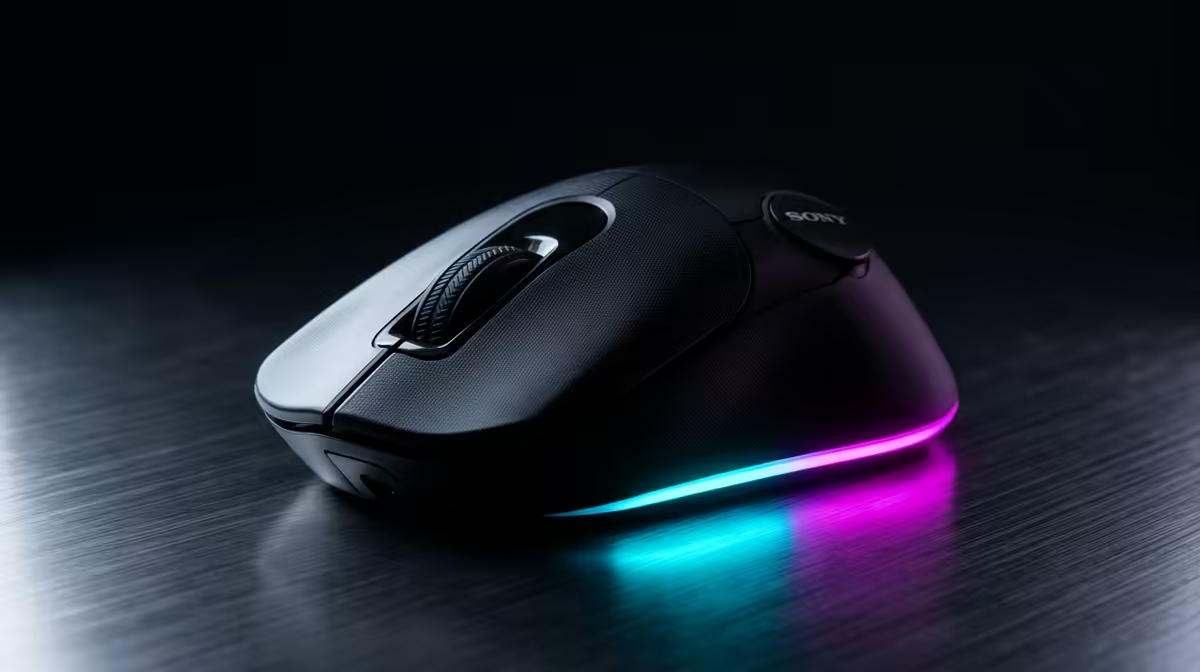
The buyer short list for wireless peripheral cleanup: a low-latency wireless gaming mouse with long battery life, a USB-C charge cable, and on-board profiles, around R900-R2,200. The goal is removing cables and consolidating dongles, so a reliable wireless mouse that pairs with a unified receiver or charges simply is the natural pick.
The Short List For Cutting The Cables
Wireless peripheral cleanup means clearing your desk of cables and tidying the dongle clutter, so the mouse short list centres on clean, reliable wireless. First, a low-latency 2.4GHz wireless mouse that matches wired responsiveness, so going wireless costs no performance. Second, long battery life (60-90 hours) so charging is infrequent. Third, a unified or compact receiver, ideally one that can pair multiple devices, to cut down on USB dongles. Fourth, USB-C charge-and-play so a quick top-up does not stop your session. Fifth, on-board profiles so settings travel without leaving software running.
These traits deliver a genuinely tidy wireless setup. A wired mouse undermines the whole cleanup, so it is off this list, and Bluetooth alone can lag for gaming, so a dedicated low-latency link is preferred.
Consolidating Dongles And Charging
To cut dongle clutter, look for a mouse whose receiver can also pair a matching keyboard, or use a single USB hub behind the monitor to gather receivers out of sight. A charging dock or overnight USB-C charging keeps a cable off the desk surface. On-board DPI and profile storage avoid background software. Position the receiver with a clear line to the mouse, using a short USB extender near the desk edge if the link weakens. The result is a clean, reliable wireless setup with minimal cables and dongles.
FAQ
Does a wireless mouse lose performance?
No. A low-latency 2.4GHz wireless gaming mouse matches wired responsiveness, so you gain a tidy, cable-free desk without sacrificing gaming performance.
How do I reduce dongle clutter?
Choose a mouse whose receiver can also pair a matching keyboard, or gather receivers in a hidden USB hub behind the monitor. This cuts the number of visible dongles.
How do I avoid a charging cable on the desk?
Use a charging dock or charge overnight via USB-C, so a cable only appears briefly. This keeps the desk surface clear during use, completing the wireless cleanup.
cleanup, choose a low-latency mouse with 60-90 hours of battery and a receiver that can pair your keyboard too, then hide dongles in a hub behind the monitor.